
HealthyNotch
A local-first Mac app that tracks water, breaks, movement, posture, and lunch with gentle nudges and a daily balance view.
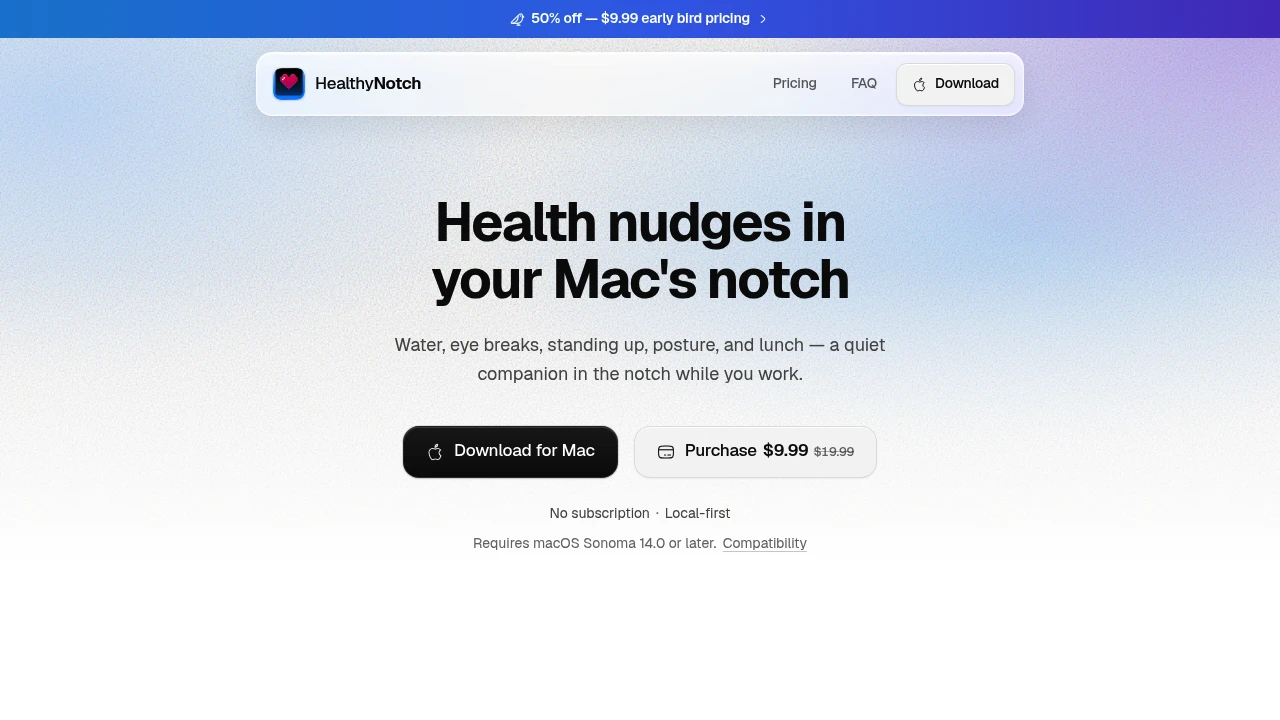
This Mac menu bar health companion is designed for people who spend long hours at their desk and want light, unobtrusive reminders throughout the day. It keeps hydration, eye breaks, movement, posture, and lunch visible without requiring you to open another app, using small prompts and a simple overview of how the day is progressing.
The app is built around restraint rather than constant notifications. A daily balance view provides a quick look at water, breaks, movement, and lunch, while the month view helps identify patterns over time. You can check today's status from the notch, track water from the dock, or preview reminders without leaving your normal Mac workflow.
Key Features
Water Tracking
Keep hydration visible throughout the workday and log water directly from the Mac interface.
The menu bar and notch provide a convenient way to keep track of water without opening a separate application.
Eye Break Prompts
Receive gentle reminders to step away from the screen regularly.
The goal is to make screen breaks part of the workday without introducing disruptive notifications or complicated tracking.
Stand & Move Nudges
Get reminders to stand up and move during long periods of desk work.
These small prompts help keep movement visible when you're focused on your Mac for extended periods.
Posture Checks
Receive occasional posture reminders while working.
The feature is designed as a gentle nudge rather than a persistent monitoring system, keeping posture awareness in the background.
Lunch Reminders
Keep lunch and longer breaks visible alongside your other daily health habits.
The reminder helps prevent meals and proper breaks from disappearing during busy work sessions.
Daily Balance View
See a quick overview of how your day is going across key habits.
The daily balance view brings together:
- Water
- Eye breaks
- Movement
- Lunch
This provides a simple snapshot of your pacing without turning health tracking into a detailed scoring system.
Activity History
Review your activity over the last three months.
The month view makes it easier to spot patterns in your daily habits and see how consistently you have been taking breaks, moving, and staying hydrated.
Notch & Dock Access
The app is designed around native Mac interaction points.
Hovering or tapping the notch shows today's status, while the dock can be used to track water or preview a reminder. This keeps the information accessible without requiring a full application window.
Local-First Privacy
Health data stays on your Mac.
The app requires:
- No account
- No sign-up
- No cloud tracking
- No servers
This local-first approach makes the companion suitable for people who want health reminders without sending their personal activity data to a cloud service.
Built For Mac Users
The app is designed for people who spend substantial portions of their day working at a Mac.
It can fit:
- Desk-based professionals
- Remote workers
- Developers
- Designers
- Writers
- Students
- Anyone working long sessions at a Mac
It requires macOS Sonoma 14.0 or later and is described as a native SwiftUI application designed around the Mac experience.
Common Use Cases
Staying hydrated while working: Track water from the menu bar or dock instead of opening a separate tracking app.
Taking regular eye breaks: Use gentle prompts to remember to step away from the screen.
Breaking up long sitting periods: Receive reminders to stand and move during extended desk sessions.
Maintaining posture awareness: Get occasional posture nudges while working.
Remembering lunch: Keep a proper lunch break visible alongside other daily reminders.
Reviewing daily habits: Use the balance view to quickly understand how the day is progressing.
Spotting longer-term patterns: Review up to three months of activity through the month view.
One-Time, Local-First Experience
The app uses a one-time license instead of a subscription, matching its simple approach to health tracking.
Combined with local storage, no account requirement, and no cloud tracking, the model keeps both the product experience and data handling straightforward.
Why It Matters
Desk-based work can make it easy to lose track of basic habits. Hours can pass without drinking enough water, taking an eye break, standing up, adjusting posture, or stepping away for lunch.
Rather than adding another demanding productivity system, this menu bar companion keeps those reminders close to where the work happens. The daily balance and activity history provide enough structure to understand your habits, while the local-first design avoids accounts, cloud tracking, and unnecessary data collection.
The main appeal is its restraint. It provides reminders and lightweight tracking without turning everyday health habits into a noisy scoreboard.
Stay Balanced While You Work
Keep water, eye breaks, movement, posture, and lunch visible from your Mac without opening another app. With menu bar and notch access, daily and monthly views, three months of activity history, local-first data handling, and a one-time license, the companion provides a quiet way to build better desk-day habits.


