
Hublink
Build a branded page for links, files, media and menus with a QR code, AI drafting, and built-in analytics.
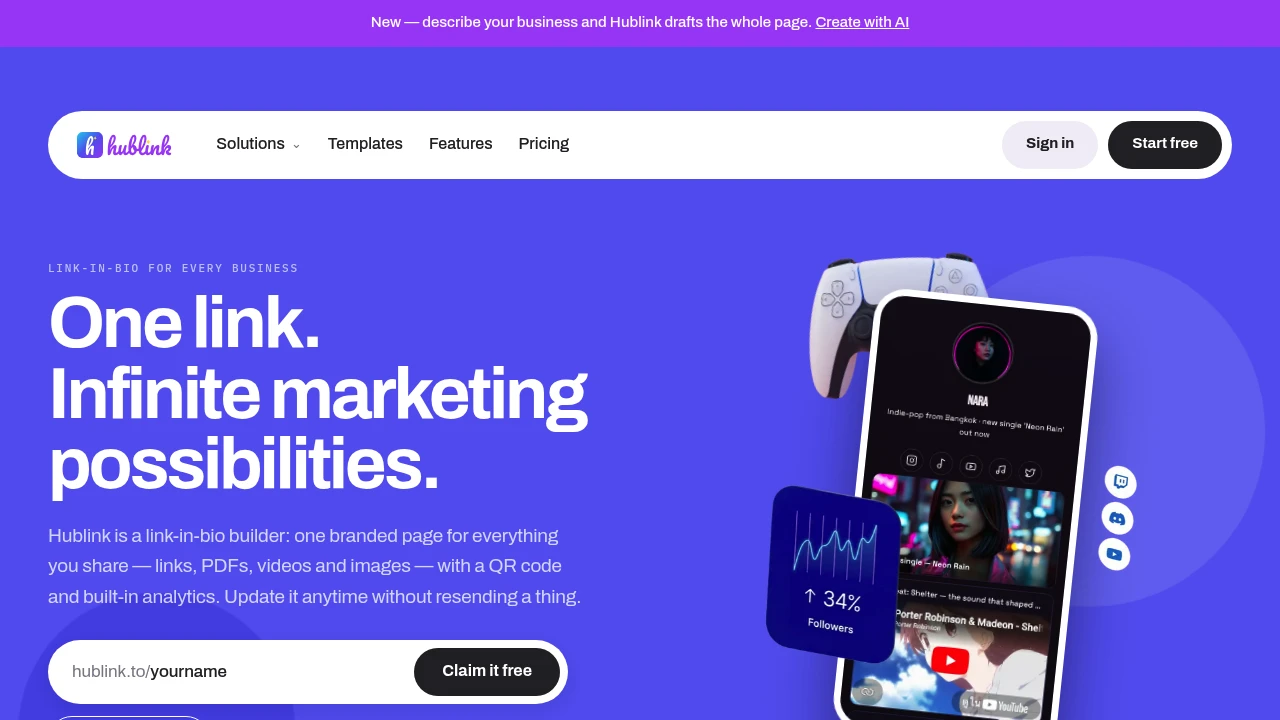
Hublink is a one-page website and content hub for businesses, creators, agencies, and teams that want a single link they can share, print, and keep updating. It can work as a link-in-bio page, digital menu, file host, campaign page, or branded information hub, with QR codes and analytics built into the same experience.
Add links, PDFs, videos, images, menus, booking buttons, galleries, social profiles, and contact details to one page. Because the page stays live at the same URL, you can update prices, replace a document, swap a video, or correct information without changing the link or reprinting the materials that point to it.
Key Features
AI Page Drafting
Create a starting point for your page by describing your business.
- Describe your business in natural language
- AI drafts the page structure and content
- Generates copy, colours, fonts, and layout
- Quickly create a usable first version
- Refine the page with your own branding and content
This makes it possible to go from a business description to a shareable page without building everything from scratch.
Flexible One-Page Hub
Keep multiple types of information together instead of sending visitors across several links.
- Links
- PDFs and documents
- Videos and images
- Menus and price lists
- Booking buttons
- Galleries
- Social profiles
- Contact information
Use the same page as a link-in-bio destination, digital menu, campaign landing page, or general business hub.
Brand Controls
Customize the page so it fits your existing visual identity.
- Add your logo
- Change the background
- Upload photos
- Adjust colours
- Choose fonts
- Keep the page aligned with your brand
The result is a branded destination rather than a generic collection of links.
Hosted Files
Keep documents directly on your Hublink page and update them without replacing the shared URL.
- Host menus
- Add brochures
- Share price lists
- Publish documents and other files
- Replace files when information changes
- Keep the same link after updates
This is especially useful for printed materials where changing the destination URL would require replacing a QR code or reprinting the asset.
QR Codes That Keep Working
Connect physical materials to your live page with a QR code.
Use one QR code across:
- Menus
- Packaging
- Posters
- Table tents
- Business cards
- Printed promotional materials
When the page content changes, the QR code continues pointing to the same destination.
Built-In Analytics
Understand how people reach and interact with your page.
- Track page views
- Track clicks
- Identify traffic sources
- See visits from Instagram
- Track LINE traffic
- Measure QR code traffic
- Identify search traffic
Analytics help you understand which channels are actually bringing visitors to your page.
Team Editing
Enterprise teams can collaborate on the same live page.
- Multiple colleagues can edit together
- Role-based access
- Undo support
- Shared control over live content
This makes Hublink suitable for teams and agencies managing pages that need regular updates.
AI Live Chat
Pro and Enterprise plans can add an AI chat bubble to the page.
The chat answers visitor questions using your own content, giving visitors another way to find information without leaving the page.
Built For Businesses That Keep Updating
Hublink is particularly useful when the information on a page changes regularly but the destination needs to stay permanent.
It fits:
- Restaurants updating menus and prices
- Clinics sharing services and information
- Hotels managing guest-facing content
- Retail businesses promoting products
- Creators maintaining a link-in-bio hub
- Agencies managing campaign pages
- Event organizers sharing changing information
- Small businesses connecting printed materials to online content
Common Use Cases
Digital menus: Put menus, booking links, contact information, galleries, and other restaurant content behind one QR code.
Link-in-bio pages: Give creators and businesses one branded page for social profiles, links, videos, files, and contact details.
Printed marketing: Add a QR code to packaging, posters, cards, or table tents and keep updating the destination after printing.
Campaign pages: Launch a simple branded campaign page quickly and revise the content without replacing the shared link.
File hosting: Publish brochures, menus, price lists, and other documents while retaining the same URL when files change.
Agency-managed pages: Give teams a shared destination for client campaigns and business information, with Enterprise collaboration controls.
Pricing
Hublink's AI live chat is available on Pro and Enterprise, while collaborative editing with roles and undo support is available on Enterprise.
Why It Matters
Printed content usually becomes difficult to change once it is distributed. A menu, poster, business card, package, or table tent can remain in circulation long after the information on it has changed.
Hublink separates the printed destination from the content itself. The QR code or shared link can stay the same while you update the page behind it. That means you can change a price, replace a video, correct a typo, or update a menu without asking customers to use a new link or reprinting physical materials.
By combining a branded one-page hub, hosted files, QR codes, analytics, AI page drafting, and optional live chat, Hublink gives small businesses and teams a practical way to keep frequently changing information in one place.
Build One Link That Stays Useful
Create a branded page, connect it to your QR codes and printed materials, and keep updating the content without changing the destination. Hublink gives businesses, creators, agencies, and teams one flexible page for links, files, media, menus, bookings, and more.


