
HushBook: Read while listening
Free audiobook app for iPhone and Android with word-level synced text, on-device transcription, offline playback, and local quote saving.
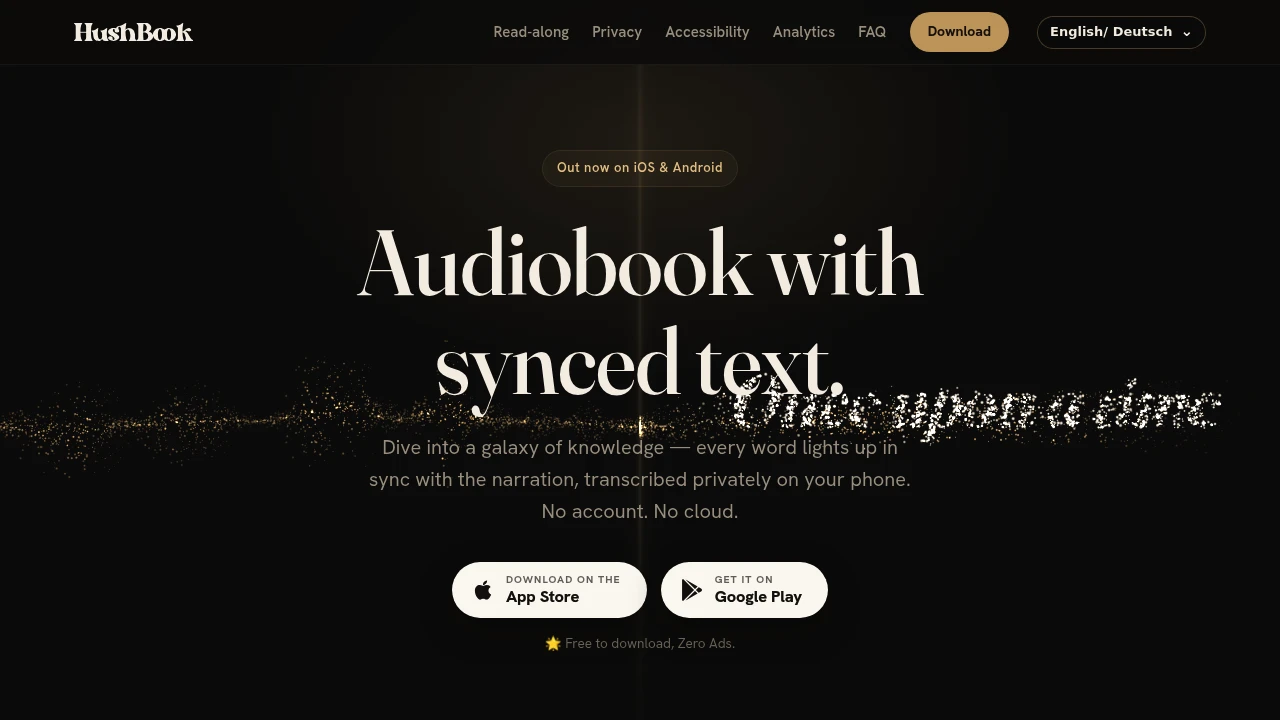
This audiobook read-along app turns audiobooks into synchronized text on iPhone and Android, helping listeners follow along with every word as the narration plays. It is designed for people who focus better when they can see text while listening, including readers with dyslexia, ADHD, low vision, or strong language-learning needs, as well as anyone who wants to follow an audiobook without owning a separate ebook.
The app uses on-device transcription to create readable text from imported audiobook files, then highlights the words in sync with the narration. This makes it easier to keep your place, jump back to a specific line, and stay engaged through longer chapters without repeatedly rewinding.
Key Features
Word-Level Audio and Text Sync
The core read-along experience synchronizes transcribed audiobook text with the narration at the word level.
As the audiobook plays, the corresponding words are highlighted in time with the audio. This helps listeners:
- Follow the narration visually
- Keep their place
- Jump back to specific lines
- Stay engaged through longer chapters
- Connect spoken language with written text
On-Device Transcription
Audiobook transcription happens directly on your phone rather than requiring cloud processing.
- Audio stays on your device
- Transcripts stay on your device
- No cloud upload
- Private transcription workflow
This makes the app suitable for listeners who want to use their own audiobook files without sending them to a remote service.
Offline Reading
The app supports offline use after a one-time transcription engine download.
Once the engine is installed, you can use the read-along experience without requiring an ongoing internet connection.
Audiobook Import
Import audiobooks and audio files from common formats.
Supported formats include:
- MP3
- M4B
- FLAC
- OGG
- Other common audio formats
This lets you bring your existing audiobook collection into the read-along workflow.
Built-In Classics Library
The app includes a library of public-domain classics, giving users access to read-along content without having to import their own audiobook files.
This provides a way to try the experience immediately while also supporting personal audiobook collections.
Local Quote Saving
Save interesting or useful lines directly on your device.
Quotes are organized by book and can be turned into shareable cards, making it easy to preserve passages discovered while listening.
Reading Profiles
Choose a reading profile based on how you prefer to consume synchronized text.
Available profiles include options for:
- General comprehension
- Dyslexia and ADHD
- Low-vision reading
These profiles provide different ways to adapt the read-along experience to individual reading needs.
Built For Accessible Audiobook Reading
The app is designed for listeners who benefit from combining audio with visible text.
It can be particularly useful for people with dyslexia or ADHD, listeners with low vision who benefit from adjustable presentation, language learners who want to connect spoken and written language, and audiobook readers who simply find it easier to concentrate when following along visually.
Common Use Cases
Audiobook Read-Alongs
Follow an audiobook with synchronized text instead of listening to audio alone.
Dyslexia and ADHD Support
Use dedicated reading profiles and visual text presentation to make longer listening sessions easier to follow.
Language Learning
See the spoken words while listening, creating a closer connection between pronunciation and written language.
Low-Vision Reading
Adjust the text presentation using accessibility-focused reading options and high-contrast themes.
Personal Audiobook Collections
Import your own audiobook files and create synchronized read-along text directly on your phone.
Public-Domain Classics
Use the built-in classics library to access public-domain titles without sourcing separate ebook files.
Accessibility Reading Modes
The app includes several options for changing how synchronized text is displayed.
Reading settings include:
- OpenDyslexic
- Atkinson Hyperlegible
- High-contrast themes
- Night mode
- Adjustable spacing
These controls let readers adapt the visual presentation to their preferred reading environment.
Local Reading Stats and Badges
The app can generate simple reading statistics and badges locally on the device.
Because the activity data is handled locally, these features fit the same privacy-focused approach as the on-device transcription and quote storage.
Privacy-Focused Design
The app does not require an account and does not upload audiobook audio or transcripts to the cloud.
The core workflow is designed around keeping your audiobook data and generated text on your phone, while offline use is available after the one-time engine download.
Pricing
The free core app includes the read-along experience and access to public-domain titles.
An optional Pro upgrade provides deeper analytics for users who want more detailed insight into their listening and reading activity.
Why It Matters
Audiobooks are convenient, but listening without visible text can make it harder for some people to maintain focus, follow unfamiliar words, or keep their place through long chapters. Buying a separate ebook for every audiobook also adds another layer to the reading experience.
This app combines the two formats by turning your audiobook into synchronized read-along text directly on your phone. With word-level highlighting, offline support, accessibility-focused reading modes, local transcription, and quote saving, it provides a more visual way to experience audiobooks.
Turn Audiobooks Into Read-Along Text
Import an audiobook, transcribe it on your phone, and follow every word as the narration plays. With on-device processing, offline support, accessibility-focused reading modes, and a built-in classics library, the app gives audiobook listeners a private way to combine listening and reading on iPhone and Android.


