
Hyperleap AI
An AI front desk for small businesses that replies from your own content, collects lead details, and emails transcripts from chat channels.
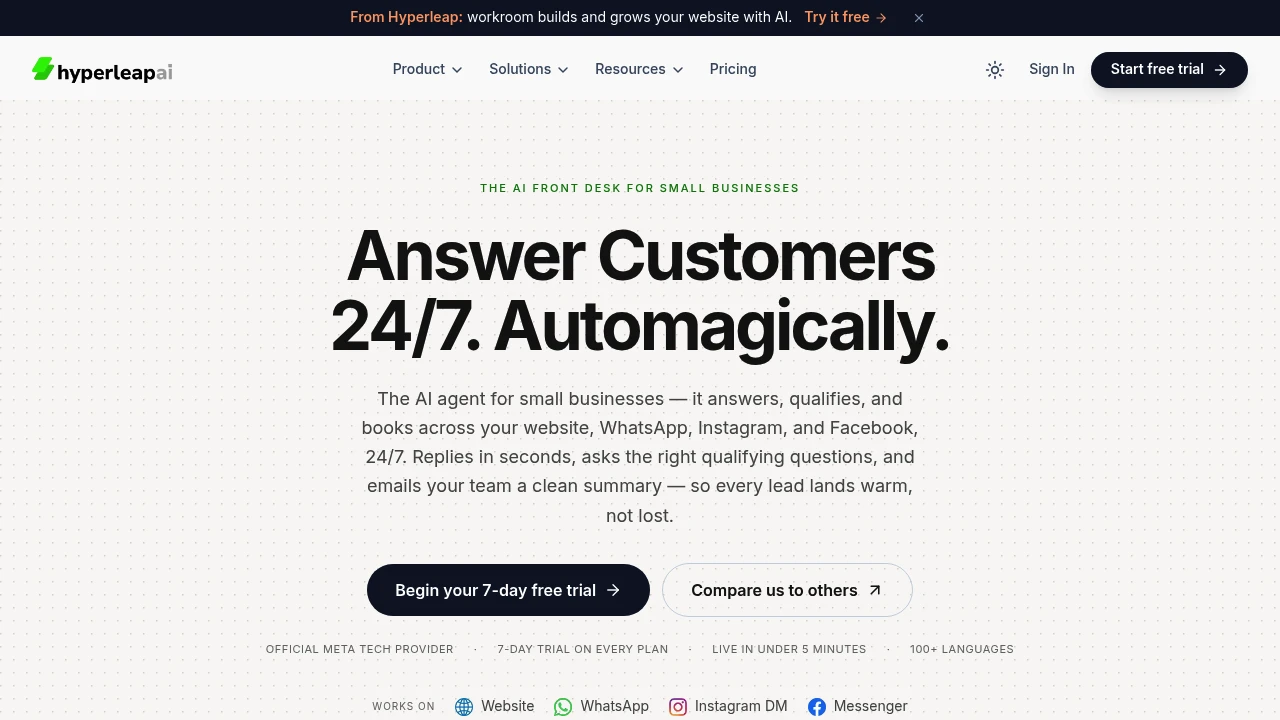
This AI front desk helps small businesses handle visitor questions, capture leads, and hand off bookings across their website, WhatsApp, Instagram DM, and Messenger. It is designed for teams that miss enquiries after hours or while serving customers, with an AI agent that responds in seconds, asks qualifying questions, and sends the team a clean lead summary by email.
The assistant answers using the business information you provide, including website pages, PDFs, price lists, and policies. You can define its guardrails and fallback behavior so responses stay tied to your own information and the assistant knows what to say when it does not have an answer. Setup is designed for small teams, with a working agent possible in minutes and a live preview for tuning the prompt, sources, and design.
Key Features
Lead Capture
Capture important visitor information before the conversation moves forward.
The agent can collect:
- Name
- Contact details
- What the visitor wants
This turns website and messaging conversations into structured leads that your team can follow up on.
Booking Handoff
Keep potential customers moving toward a booking while they are still engaged.
The assistant can share:
- Calendly links
- Cal.com links
- Custom booking links
This allows the AI front desk to qualify an enquiry and then hand the visitor directly to the business's preferred booking flow.
Multi-Channel Coverage
Handle enquiries across the channels where customers already reach your business.
Supported channels include:
- Website
- Instagram DM
- Messenger
This gives small teams one assistant for multiple inbound communication points instead of requiring a separate workflow for each channel.
Business-Specific Answers
Give the assistant your own information to use when responding to visitors.
Supported sources include:
- Website pages
- PDFs
- Price lists
- Policies
This keeps customer conversations tied to the business's supplied information rather than relying on general internet answers.
Custom Guardrails And Fallbacks
Control what the assistant can say and how it should respond when information is unavailable.
You can define the guardrails and fallback behavior yourself, giving the business more control over how the agent handles questions it cannot confidently answer.
Team Visibility
Make sure qualified enquiries do not disappear inside a chat window.
The platform emails your team:
- Conversation transcripts
- Lead summaries
This gives someone on the team the context needed to follow up without requiring them to monitor another live inbox throughout the day.
100+ Languages
The AI front desk supports more than 100 languages, allowing businesses to handle enquiries from a broader range of customers without creating separate language-specific workflows.
Branded Chat Experience
Style the assistant to fit the business it represents.
The chat can be designed to feel like part of the existing website rather than a disconnected third-party widget, helping maintain a more consistent customer experience.
Developer Access
Connect the front desk to existing business systems through developer tools.
Available integration capabilities include:
- Signed webhooks
- REST API
This allows teams with their own systems to connect lead and conversation workflows instead of keeping the AI front desk isolated from the rest of their stack.
Built For Small Businesses
Local Businesses
Answer customer questions and capture enquiries even when the team is serving customers or the business is closed.
Service Businesses
Qualify visitors and direct them to a booking link without requiring staff to handle every initial question.
Appointment-Based Businesses
Use the AI front desk to answer questions, collect lead details, and hand visitors into Calendly, Cal.com, or another booking flow.
Small Teams
Keep customer conversations moving without adding another inbox that someone needs to watch constantly.
Common Use Cases
After-Hours Enquiries
Respond to potential customers when the business team is unavailable and capture their details for later follow-up.
Busy Customer-Facing Teams
Let the AI handle initial questions while staff focus on customers already in front of them.
Lead Qualification
Ask visitors qualifying questions and collect the information the team needs before following up.
Booking Requests
Answer initial questions and provide the appropriate booking link while the visitor is still engaged.
Multi-Channel Customer Support
Use one AI front desk across a website, WhatsApp, Instagram DM, and Messenger.
Quick Setup And Live Preview
The setup process is designed for small teams rather than technical deployments.
A working agent can be created in minutes, with a live preview that lets you tune:
- Prompt
- Information sources
- Design
This provides a way to see how the assistant behaves before putting it in front of customers.
Why It Matters
Small businesses can lose enquiries simply because nobody is available to answer them immediately. A visitor may have a question after hours, a customer may be occupying the team during the day, or a booking opportunity may disappear while someone is waiting for a response.
This AI front desk handles the first part of that interaction by answering questions from business-provided information, qualifying the visitor, capturing contact details, and handing interested leads toward a booking. The transcript and summary are then sent to the team for follow-up.
The combination of answers, qualification, booking handoff, and team visibility gives businesses a way to cover inbound enquiries without creating another inbox to manage.
Answer, Qualify, And Hand Off
Give customers a fast response across your website, WhatsApp, Instagram DM, and Messenger. The AI front desk uses your own business information to answer questions, captures lead details, hands visitors to the right booking link, and sends your team the conversation summary so the deeper follow-up can stay with your team.


