
ImagePine
Free online editor for resizing, compressing, rotating, flipping, and converting images in the browser without uploads.
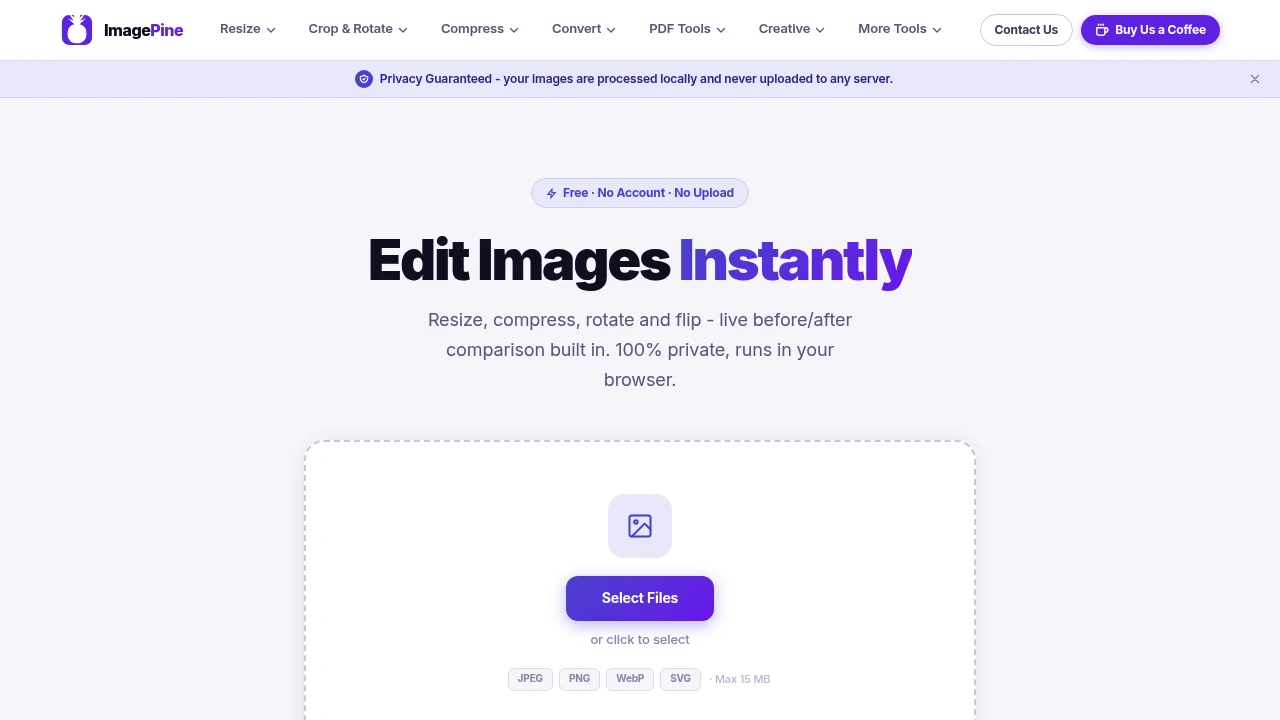
Edit, resize, compress, and convert images directly in your browser without uploading them to a server. This free browser-based image editor is designed for quick image adjustments while keeping your files private through local, on-device processing.
Edit Images Privately in Your Browser
Drag and drop your image into the editor, make the adjustments you need, preview the results instantly, and download the finished file. Because every operation runs locally in your browser, your photos never leave your device, making it a convenient choice for privacy-conscious users and anyone working on shared or restricted computers.
Whether you're preparing images for websites, social media, email attachments, or everyday use, the editor provides the essential tools without requiring an account or software installation.
Key Features
Local Image Processing
Edit images without uploading them to external servers.
Benefits include:
- On-device processing
- No cloud uploads
- Private editing
- Faster performance
- Secure file handling
for complete control over your images.
Resize & Crop
Adjust image dimensions with precision.
Resize images by:
- Pixels
- Percentage
- Width and height
- Aspect ratio
- Basic cropping
to match your intended use.
Image Compression
Reduce file sizes while maintaining visual quality.
Compression features help with:
- Smaller file sizes
- Faster website loading
- Email attachments
- Storage optimization
- Web publishing
without requiring additional software.
Rotate & Flip
Correct image orientation in seconds.
Available tools include:
- Rotate left
- Rotate right
- Vertical flip
- Horizontal flip
- Quick orientation fixes
for everyday editing tasks.
Image Format Conversion
Convert between common image formats.
Supported formats include:
- JPEG
- PNG
- WebP
- SVG
for improved compatibility across different platforms.
Live Preview & Comparison
Review edits before downloading.
The editor includes:
- Real-time preview
- Before-and-after comparison
- Interactive comparison slider
- Instant updates
- Quality checking
to help you make confident adjustments.
Built for Everyday Image Editing
The platform combines image resizing, cropping, compression, rotation, format conversion, and private browser-based processing into one lightweight editing tool.
Key benefits include:
- Browser image editor
- Image compressor
- Image resizer
- Image converter
- Private photo editor
Built For
- Designers
- Content Creators
- Bloggers
- Students
- Small Businesses
- Everyday Users
Common Use Cases
- Compressing website images
- Resizing photos for social media
- Converting image formats
- Rotating scanned images
- Preparing email attachments
- Quick browser-based editing
Why It Matters
Many simple image editing tasks don't require professional design software, but they often involve uploading files to online services that process images on remote servers. This browser-based editor keeps the entire workflow on your device, allowing you to resize, crop, compress, rotate, flip, convert, and compare images without creating an account or compromising privacy. With live previews, drag-and-drop editing, support for common image formats, and no watermarks, it provides a fast and secure solution for everyday image editing needs.
Resize, Compress, and Convert Images Without Uploading Them
Edit JPEG, PNG, WebP, and SVG files directly in your browser, resize and crop images, reduce file sizes, rotate and flip photos, convert between common formats, compare before-and-after results, and download your finished images without creating an account or sending files to the cloud.


