
Jukebox Duo
A browser-based service for listening to music with friends in real time, with synced playback, shared queues, and no ads.
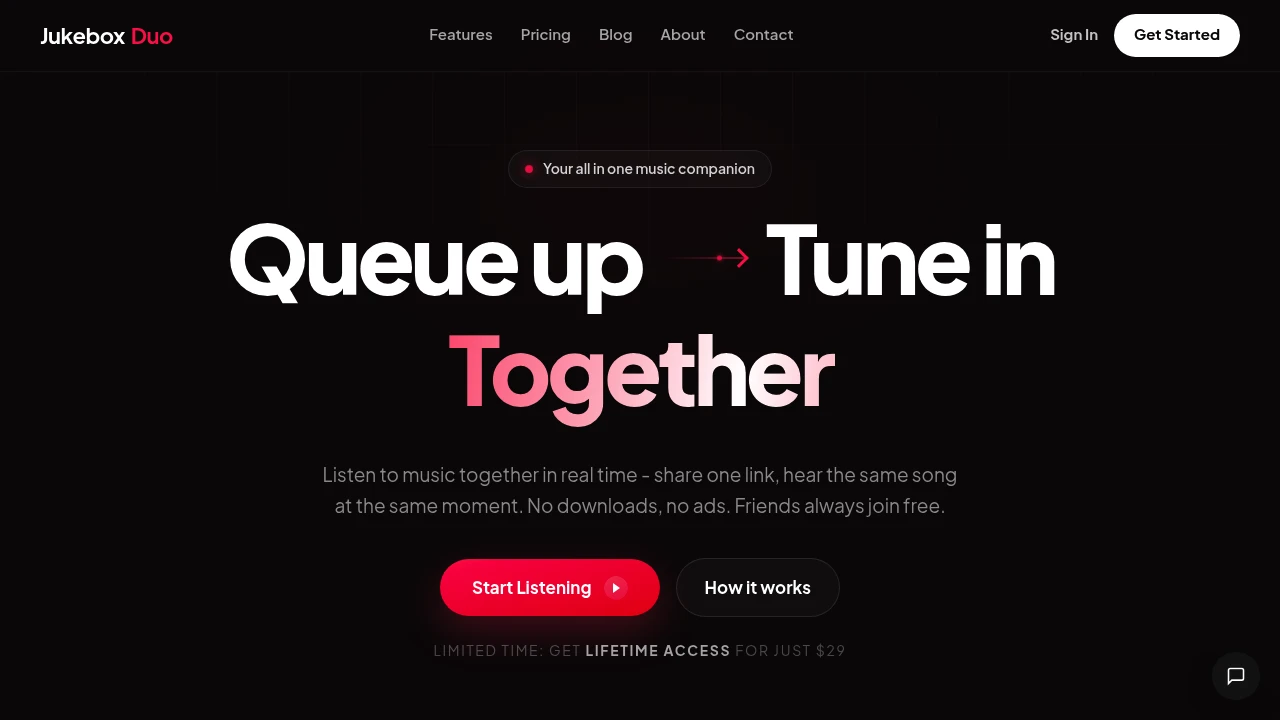
Listen to music with friends in real time through a shared browser room. Create a room, send one link, and let everyone join without downloading an app or creating a complicated setup. Playback stays synchronized across browsers so groups can hear the same track at the same moment.
The platform is designed as a simple alternative to screen sharing and separate playback tools, with collaborative queues, YouTube search and playlist importing, and a solo Focus Mode for individual listening. Friends can join rooms for free, making it useful for virtual hangouts, study sessions, long-distance listening, and casual shared music experiences.
Key Features
Real-Time Playback Sync
Keep everyone's playback aligned through a shared room clock.
Play, pause, skip, and queue actions are synchronized across connected browsers, allowing everyone in the room to stay on the same point in a track.
The system is designed around shared timing, with participants landing on the same playback moment when changes occur rather than gradually drifting apart.
Collaborative Music Queue
Give everyone in the room control over what plays next.
Participants can:
- Add tracks
- Remove tracks
- Reorder the queue
- Control playback together
This turns listening into a shared activity rather than having one person manage the entire playlist.
YouTube Search & Playlist Import
Find music directly inside the listening room with built-in YouTube search.
You can also bulk-add songs from YouTube playlists, making it easier to populate a shared queue without manually adding every track one at a time.
Browser-Only Listening
Join and listen directly from a web browser.
There is nothing to download or install, so creating a shared listening session is as simple as opening a room and sharing its link with friends.
This also makes it convenient for people joining from different devices or locations.
Simple Room Sharing
Create a shared room and invite others with a single link.
The room-based setup keeps joining straightforward:
- Create a room
- Share the link
- Friends join
- Start listening together
No complicated setup is required for participants.
Focus Mode
Create a solo listening room when you do not want a group session.
Focus Mode is designed for:
- Quiet listening
- Deep work
- Studying
- Personal music sessions
It provides the same browser-based listening experience without requiring other participants.
Ad-Free Listening
Listen without advertisements interrupting the experience.
The uncluttered interface keeps the focus on the music and shared playback rather than additional promotional content.
Open Source
The project is open source and built transparently using modern web technologies.
This gives the platform a more inspectable foundation for users and developers who prefer open-source projects over closed, proprietary listening tools.
Built For Friends & Remote Groups
The platform is designed for people who want to listen together even when they are physically apart.
- Friends sharing music from different locations
- Long-distance groups listening together remotely
- Students using music during shared study sessions
- Remote teams creating casual listening sessions
- Music fans exploring playlists together
- Virtual hangouts that need synchronized background music
Common Use Cases
Listening with friends: Create a room, share the link, and hear the same music together in real time.
Virtual hangouts: Keep everyone synchronized during online social sessions without relying on screen sharing.
Study sessions: Use Focus Mode for individual study or create a shared room for group sessions.
Long-distance listening: Stay connected with friends or partners by listening to the same tracks from different locations.
Collaborative playlists: Let everyone contribute tracks and manage the queue together.
YouTube playlist sessions: Import an existing YouTube playlist and turn it into a synchronized listening session.
Spotify Jam alternative: Use free browser-based rooms when you want a simpler shared listening experience without requiring everyone to use a dedicated playback app.
Why It Matters
Listening together remotely can be surprisingly difficult when everyone starts playback separately. Even small timing differences can turn into noticeable drift, making reactions, conversations, and shared moments feel disconnected.
This platform makes synchronization the center of the experience. A shared room clock keeps playback aligned while collaborative queue controls let everyone participate. Combined with browser-only access, free room joining, YouTube search, playlist importing, and no ads, it provides a lightweight way to turn ordinary music playback into a shared activity.
Listen Together From Anywhere
Create a room, share one link, and let friends join directly from their browsers. With real-time playback synchronization, collaborative queues, YouTube search and playlist importing, Focus Mode, and an open-source foundation, the platform makes shared listening simple without requiring downloads or complicated setup.


