
Offloop.work
A Mac dictation app that turns rough speech into clean technical text with on-device recognition and screen-aware formatting.
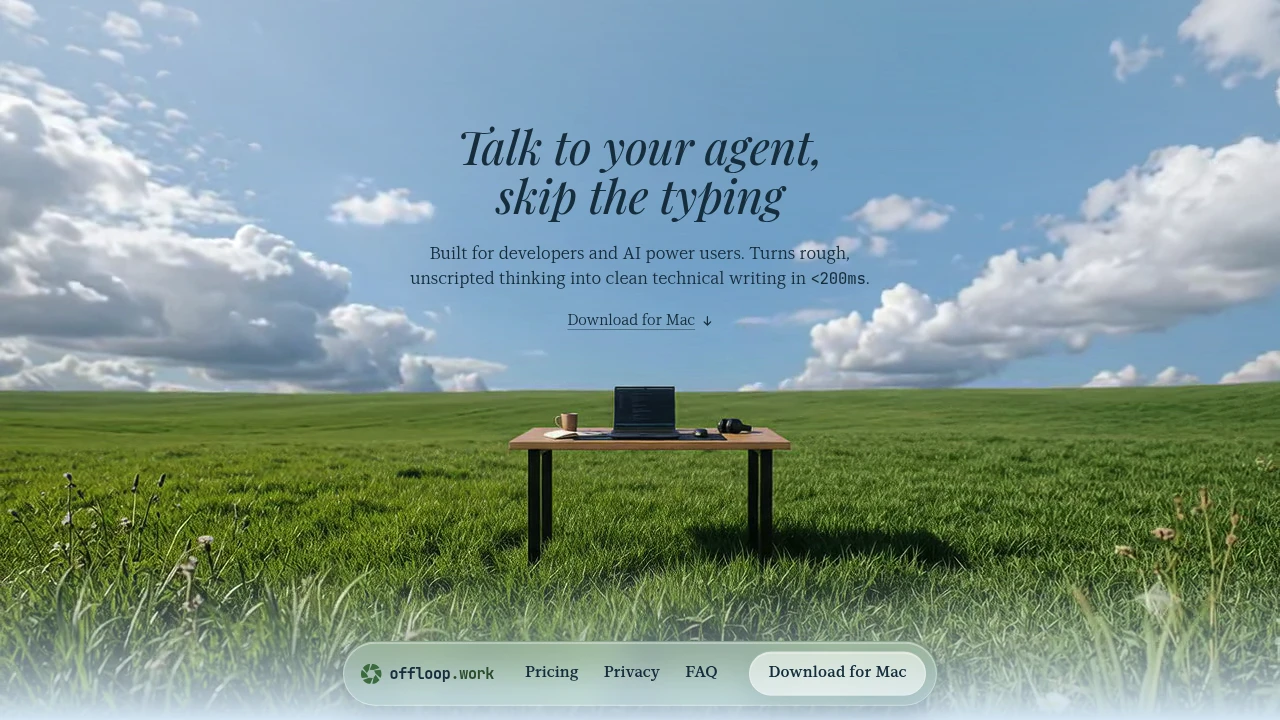
Offloop is a local-first dictation app for Mac designed for developers and people working heavily with AI tools. It turns natural speech into polished text directly at your cursor while keeping speech recognition, screen context, and text cleanup on your Mac.
The app is designed around the context you're already working in. With Screen Context enabled, Offloop can read visible text from the active application to preserve technical terms, filenames, code identifiers, and project-specific language. This helps terms such as useMemo, NavBar.tsx, and max_retries remain accurate instead of being interpreted as generic words.
Key Features
On-Device Processing
Keep speech recognition and text cleanup on your Mac.
Offloop processes:
- Speech recognition
- Screen context
- Text cleanup
- Learned terminology
The app does not send your voice, screen content, or typed output away from your Mac.
Cursor-Following Dictation
Dictate directly into the application you're currently using.
Offloop works wherever you can type on your Mac, allowing you to speak naturally without switching to a separate transcription window.
Context-Aware Formatting
Adapt generated text to the application and content you're working with.
When working in code editors, Offloop can preserve technical terminology and formatting. In tools such as Linear or other writing environments, it can produce cleaner natural-language text.
Custom Dictionary Memory
Teach Offloop the terms that matter to your work.
The app remembers project-specific terminology so frequently used names, code identifiers, and technical phrases can remain consistent across future dictation sessions.
Offline Use
Continue dictating without an internet connection after setup.
The local-first architecture keeps the core dictation workflow available offline, making it useful for people who want their speech and text to remain on their device.
Built For Context-Aware Dictation
Offloop combines dictation, local processing, and application context into one workflow.
Key benefits include:
- Natural speech converted into cleaner text
- Technical terminology preservation
- Local processing
- Direct cursor-based input
- Project-specific vocabulary memory
- Offline functionality
- No cloud processing of voice or screen content
Built For
- Software developers
- AI-focused teams
- Prompt engineers
- Technical writers
- Founders
- Product managers
- People drafting notes and documents
- Mac users who prefer local-first tools
Common Use Cases
Coding With Voice
Dictate thoughts, code explanations, comments, or prompts while working inside a code editor without losing technical terminology.
Writing AI Prompts
Speak naturally while creating prompts and instructions for AI tools, with project-specific terms preserved in the resulting text.
Drafting Notes
Turn fragmented spoken thoughts into cleaner notes directly inside your existing writing application.
Writing in Project Management Tools
Use dictation in tools such as Linear while keeping the resulting text suited to a normal written workflow.
Technical Documentation
Create technical notes and documentation while preserving filenames, code identifiers, and other specialized terminology.
Why It Matters
Traditional dictation tools can struggle when conversations include technical terms, filenames, code identifiers, or project-specific language. Offloop addresses this by combining speech recognition with the context of the application you're already using.
Its local-first approach also gives users greater control over their data. Voice, screen context, and generated text remain on the Mac, while learned terminology is stored locally for future sessions.
The interaction is designed to stay out of the way. Hold the key for short dictation or tap twice for a longer session, and Offloop cleans up stutters and unnecessary rambling before inserting the intended text at the cursor.
Speak Naturally & Keep Your Context With Offloop
Turn spoken thoughts into clean, context-aware text directly on your Mac while keeping your voice, screen, and writing local.


