
Puzzlify
Create a browser-based jigsaw from your own JPG, preview it free, and publish a private link with one credit.
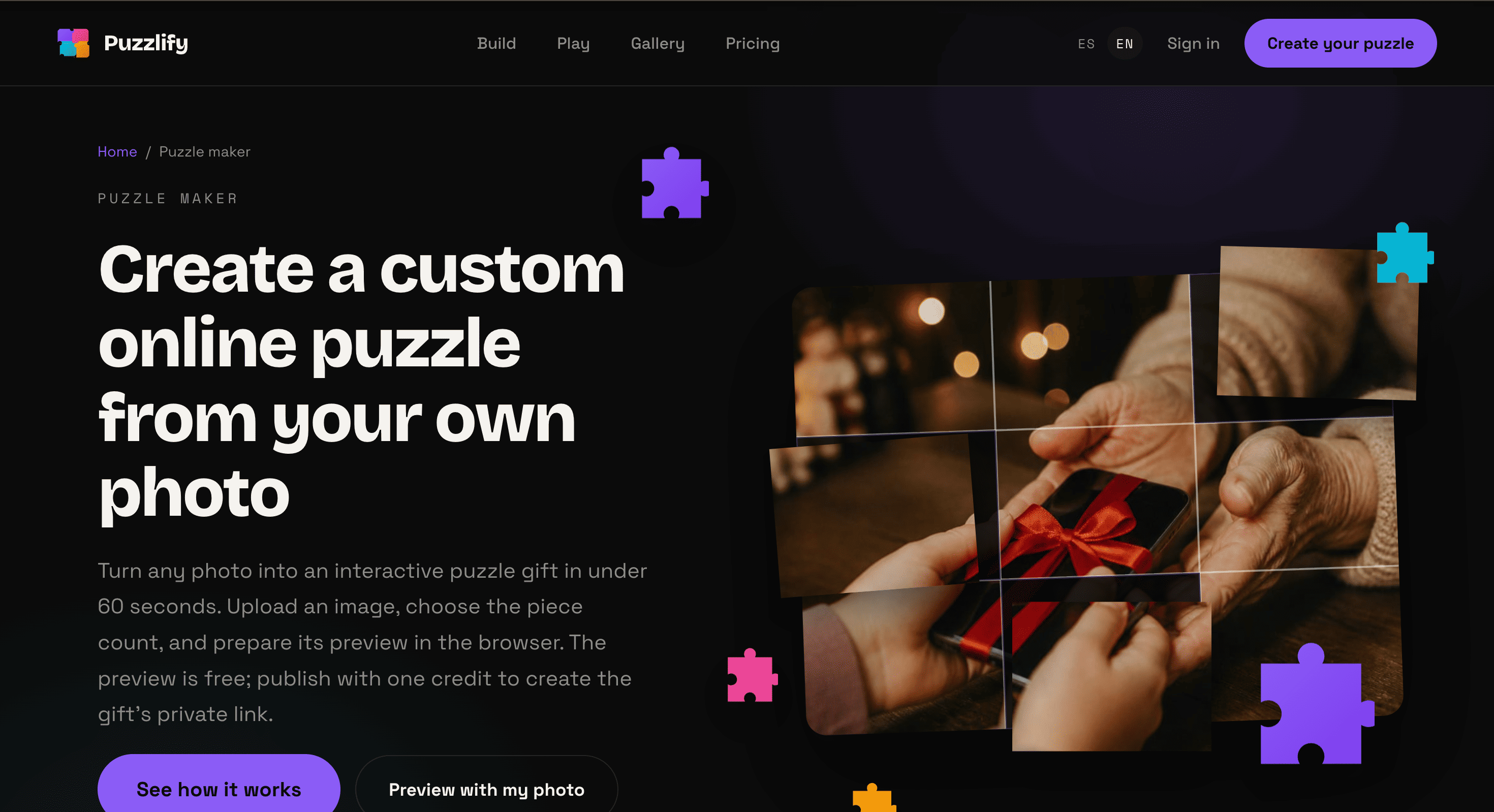
Puzzlify turns a JPG into a private online jigsaw puzzle that can be shared as a digital gift. It’s aimed at people who want to turn a personal photo, logo, pet image, or travel picture into a playable puzzle without installing software or sending anything to be printed.
The workflow is simple. Upload an image, choose the number of pieces, preview the puzzle, and publish it when you’re ready. The recipient gets a private link and can play directly in a browser without creating an account or installing an app.
Key Features
Custom Photo Puzzles
Turn a personal image into an online jigsaw puzzle.
Puzzlify supports images such as:
- Personal photos
- Pet pictures
- Travel photos
- Logos
- Graphic images
This makes it possible to create a puzzle around an image that has personal meaning instead of using a stock puzzle.
Multiple Piece Counts
Choose how challenging the puzzle should be.
Available options include:
- 24 pieces
- 48 pieces
- 80 pieces
- 130 pieces
- 252 pieces
The generated puzzles use real jigsaw-style tabs and blanks rather than simple square tiles.
Free Puzzle Preview
Test the puzzle before publishing it.
The free preview lets you:
- Build the puzzle
- Play the draft
- Check the image
- Decide whether to publish it
This gives you a chance to see how the finished puzzle works before using a publishing credit.
Private Sharing
Share puzzles through a private link.
Published puzzles can include controls such as:
- Optional PIN protection
- Leaderboard settings
- Access revocation
- Link rotation
This gives the creator more control over who can access the finished puzzle.
Browser-Based Play
Recipients can play without downloading anything.
The puzzle works across:
- Desktop
- Tablets
- Mobile devices
The recipient simply opens the private link in a browser, making it suitable for digital gifts without shipping or physical packaging.
Image Requirements
Upload a JPG that meets the supported image requirements.
Puzzlify accepts images between 1000 and 5000 pixels per side, with limits of:
- 2 MB maximum file size
- 20 megapixels maximum
This works for ordinary camera photos as well as clean graphic images.
Local Draft Recovery
Continue working on a puzzle draft later.
Drafts can be restored on the same browser and device, which can be useful when creating a puzzle gift over multiple sessions.
Image Privacy
Keep uploaded images private during the puzzle workflow.
Puzzlify states that uploaded images are used to prepare and serve the puzzle and are not used to train AI or shared with third parties.
Built for Personal Digital Gifts
Puzzlify combines custom image puzzles, browser-based gameplay, private sharing, and free previews into a simple workflow for creating personalized digital gifts.
Key benefits include:
- Turn JPG images into online jigsaw puzzles
- Use personal photos, logos, pets, or travel images
- Choose from 24 to 252 pieces
- Generate real jigsaw-shaped pieces
- Preview puzzles before publishing
- Share through private links
- Add optional PIN protection
- Control leaderboard visibility
- Revoke or rotate access
- Play without an account or app
- Support desktop, tablet, and mobile play
- Restore drafts on the same browser and device
- Keep the puzzle entirely digital
Built For
- Gift Givers
- Families
- Friends
- Couples
- Pet Owners
- Travelers
- Photographers
- Creators
- Small Businesses
- Brands
- Event Organizers
Common Use Cases
- Turning a personal photo into a digital puzzle
- Creating a personalized birthday gift
- Making a puzzle from a pet photo
- Sharing a travel-memory puzzle
- Turning a logo into a branded puzzle
- Creating a private puzzle for friends or family
- Making a digital anniversary gift
- Creating a browser-based photo activity
- Sharing a puzzle without shipping a physical product
- Testing a puzzle before publishing it
Why It Matters
Personalized puzzles traditionally require printing, packaging, and shipping, which adds cost and makes them less convenient for one-off gifts.
Puzzlify takes a digital approach by turning an uploaded JPG into a playable browser puzzle. The creator can choose the difficulty, preview the result, and publish it as a private link rather than producing a physical product.
Privacy is also part of the workflow. The service provides private sharing controls, while stating that uploaded images are not used to train AI or shared with third parties. This makes it more suitable for personal photos where keeping the source image controlled matters.
Turn a Photo Into a Private Puzzle Gift
Upload a JPG, choose a piece count, preview and solve the draft, publish the finished puzzle with optional privacy controls, and send the private link so the recipient can play the personalized jigsaw directly in their browser without an account or app.


