
Samva
Email API for product teams with typed sends, threaded replies, versioned templates, signed webhooks, and managed domain setup.
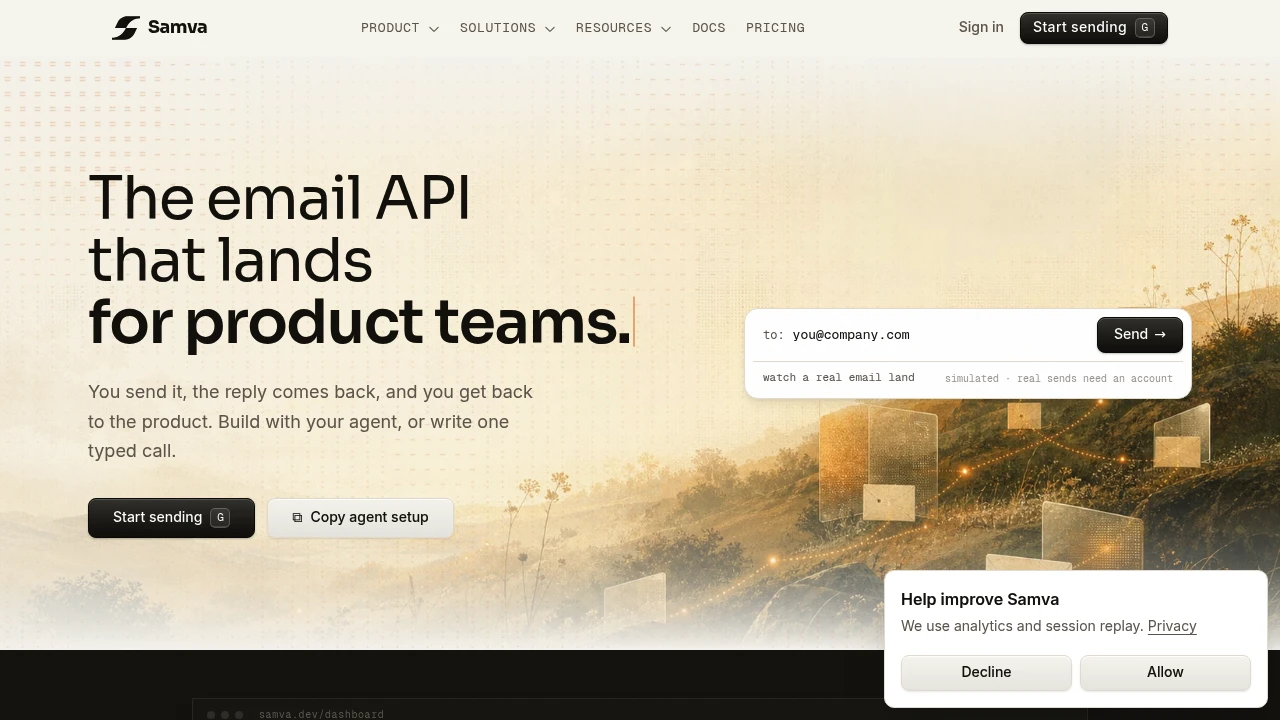
Samva is an email API for product teams that need sending, replies, and delivery state in one place. It’s built for apps that send receipts, alerts, onboarding mail, and other product email, then need replies to come back with context attached.
The core flow is simple: send email with one typed call, and Samva handles the rest. Outbound sends, replies, forwards, and bounces group into one conversation per contact, so incoming mail arrives in your app with the same thread history. Delivery events are signed and retried, which matters if email is part of your product logic.
Key Features
Transactional Email API
Send product email through a simple typed API.
Samva is designed for receipts, alerts, onboarding messages, and other application-generated emails, while keeping the sending workflow connected to delivery events and incoming replies.
Conversation Threading
Keep outbound and inbound email connected.
Replies, forwards, and bounces are grouped into conversations by contact, allowing incoming messages to return to your application with the relevant thread history.
Delivery Events
Track what happens to messages after they are sent.
Samva provides signed delivery events and retry handling, making delivery state more reliable for applications that depend on email events.
Versioned Templates
Manage reusable email templates without hardcoding every message.
Templates support versioning, rollback, and server-side rendering using template data, giving product teams more control over changes to transactional email.
Custom Sending Domains
Send from your own domain with the necessary authentication records.
Samva provides setup for SPF, DKIM, and DMARC so teams can configure their own sending domain rather than relying entirely on a shared sender identity.
Inbound Email Handling
Bring replies back into your application with context.
Incoming replies are parsed and associated with the relevant conversation, making it possible to handle two-way product email rather than treating inbound messages as a separate system.
Signed Webhooks
Receive delivery and email events through authenticated webhooks.
Webhook events are signed and include retry backoff, helping applications process events reliably when temporary failures occur.
Multiple Setup Options
Choose how you want to configure and manage the service.
Samva supports setup through:
- Dashboard
- CLI login
- Hosted MCP
This gives developers different ways to configure email depending on whether they prefer a visual interface, command line, or agent-driven workflow.
Hosted MCP for AI Agents
Connect email infrastructure to agent workflows.
Samva exposes templates, contacts, and delivery functionality as tools through hosted MCP, allowing agents to work with email infrastructure as part of a broader development workflow.
Bounce and Complaint Suppression
Reduce repeated delivery problems.
The service includes suppression for bounced and complained-about addresses, helping prevent future sends to recipients that have already generated delivery issues.
Delivery Telemetry
Understand email delivery after sending.
Samva provides delivery telemetry so teams can track the state of messages and use that information within their product workflows.
Built For Product Email Infrastructure
Samva combines sending, templates, inbound conversations, delivery events, and domain configuration into one email API workflow.
Key benefits include:
- Send transactional product emails through an API
- Keep replies connected to outbound conversations
- Group forwards and bounces with contact conversations
- Receive signed delivery events
- Retry webhook events with backoff
- Use versioned email templates
- Roll back template versions
- Render templates server-side
- Configure SPF, DKIM, and DMARC
- Handle inbound replies with parsed context
- Suppress bounced and complained-about addresses
- Track delivery telemetry
- Configure through a dashboard or CLI
- Use hosted MCP for agent-driven setup
- Expose templates, contacts, and delivery to AI agents
Built For
- Product Teams
- Software Developers
- SaaS Companies
- Startup Teams
- Backend Engineers
- Product Engineers
- AI Agent Builders
- Developers Building Email-Enabled Applications
Common Use Cases
- Sending receipts
- Sending transactional alerts
- Delivering onboarding emails
- Handling product notifications
- Receiving replies inside an application
- Building two-way email workflows
- Tracking email delivery state
- Managing transactional email templates
- Sending from a custom domain
- Connecting email infrastructure to AI agents
- Automating email setup through MCP
Why It Matters
Product email often requires more than simply sending a message. Teams may need to manage templates, authenticate sending domains, track delivery, handle bounces, process replies, and connect incoming messages to the original conversation.
Samva brings these pieces together around a single email API. Outbound messages and inbound replies remain connected, while signed events and delivery telemetry provide the application with information about what happened after a message was sent.
The conversation-based approach is particularly useful for products where users can reply to automated messages. Instead of building separate systems for sending and receiving, Samva keeps the email history attached to the contact and makes that context available to the application.
Send, Receive, and Track Product Email
Connect Samva to your application, configure your sending domain and templates, then use the API to send product email while handling replies, bounces, and delivery events through the same workflow. Teams using AI agents can also use the hosted MCP interface to work with templates, contacts, and delivery without stitching together separate email services.


