
SharePDF
Turn PDFs, Word docs, and PowerPoint files into shareable links with analytics, access controls, and no viewer sign-up.
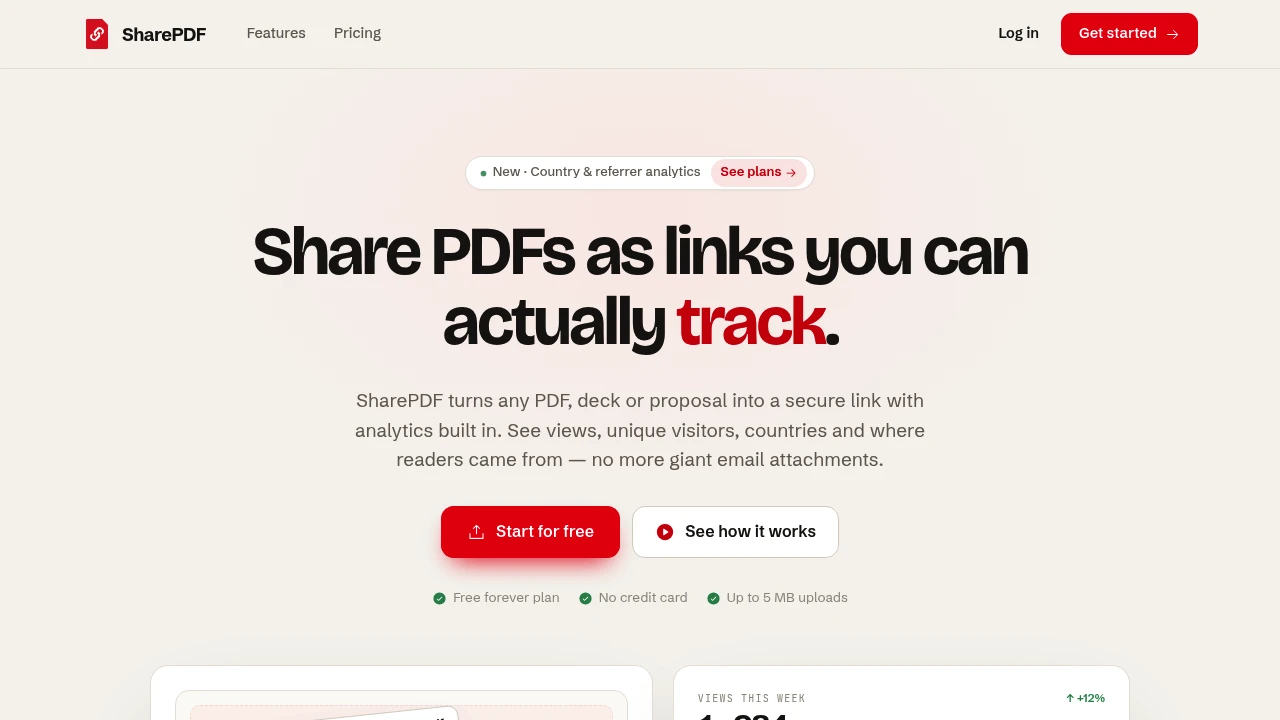
SharePDF turns PDFs, Word documents, and PowerPoint decks into browser-based links instead of bulky email attachments. It is designed for people sharing proposals, reports, resumes, catalogs, investor updates, and other documents who also want to know whether recipients actually opened them.
The service keeps document sharing simple. Upload a file, generate a clean browser link, and monitor what happens after delivery. Recipients do not need to create an account, and shared pages remain free of ads. Documents can be shared through direct links or QR codes, embedded as PDFs, and managed from a dashboard with near real-time analytics.
Key Features
Trackable Document Analytics
See what happens after a document is shared instead of losing visibility once the file leaves your inbox.
Analytics include:
- Total views
- Unique visitors
- Visitor countries
- Traffic sources
This gives you a clearer picture of document engagement and where viewers are coming from.
Flexible Access Controls
Control who can access a shared document and how long the link remains available.
Available options include:
- Public links
- Unlisted links
- Private access
- Password protection
- Expiring links
You can also revoke access after a document has already been shared.
Replace Files Without Changing the Link
Update the file behind an existing SharePDF link instead of creating and distributing a new URL.
This is useful when a proposal, report, presentation, or other document needs to be updated after the original link has already been sent.
Viewer-Friendly Sharing
Recipients can open shared documents directly in their browser without signing up for an account.
Viewer names are not automatically collected. An email address is only captured when someone voluntarily submits one.
Multiple Sharing Formats
Share documents in the format that works best for the situation.
- Share PDFs directly
- Convert Word documents to PDF before sharing
- Convert PowerPoint presentations to PDF before sharing
- Generate QR codes
- Embed PDFs
- Share through browser links
Download Controls
Decide whether viewers should be able to download the document.
Downloads can be blocked when you want recipients to view the document through the shared browser page instead.
Built For Document Sharing
SharePDF is designed for individuals and teams that regularly distribute documents and want both a simple sharing experience and visibility after delivery.
It can be useful for:
- Sales proposals
- Business reports
- Resumes
- Product catalogs
- Investor updates
- Presentations
- Client documents
- Ongoing document distribution
Common Use Cases
Sharing Sales Proposals
Send prospects a browser link instead of an attachment and monitor views, visitor locations, and traffic sources after the proposal is delivered.
Distributing Reports
Keep reports accessible through a single link while retaining analytics on how the document is being viewed.
Sharing Investor Updates
Use a trackable document link for investor communications and replace the underlying file when an updated version is available.
Sending Resumes
Share a resume through a clean browser page rather than attaching a file, while keeping the viewer experience simple and signup-free.
Managing Document Access
Use passwords, private links, expiration dates, download restrictions, or revocation when a document needs additional access control.
Simple Sharing Workflow
The workflow is built around three steps: upload a document, share the generated link, and monitor the results.
The dashboard provides near real-time visibility into views and source data. If access requirements change, you can add a password, set an expiration, revoke access, or replace the underlying file without needing to distribute an entirely new link.
Branded Document Sharing
Teams that want a more branded sharing experience can use custom domains on paid plans. Paid plans also provide higher file limits and support more live documents.
The free plan includes a small number of live PDFs, trackable links, and QR codes, with no credit card required to get started.
Why It Matters
Email attachments are easy to send but provide little visibility after delivery. SharePDF replaces the attachment with a browser-based document link that can remain current while giving the sender analytics and control over access.
Whether you are sending a one-off proposal or maintaining documents that are distributed repeatedly, the same link can stay active while views continue to be tracked. That combination of link-based sharing, file replacement, access controls, and analytics makes SharePDF useful for both individual document sharing and ongoing distribution.
Share Documents With More Visibility
Turn PDFs, Word documents, and PowerPoint decks into clean browser links, share them through URLs or QR codes, control access, and see how recipients interact with your documents. SharePDF provides a straightforward way to keep documents accessible while giving senders more control and visibility after sharing.


