
Tradepilot
AI copilot inside TradingView that reads charts, draws levels, scans watchlists, and writes Pine Script from plain English.
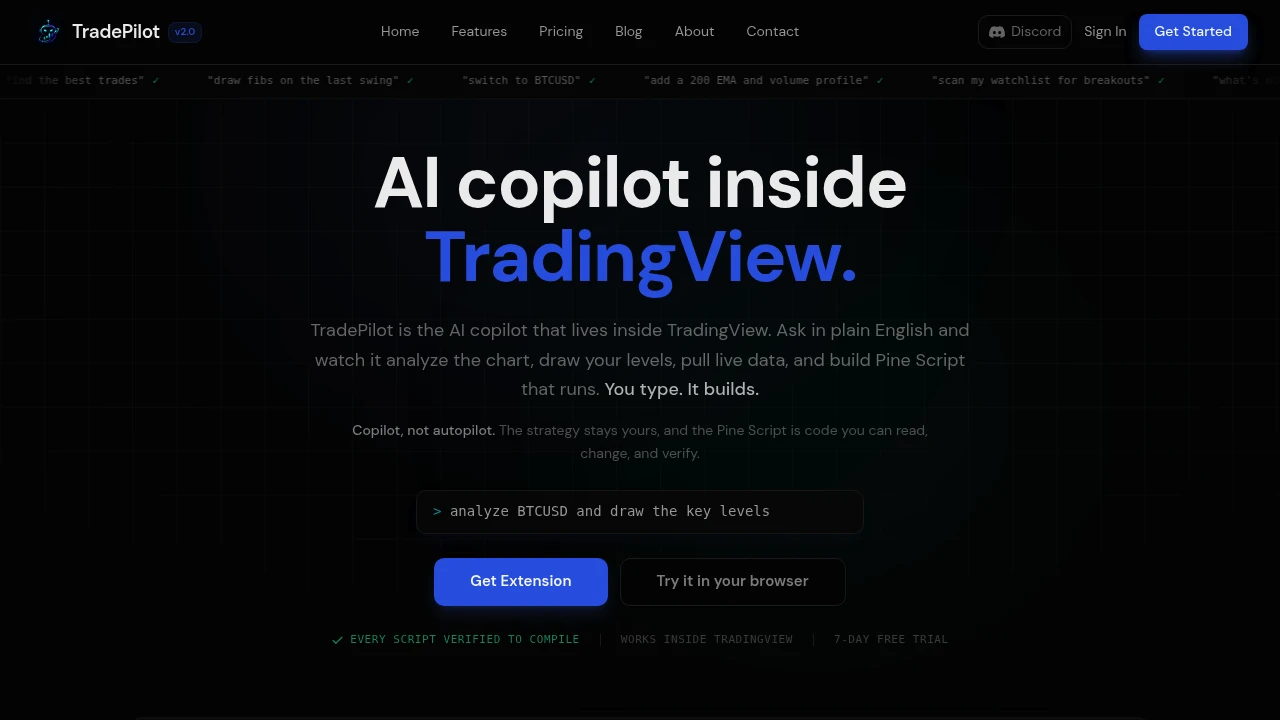
TradePilot is an AI copilot that runs inside TradingView for traders who want to work from plain English instead of menus and manual chart work. It reads the chart, marks levels, pulls market data, scans watchlists, and generates Pine Script that you can use directly on the chart.
It is designed for traders who already spend time in TradingView and want a faster way to analyze setups, control their charts, and build strategies. You can ask it to identify market bias, mark support and resistance, draw Fibonacci levels, switch symbols, add indicators, compare assets, or set alerts without leaving the chart.
Key Features
Chart Analysis
Analyze the open chart using structure, trend, and multi-timeframe context.
TradePilot can interpret the chart and help identify potential market bias and relevant technical conditions without requiring you to manually inspect every element.
Levels and Drawings
Mark important technical levels directly on the chart.
It can draw:
- Support and resistance
- Swing highs
- Swing lows
- Fibonacci levels
- Other chart annotations based on your instructions
This makes it easier to turn a trading idea into a visual setup without manually adding every drawing.
Chart Control
Control TradingView through natural-language commands.
You can ask TradePilot to:
- Switch symbols
- Add indicators
- Change chart types
- Manage alerts
- Adjust the chart based on your analysis workflow
Instead of navigating through multiple menus, you can describe the change you want.
Watchlist Scanning
Scan a TradingView watchlist for potential setups.
TradePilot can check multiple assets for conditions such as breakouts, helping traders identify candidates without opening each chart individually.
Pine Script Generation
Create Pine Script strategies and indicators from plain-English instructions.
You can describe the strategy or indicator you want, and TradePilot generates the corresponding Pine Script for use inside TradingView.
Script Editing and Fixes
Modify existing Pine Script using natural language.
You can describe the change you want rather than manually rewriting the code. TradePilot can also correct syntax issues when working with existing scripts.
Compilation Check
Verify generated Pine Script before it reaches you.
Scripts are checked to ensure they compile, reducing the chance of receiving code that immediately fails when added to TradingView.
Built For Traders
TradePilot is a good fit for:
- Discretionary traders
- Technical analysts
- Pine Script users
- TradingView users
- Strategy developers
- Traders building custom indicators
- Traders who want faster chart analysis
Common Use Cases
- Analyzing chart structure
- Identifying market bias
- Marking support and resistance
- Drawing Fibonacci levels
- Scanning watchlists for breakouts
- Adding indicators through chat
- Setting TradingView alerts
- Switching between trading symbols
- Generating Pine Script strategies
- Creating custom indicators
- Editing existing Pine Script
- Fixing Pine Script syntax errors
- Comparing different assets
- Building and testing trading ideas faster
Why It Matters
TradingView already provides a large set of charting, analysis, and scripting tools, but using them can still involve switching between menus, indicators, drawings, watchlists, and the Pine Editor.
TradePilot puts those workflows behind a natural-language interface. Instead of manually performing each action, you can describe what you want to analyze or change and have the copilot carry it out within TradingView.
The Pine Script functionality also makes it useful beyond chart analysis. Traders can describe a strategy or indicator in plain English, receive the code, and inspect or modify it in the editor. Because the generated scripts are checked for compilation, the workflow is designed to reduce some of the friction involved in moving from an idea to usable Pine Script.
Pricing
TradePilot offers monthly plans with a 7-day free trial, giving traders an opportunity to test the workflow before committing to a paid plan.
Trade Faster With TradePilot
Use plain English to analyze charts, control TradingView, scan watchlists, manage technical levels, and generate Pine Script. TradePilot brings chart analysis and strategy development into a single AI-assisted workflow for traders who want to spend less time navigating TradingView and more time working on their ideas.


