
Upfling.host
Hosts HTML folders, PDFs, images, and docs at a shareable URL with SSL, custom domains, and QR codes.
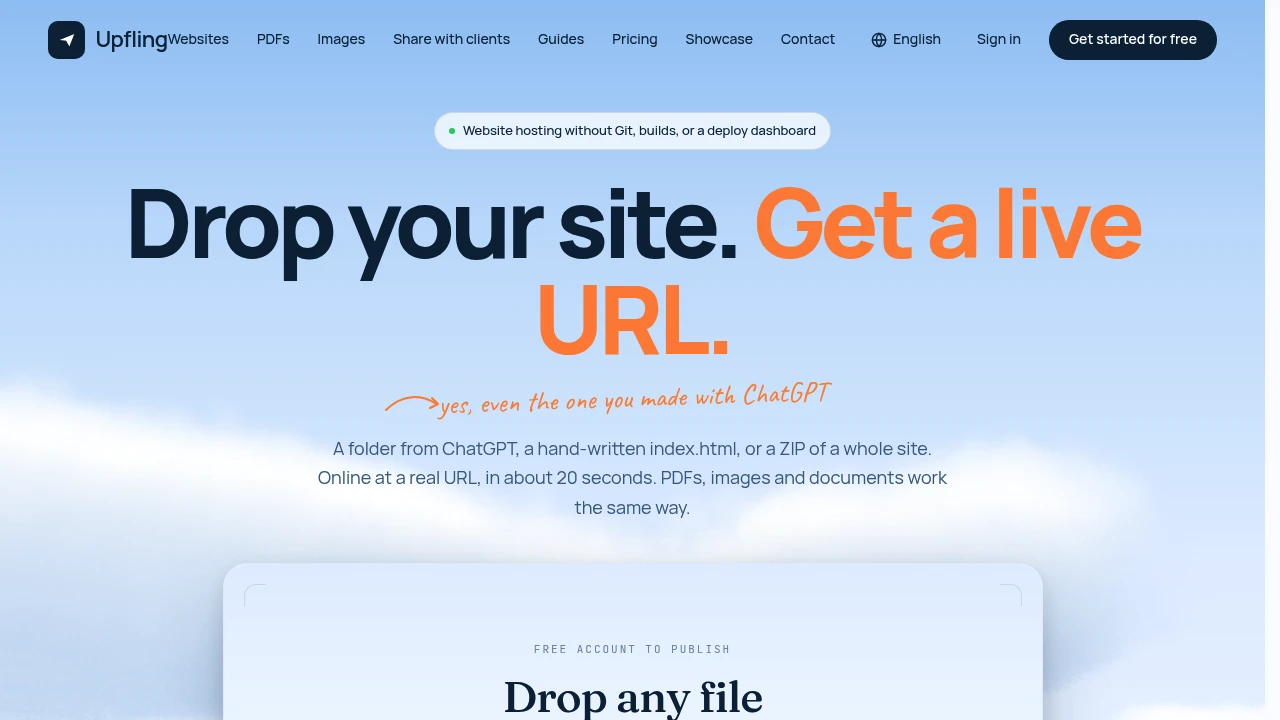
Upfling is a fast, browser-based publishing and file hosting tool for people who want to put a website or digital file online without dealing with Git, build steps, or a deployment dashboard. Upload a single HTML file, a complete site folder, or a ZIP and get a shareable URL with SSL in seconds.
It also supports PDFs, images, documents, spreadsheets, slides, and Markdown files, making it useful beyond traditional web projects. Upfling is particularly suited to AI-generated websites from tools such as ChatGPT, Claude, Bolt, Lovable, v0, and Figma Make, where the goal is often simply to get the generated result online and share it quickly.
Key Features
Fast Website Publishing
Upload your content and get a live, shareable URL in about 20 seconds.
You can publish:
- A single HTML file
- An entire website folder
- A ZIP archive
SSL is included, so the published site is ready to share without requiring a separate hosting or certificate setup.
AI-Generated Site Publishing
Upfling is designed to make publishing AI-generated websites particularly straightforward.
It can detect the entry point in folders produced by tools such as:
- ChatGPT
- Claude
- Bolt
- Lovable
- v0
- Figma Make
After identifying the appropriate entry point, Upfling can assign a clean URL automatically. This removes the need to figure out build commands, configure deployment settings, or manually restructure an AI-generated project before sharing it.
Broad File Hosting
Upfling is not limited to HTML and web projects. It can also host a range of commonly shared digital files.
Supported content includes:
- HTML
- ZIP files
- PDFs
- Images
- Documents
- Spreadsheets
- Slides
- Markdown files
Markdown content can be displayed as styled pages rather than simply showing the underlying raw text.
Custom Domains
Use your own domain for published sites on paid plans.
This is useful for businesses, freelancers, creators, and teams that want a branded URL instead of a platform-generated address.
Automatic QR Codes
Every published link receives a QR code.
This provides an easy way to move from a desktop-created page to a phone, making it useful for presentations, event materials, classroom projects, portfolios, and other situations where people may need to access a URL from a mobile device.
Replace Files Without Changing the URL
Update the content behind an existing link without creating a new URL.
This is useful when you need to make revisions to a published page, document, or project while keeping the original link in emails, presentations, social posts, or client communications.
Simple Link Controls
Manage published sites with straightforward controls.
You can:
- Rename the URL slug
- Add password protection
- Delete a site with one click
- Replace published content
These controls provide basic management without requiring a full deployment dashboard.
File Scanning
Uploaded files are scanned when they arrive, adding an additional security step to the publishing workflow.
This is particularly relevant when sharing files publicly or accepting uploads from different sources.
Free Tier
Start publishing without entering a payment card.
The free tier allows users to publish up to two sites, making it suitable for testing the service, sharing occasional projects, or publishing smaller personal and professional pages.
Built For Founders, Creators & Quick Sharing
Upfling is designed for people who value getting something online quickly over managing a traditional hosting workflow.
- Founders sharing prototypes and landing pages
- Designers publishing visual work and portfolios
- Freelancers sending live client previews
- Instructors publishing course and classroom materials
- Developers sharing simple web projects
- AI builders publishing generated websites without deployment setup
- Teams sharing files and public pages
- Students publishing projects and class sites
Common Use Cases
AI-generated websites: Publish sites created with ChatGPT, Claude, Bolt, Lovable, v0, or Figma Make without setting up Git or a deployment pipeline.
Client previews: Put a website or prototype online quickly and send a live URL to a client.
Portfolio publishing: Upload a static portfolio or gallery and make it publicly accessible without configuring traditional hosting.
Resume links: Turn a resume or personal HTML page into a shareable online destination.
Classroom projects: Publish student websites or course materials and distribute them through direct links or QR codes.
PDF sharing: Host a PDF online and share it through a simple URL rather than sending the file directly.
Temporary project sharing: Upload a site, share the link, replace the content when needed, and keep the same URL.
Markdown publishing: Turn Markdown files into styled, readable web pages instead of asking visitors to download or view raw text.
Why It Matters
Publishing a simple website should not always require a repository, build configuration, deployment service, and hosting setup. For many projects, the main requirement is simply to turn an existing file or folder into a working public URL.
Upfling keeps that workflow short: upload, publish, share. Its support for AI-generated site folders, broad file types, automatic SSL, QR codes, file replacement, and basic link controls makes it practical for both web projects and everyday file sharing.
Go From Upload to Live URL
Upload an HTML file, website folder, ZIP, PDF, image, document, spreadsheet, slide deck, or Markdown file and get it online in seconds. With a free tier, automatic SSL, QR codes, URL controls, and custom domains on paid plans, Upfling provides a simple way to publish and share without setting up a traditional deployment workflow.


