
VibeMV
Uploads audio files and assembles beat-aware AI music videos with shot review, optional lip sync, and vertical or widescreen export.
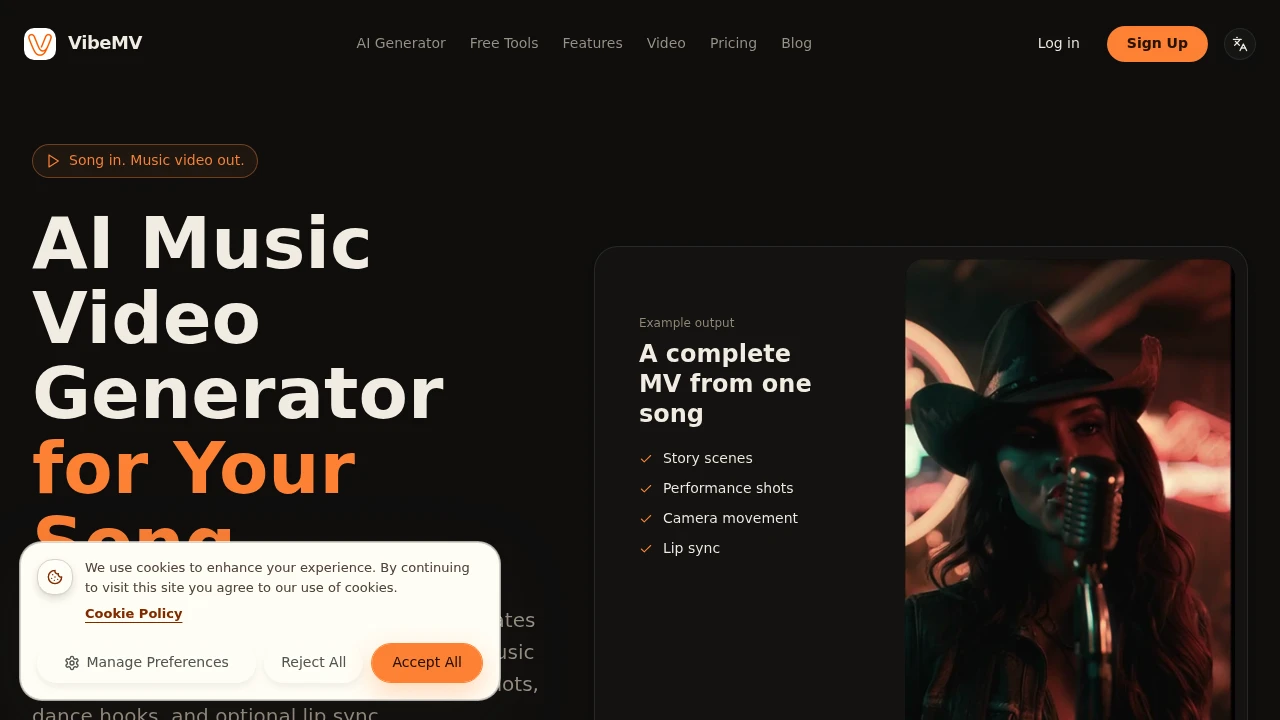
VibeMV turns a finished song into a complete AI music video. It’s built for musicians, producers, and small teams who already have audio and want release-ready visuals without starting from scratch. The workflow centers on shot-by-shot control, so you can review the plan before generating and replace only the parts that miss the mark.
It accepts MP3, WAV, AAC, M4A, FLAC, and AIFF files. After analyzing the track, it maps beats, sections, vocals, and mood into a shot layout, then generates separate scenes that can include performance shots, story scenes, dance hooks, and optional lip sync.
Key Features
Shot Layout Review
Review the structure of the music video before generating the scenes.
VibeMV maps the song into individual shots with their own timing and sequence, giving you an opportunity to check the planned structure before using generation credits.
Creative Plan
Inspect the visual direction before production begins.
The creative plan shows the intended direction and prompts for each shot, making it easier to understand how the finished video will be built.
Per-Shot Regeneration
Replace individual shots without rebuilding the entire video.
If one scene does not work, you can regenerate that specific shot while keeping the rest of the video intact.
Music-Driven Scenes
Build visuals around the structure of the song.
The system analyzes beats, sections, vocals, and mood, then uses those elements to shape the timing and visual progression of the video.
Multiple Scene Types
Create different kinds of visuals within the same music video.
Generated shots can include:
- Performance scenes
- Story scenes
- Dance hooks
- Optional lip-sync sequences
Multiple Aspect Ratios
Create videos for different publishing formats.
VibeMV supports MP4 exports in both 16:9 and 9:16, making the output suitable for landscape video and vertical social content.
2K Generation
Generate higher-resolution video when needed.
The default output is 720p, with paid options available for 2K generation.
Multiple Audio Formats
Start with the audio file you already have.
VibeMV accepts:
- MP3
- WAV
- AAC
- M4A
- FLAC
- AIFF
Built For AI Music Video Production
VibeMV combines music analysis, shot planning, AI scene generation, and selective regeneration into a workflow designed around finished songs.
Key benefits include:
- Turn finished songs into AI music videos
- Analyze beats, sections, vocals, and mood
- Review shot order and timing before generation
- Inspect creative direction and prompts
- Generate performance and story scenes
- Add dance hooks and optional lip sync
- Regenerate individual shots
- Export MP4 videos
- Create 16:9 or 9:16 videos
- Generate at 720p or optionally 2K
- Review work before committing additional credits
Built For
- Musicians
- Producers
- Independent Artists
- Music Video Creators
- Content Creators
- Small Production Teams
- Record Labels
- Artist Marketing Teams
Common Use Cases
- Creating music videos for new releases
- Turning finished tracks into visual content
- Producing artist performance videos
- Creating narrative music videos
- Making vertical music content
- Building social media cuts
- Visualizing chorus or hook sections
- Creating AI lip-sync sequences
- Testing different visual concepts
- Producing artist visuals without a full video shoot
Why It Matters
Creating a music video traditionally requires planning, filming, editing, and often a significant production budget. AI generation can reduce some of that work, but generating an entire video in one pass can make it difficult to control pacing or fix individual scenes.
VibeMV takes a shot-by-shot approach. It analyzes the finished song, creates a visual plan, and lets you review the structure before generating the final scenes.
The per-shot regeneration workflow is also important. If a particular performance, story scene, or lip-sync moment does not work, you can replace that shot without regenerating the entire video. This gives creators more control while still avoiding the need to manually produce every frame.
Turn a Finished Song Into a Music Video
Upload your finished track, review the generated shot layout and creative plan, then generate the scenes that make up the video. VibeMV assembles the individual shots into a finished MP4 that can be exported in landscape or vertical format. Paid plans support tracks up to 7 minutes and files up to 100MB, with commercial use available through an active subscription.


