
Video Transcribe
Online tool that converts YouTube links and video files into transcripts with speaker labels, summaries, and export options.
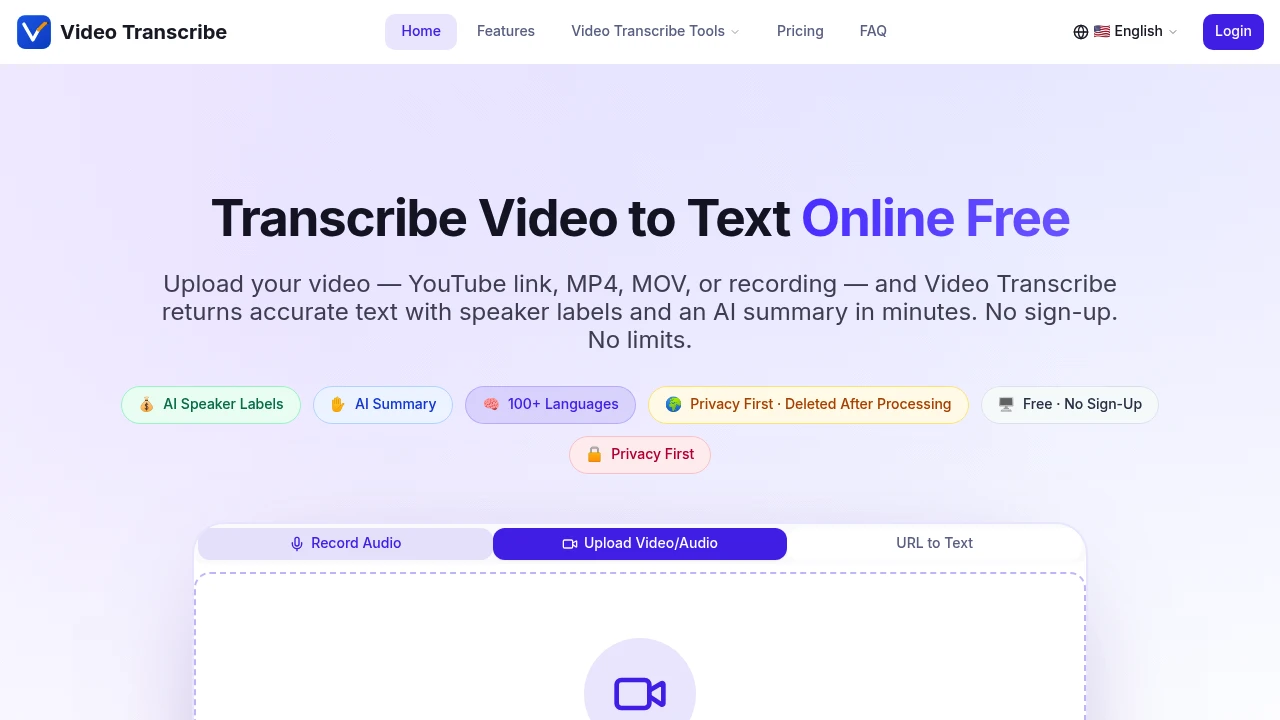
Convert videos and audio recordings into accurate, searchable text directly from your browser. Video Transcribe is an AI transcription tool built for students, content creators, journalists, researchers, businesses, podcasters, and professionals who need fast transcripts, speaker recognition, summaries, and subtitle exports without installing software or creating an account.
Transcribe Videos and Audio in Minutes
Upload a video or audio file, paste a YouTube link, or process recordings from popular meeting platforms to generate accurate transcripts in over 100 languages. The platform automatically detects spoken languages, identifies speakers, and produces well-formatted transcripts that are easy to review, share, and export.
Whether you're transcribing lectures, interviews, podcasts, meetings, webinars, or recorded presentations, Video Transcribe provides everything needed in a single workflow.
Key Features
AI Video & Audio Transcription
Generate accurate transcripts from a wide range of media.
Supported sources include:
- Video uploads
- Audio recordings
- YouTube videos
- Meeting recordings
- Public video links
for fast transcription.
Speaker Recognition
Keep conversations organized with automatic speaker identification.
Transcripts include:
- Speaker labels
- Multi-speaker recognition
- Meeting conversations
- Interview transcripts
- Readable dialogue formatting
for improved clarity.
AI Summaries
Review recordings without reading the entire transcript.
AI-generated summaries include:
- Key points
- Action items
- Important decisions
- Notable quotes
- Conversation highlights
to save time after every recording.
Multi-Language Transcription
Transcribe recordings in more than 100 languages.
Features include:
- Automatic language detection
- Mixed-language support
- Multilingual transcription
- International language coverage
- AI language recognition
for global teams and creators.
Multiple Export Formats
Download transcripts in the format that fits your workflow.
Supported exports include:
- TXT
- DOCX
- SRT
- VTT
- JSON
for documentation, subtitles, and development.
Broad File Format Support
Upload common video and audio file types without conversion.
Supported formats include:
- MP4
- MOV
- M4V
- MP3
- M4A
- WAV
- OGG
- FLAC
for maximum compatibility.
Large File Uploads
Process lengthy recordings with ease.
The platform supports:
- Files up to 2GB
- Long-form recordings
- Extended interviews
- Full meetings
- Large video projects
without splitting files.
Privacy-Focused Processing
Transcribe recordings without creating an account.
Privacy features include:
- No sign-up required
- Secure uploads
- Automatic file deletion
- Browser-based processing
- Temporary storage only
to help protect your content.
Meeting & Recording Support
Transcribe recordings from popular collaboration platforms.
Common sources include:
- Zoom recordings
- Microsoft Teams recordings
- Google Meet recordings
- Online presentations
- Recorded webinars
along with uploaded media files and YouTube videos.
Built for AI Transcription
Video Transcribe combines AI transcription, speaker recognition, multilingual processing, AI summaries, subtitle generation, multiple export formats, and privacy-focused browser access into one transcription platform.
Key benefits include:
- AI transcription
- Video-to-text conversion
- Audio transcription
- Subtitle generation
- Meeting transcription
Built For
- Students
- Content Creators
- Journalists
- Researchers
- Podcasters
- Business Teams
Common Use Cases
- Transcribing lectures
- Converting interviews into text
- Creating podcast transcripts
- Generating subtitles for videos
- Summarising business meetings
- Documenting webinars
Why It Matters
Transcribing recordings manually is time-consuming, especially when multiple speakers, different languages, and long conversations are involved. Video Transcribe simplifies this process by automatically converting video and audio into structured transcripts with speaker labels, timestamps, multilingual support, and AI-generated summaries. With support for YouTube links, large uploads, popular meeting recordings, multiple export formats, and automatic file deletion after processing, it provides a fast and privacy-conscious solution for turning spoken content into searchable, shareable text.
Transcribe Videos, Meetings, and Audio With AI
Upload videos or audio files, paste YouTube links, transcribe recordings in more than 100 languages, identify speakers automatically, generate AI summaries with action items and key points, export transcripts as TXT, DOCX, PDF, SRT, VTT, or JSON, and convert recordings into organised, searchable text directly from your browser.


