
Whatsmarketing
A messaging and Voice AI platform for businesses that want to capture, qualify, and follow up with leads from WhatsApp, Instagram, Facebook, and web chat.
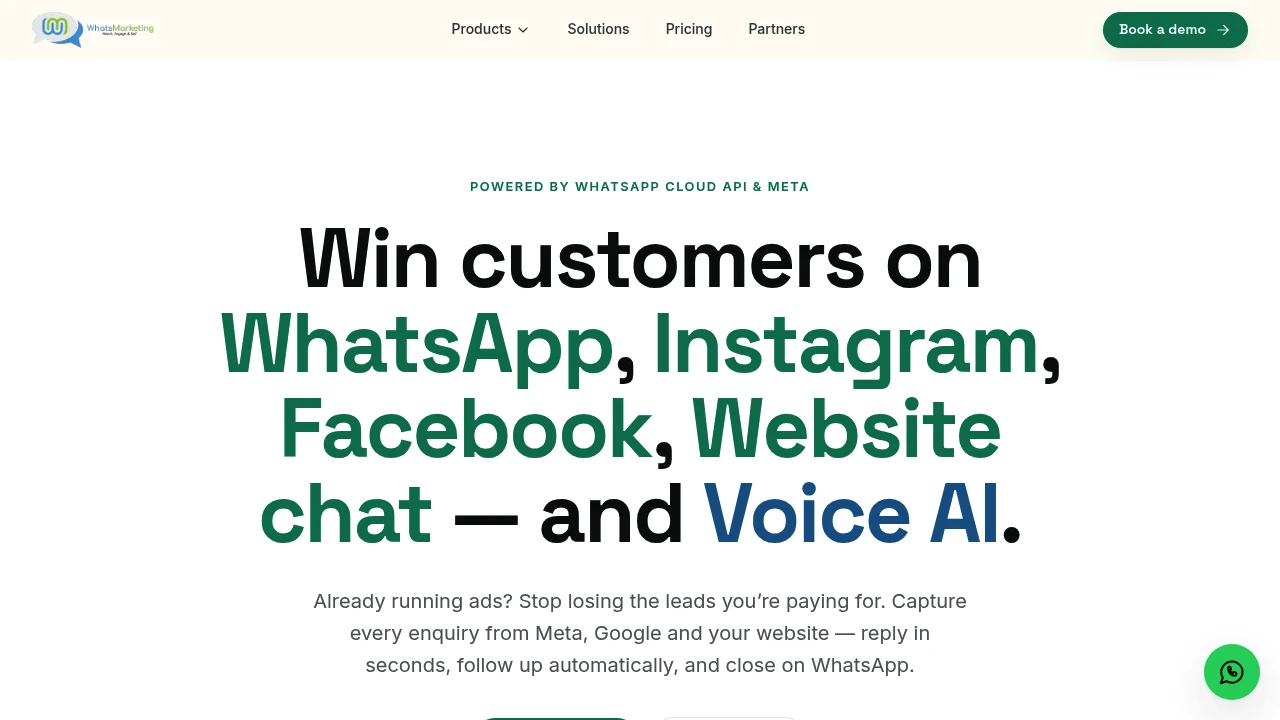
WhatsMarketing brings WhatsApp, Instagram, Facebook, website chat, and AI voice calling into one system for businesses that depend on fast lead response. It is designed for teams that lose enquiries across scattered inboxes, struggle with slow follow-up, or rely on manual call-backs to qualify new leads.
The platform combines shared messaging, automation, lead capture, follow-up workflows, and AI voice calling in one workspace. Businesses can use it to respond to incoming conversations, capture leads from social channels and websites, qualify prospects, book appointments, and follow up on actions such as payments.
Key Features
Unified Multi-Channel Inbox
Manage conversations from multiple channels in one place.
WhatsMarketing provides a shared inbox for handling conversations across:
- Website chat
This helps teams avoid switching between separate messaging platforms and gives staff a central place to manage incoming enquiries.
WhatsApp Business Automation
Automate conversations and campaigns through WhatsApp.
The platform uses the official WhatsApp Business API and supports workflows such as:
- Automated replies
- Broadcast messaging
- Audience segmentation
- Lead bots
- Shared team access
- Catalog support
- Follow-up automation
- Team performance tracking
This can help businesses manage both individual conversations and larger messaging campaigns from the same system.
Instagram Lead Capture
Turn Instagram interactions into conversations and leads.
WhatsMarketing supports automation and lead capture from different Instagram touchpoints, including:
- Direct messages
- Story replies
- Story mentions
- Post comments
- Comment-to-DM workflows
- Ad-generated leads
- Drip campaigns
This allows businesses to continue the conversation automatically when someone interacts with content or reaches out through Instagram.
Facebook Messenger Automation
Handle Facebook conversations and campaign enquiries.
The platform supports Facebook Messenger workflows for:
- Page messages
- Automated replies
- Lead handling
- Click-to-Messenger ads
- Follow-up campaigns
This helps teams respond to leads generated directly through Facebook pages and advertising campaigns.
Website Chatbot
Add an automated chat experience to your website.
WhatsMarketing includes a website chat widget that can answer questions using information from your own content and capture lead details during the conversation.
The chatbot can support workflows such as:
- Answering visitor questions
- Capturing lead information
- Responding to common enquiries
- Directing visitors toward the next step
- Continuing follow-up workflows
The setup is designed to be handled without requiring code.
Voice AI for Lead Calling
Call and qualify leads using AI voice conversations.
WhatsMarketing includes a Voice AI feature that can place calls to new leads and handle tasks such as:
- Lead qualification
- Appointment booking
- Follow-up calls
- Payment reminders
- Lead re-engagement
The Voice AI supports 11+ languages and can switch languages during a conversation where supported.
This can be useful for businesses that want to respond to a new enquiry through a phone call without depending on a team member to manually contact every lead.
Automated Lead Response
Trigger follow-up actions based on business events.
WhatsMarketing can start workflows from events such as:
- Form submissions
- New leads
- Abandoned carts
- Orders
- Payments
These triggers can be used to start automated conversations, follow-ups, or calling workflows.
This helps reduce the delay between a lead taking action and the business responding.
Appointment Booking and Follow-Up
Move qualified leads toward a scheduled next step.
The Voice AI and automation workflows can be used to:
- Qualify incoming leads
- Book appointments
- Send reminders
- Follow up with prospects
- Continue conversations after the first enquiry
This can help businesses create a more consistent follow-up process instead of relying entirely on manual callbacks.
CRM and Google Sheets Sync
Send lead and call information to external systems.
WhatsMarketing supports syncing information such as call outcomes and lead activity with:
- CRM systems
- Google Sheets
This allows businesses to keep lead records updated outside the platform and use conversation or call outcomes as part of their existing sales workflow.
Workflow Automation
Build automated journeys across messaging and lead events.
Businesses can use automation to connect events with follow-up actions.
For example, a workflow can begin when:
- A form is submitted
- A new lead arrives
- A customer abandons a cart
- An order is created
- A payment requires follow-up
The resulting workflow can then trigger messaging, qualification, reminders, or other configured actions.
Guided Onboarding and Training
Get help setting up the platform and workflows.
WhatsMarketing includes onboarding and live training as part of its implementation approach.
This makes it suitable for teams that prefer guided setup rather than configuring messaging, automation, chatbots, and voice workflows entirely on their own.
Built for Multi-Channel Lead Response
WhatsMarketing combines WhatsApp automation, social messaging, website chat, workflow automation, and AI voice calling into one lead-response system.
Key benefits include:
- Shared inbox for multiple messaging channels
- WhatsApp Business API automation
- Broadcast and segmentation tools
- Instagram DM and comment lead capture
- Facebook Messenger workflows
- Website chatbot support
- AI-powered voice calling
- Lead qualification and appointment booking
- Payment and reminder follow-ups
- Workflow triggers based on business events
- CRM and Google Sheets sync
- Guided onboarding and live training
Built For
- Sales Teams
- Marketing Teams
- Lead Generation Agencies
- Service Businesses
- Appointment-Based Businesses
- Clinics and Healthcare Practices
- Education Businesses
- Real Estate Teams
- E-commerce Businesses
- Businesses Running Lead Generation Ads
- Teams Managing High Volumes of Enquiries
Common Use Cases
- Responding to WhatsApp enquiries from one shared inbox
- Automating replies to Instagram DMs
- Turning Instagram comments into direct message conversations
- Handling Facebook Messenger leads
- Capturing website visitors through a chatbot
- Sending WhatsApp broadcasts to segmented audiences
- Following up with leads after form submissions
- Calling new leads with Voice AI
- Qualifying prospects before handing them to a sales team
- Booking appointments automatically
- Sending payment reminders
- Following up on abandoned carts
- Syncing call outcomes with a CRM or Google Sheets
- Running multi-step lead nurturing workflows
- Reducing response time across multiple communication channels
Why It Matters
Businesses that generate leads through WhatsApp, social media, websites, forms, and advertising often end up managing those conversations across separate inboxes and workflows. That can create delays between the moment a prospect shows interest and the moment someone responds.
WhatsMarketing brings those channels together while adding automation and AI voice calling to the follow-up process. Teams can manage WhatsApp, Instagram, Facebook, and website conversations from one system, trigger workflows from lead events, and use Voice AI to call, qualify, book, or follow up with prospects.
The combination is particularly useful for businesses where response speed affects conversion. Instead of depending on a team member to notice every new enquiry and manually decide what happens next, businesses can use configured workflows to respond, collect information, continue the conversation, and route lead outcomes into their existing CRM or tracking systems.
Respond, Qualify, Follow Up, and Convert From One System
Manage WhatsApp, Instagram, Facebook, and website conversations from one inbox, automate replies and follow-ups, capture leads from social and website interactions, trigger workflows from forms, carts, orders, and payments, use AI voice calling to qualify prospects and book appointments, and sync lead and call outcomes with your existing CRM or Google Sheets.


