
Clickcast
AI tool that turns a public website URL into a marketing or product demo video without recording or editing.
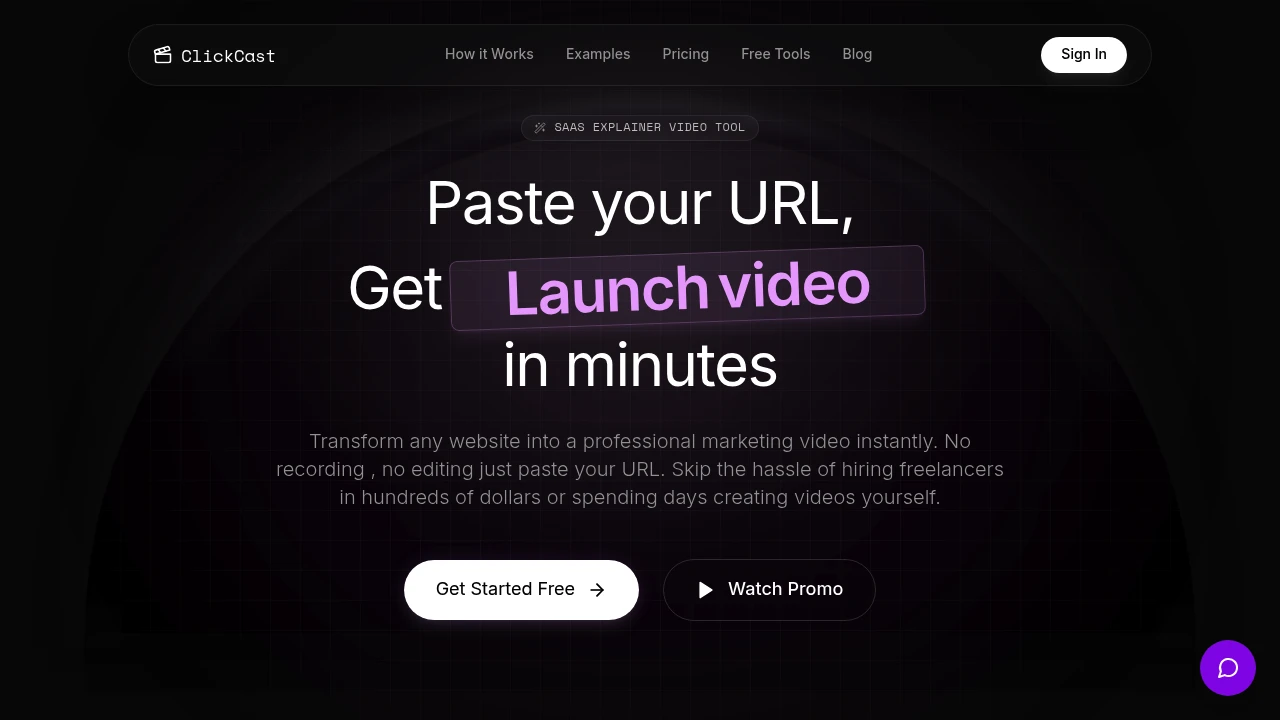
Clickcast turns a public website into a SaaS explainer video without requiring users to record their screen or build the video manually in a timeline editor. It is designed for founders, indie hackers, marketing teams, and product builders who need product demos, launch videos, ads, or other marketing assets built around their actual website and software interface.
The workflow starts with a public website URL. Clickcast analyzes the site, identifies relevant product flows and features, and uses that material to generate a rendered explainer video. Users can take the automated route for faster output or use a more controlled mode to customize the script and visuals.
Key Features
Website URL Input
Start creating a product video from a public website link.
Clickcast allows users to provide a public website URL instead of beginning with:
- Screen recordings
- Uploaded product footage
- Individual UI screenshots
- Manual timeline editing
The website acts as the starting point for the video generation process.
This can make the workflow useful for SaaS products and other digital tools that already have a public website with clear pages, features, and user flows.
AI Website Analysis
Analyze the website before generating the video.
Clickcast scans the provided website to understand information such as:
- Product interface
- Key features
- Website structure
- User flows
- Product functionality
- Relevant visual elements
This information is then used as the basis for the generated explainer or marketing video.
The approach is designed to create a video around the actual product rather than relying entirely on generic templates.
Website-to-Video Generation
Turn website content and product flows into a rendered video.
The core Clickcast workflow focuses on transforming information from a public website into a visual explainer.
This can support videos that demonstrate:
- Product interfaces
- Software workflows
- Key features
- User journeys
- Product value propositions
The platform is particularly suited to SaaS products and other digital tools where showing the interface is an important part of the marketing story.
Cinematic Video Output
Generate polished marketing videos based on the analyzed website.
Clickcast produces rendered video content that combines product visuals with motion and presentation elements rather than simply replaying a screen recording.
This can help create assets suitable for:
- Product launches
- Website embeds
- Marketing campaigns
- Social media
- Product demonstrations
- Promotional content
The focus is on presenting software and UI through motion graphics and a more polished video format.
Script Explainer Mode
Create videos with greater control over the story and presentation.
Clickcast includes a Script Explainer mode for users who want to move beyond a fully automated workflow and define the storytelling more directly.
This can include control over:
- Video script
- Narrative structure
- Product messaging
- Visual direction
- AI-generated visuals
This is useful when a product needs to follow a specific launch message, campaign angle, or marketing narrative.
Editable AI Visuals
Adjust the visual direction when the automated output needs refinement.
Clickcast supports editable AI visuals within its explainer workflow.
This gives users more flexibility to adapt the video to:
- Product positioning
- Campaign messaging
- Brand direction
- Specific feature announcements
- Marketing concepts
Users can therefore combine automated website analysis with additional creative control.
Multiple Video Modes
Choose from different presentation styles based on the type of video being created.
Clickcast includes four video modes for different presentation styles.
These modes can help users create videos suited to different purposes, such as:
- Product explainers
- Marketing videos
- Launch content
- Social media assets
- Feature demonstrations
This gives users options beyond generating every product video in the same format or presentation style.
Landscape and Vertical Formats
Create videos for both traditional and mobile-first viewing.
Clickcast supports:
- 16:9 landscape video
- 9:16 vertical video
Landscape output can be useful for:
- Website embeds
- Product pages
- YouTube
- Presentations
- General marketing videos
Vertical output can be useful for:
- Social media
- Short-form promotional content
- Mobile-first campaigns
- Reels-style content
This allows the same product or website to support different distribution channels.
Actual UI and Motion Graphics
Build videos around the product interface rather than avatars or generic scenes.
Clickcast focuses on software UI and motion graphics as part of the generated output.
This makes it useful when the goal is to show:
- What the product looks like
- How the interface works
- What users can do
- How different product flows connect
The emphasis on actual website and software material can make the output more relevant for SaaS demonstrations and product-focused marketing.
Automated and Custom Workflows
Choose between speed and greater creative control.
Users can use an automated generation path when they need a video quickly.
For projects that need more specific direction, the Script Explainer workflow provides more control over:
- Storytelling
- Script
- Visuals
- Presentation
This makes Clickcast suitable for both quick promotional assets and more deliberate product explainers.
Recurring Marketing Content
Create videos for more than a single product launch.
Clickcast can also support recurring content needs such as:
- Product ads
- Feature announcements
- Changelogs
- Launch updates
- Social posts
- Promotional campaigns
Starting from a public URL can make it easier to create new assets as the product website and messaging evolve.
Built for Website-to-Video Product Marketing
Clickcast combines website analysis, AI-assisted video generation, product UI presentation, motion graphics, customizable scripts, editable visuals, and multiple output formats into one workflow for creating SaaS and product explainer videos.
Key benefits include:
- Start with a public website URL
- Generate videos without screen recording
- AI analysis of website structure and product flows
- Product-focused explainer videos
- Software UI and motion graphics
- Cinematic rendered output
- Custom Script Explainer mode
- Editable AI visuals
- Four video modes
- 16:9 landscape output
- 9:16 vertical output
- Automated generation for faster production
- Greater control over storytelling and messaging
- Support for recurring marketing content
Built For
- SaaS Founders
- Indie Hackers
- Marketing Teams
- Product Marketers
- Startup Teams
- Growth Teams
- Agencies
- Content Creators
- Developers Launching Products
- Portfolio Builders
- Software Companies
Common Use Cases
- Creating a SaaS explainer video from a website
- Producing a product demo without screen recording
- Creating launch videos for a new product
- Showing software UI and key workflows
- Creating vertical videos for social media
- Producing landscape videos for product pages
- Generating promotional videos from a public website
- Creating product ads
- Announcing new features
- Turning product updates into video content
- Creating changelog videos
- Producing recurring social media assets
- Testing different storytelling approaches for the same product
- Creating polished product videos without learning timeline editing
Why It Matters
Creating a software explainer video usually involves several separate steps, including planning the script, recording the product, capturing screens, editing footage, adding motion graphics, and preparing different versions for multiple platforms. That process can take significant time, especially for founders and small teams without dedicated video production resources.
Clickcast takes a different approach by starting with a public website URL. The AI analyzes the site and uses its product information, interface, and user flows as the foundation for a generated video. Users can choose an automated workflow when speed matters or use Script Explainer mode when they need more control over the narrative and visuals.
The ability to generate both landscape and vertical formats also makes the workflow suitable for different distribution channels. Instead of creating separate assets from scratch, teams can use the same product context to produce videos for websites, launches, ads, changelogs, and social media.
Turn Your Website Into a SaaS Explainer Video
Paste a public website URL, let Clickcast analyze the product interface and user flows, generate a rendered explainer video built around the actual software, choose from different video modes, customize the script and AI visuals when needed, and export the final video in 16:9 or 9:16 format for product pages, launches, ads, changelogs, and social media without screen recording or manually editing a timeline.


