
Vizify
An AI agent that turns rough context into finished diagrams, pages, docs, images, and video work.
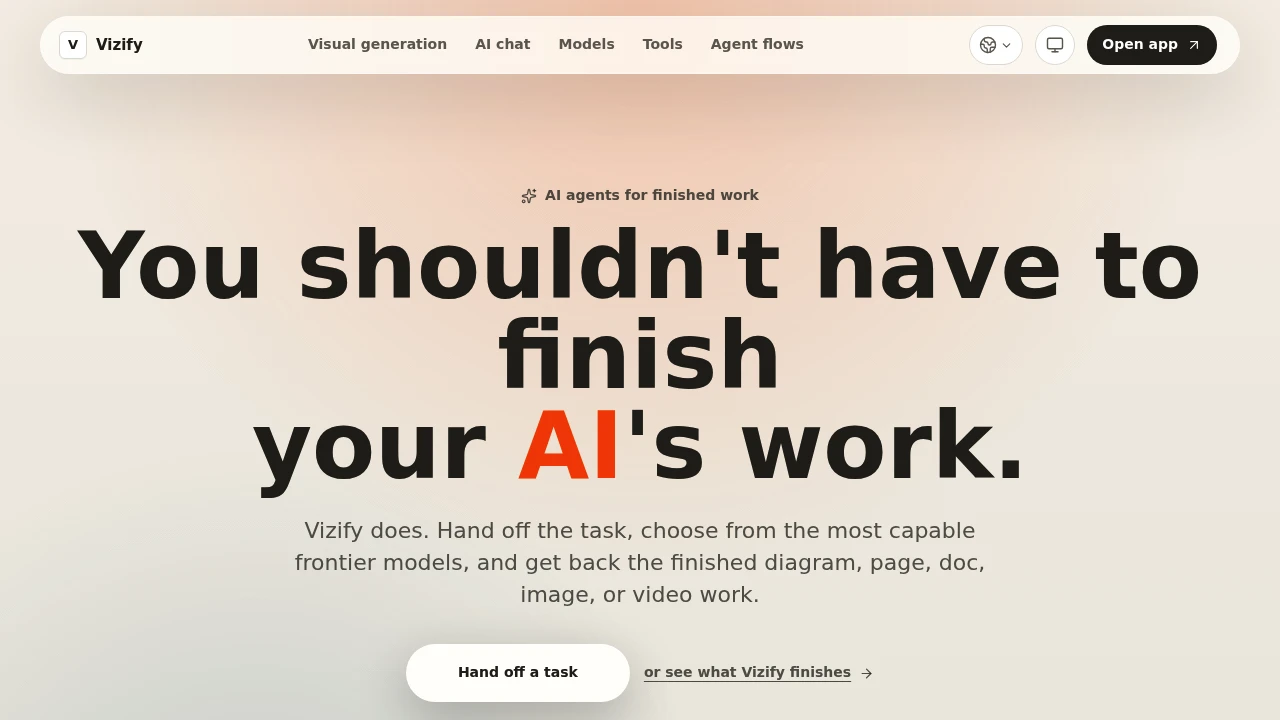
Vizify is an AI workspace for people who want usable finished outputs instead of partial drafts that still need to be assembled or reformatted. It takes rough context, instructions, and constraints, then helps turn them into deliverables such as diagrams, infographics, Markdown documents, pages, one-pagers, images, and video work.
The platform is designed for creators, marketers, operators, founders, and studios that repeat similar creative or operational tasks. Rather than starting from a blank prompt every time, users can build repeatable workflows that retain their preferred formats, review rules, model choices, and handoff patterns.
Key Features
Multi-Format Output Generation
Create finished work across different formats from the same source context.
Vizify can be used to generate outputs such as:
- Diagrams
- Infographics
- Markdown documents
- Pages
- One-pagers
- Images
- Video work
This makes it possible to move from a rough idea or brief to a more complete deliverable without rebuilding the task separately for every format.
Diagrams and Infographics
Turn rough ideas into structured visual outputs.
Vizify can help create:
- Process diagrams
- Visual explainers
- Concept maps
- Infographics
- Structured visual summaries
- Shareable graphics
This is useful when an idea starts as notes or unstructured context but needs to become something easier to understand or present.
Pages and One-Pagers
Create polished pages from provided context and constraints.
The platform can be used for work such as:
- Marketing pages
- Product explainers
- Landing page concepts
- One-pagers
- Structured presentations
- Informational pages
Users can provide the relevant context and requirements, then use the workflow to produce a more complete page-oriented output.
Markdown Documents
Generate structured written documents that are ready for further use.
Vizify supports Markdown-based outputs for workflows involving:
- Documentation
- Briefs
- Product explanations
- Structured notes
- Internal documents
- Written handoffs
This can be useful for teams that work with portable, structured text and want output that does not need to be manually reformatted after generation.
Images and Video Work
Create visual assets and video-oriented outputs as part of the same workflow.
Vizify supports work involving:
- Image generation
- Visual direction
- Creative assets
- Video generation
- Video-related creative work
Instead of treating text and visual generation as entirely separate processes, users can include different output types within a broader workflow.
Model Selection and Routing
Choose models based on the type of work being created.
Vizify supports access to frontier models across text, image, video, layout, and page generation.
Users can select the models they prefer or allow Vizify to route a task toward a suitable model from providers including:
- OpenAI
- Anthropic
- Meta
- xAI
- Image models
- Video models
This gives users flexibility when different parts of a workflow require different capabilities.
Workflow Memory
Keep recurring formats and working preferences available for future runs.
Vizify can remember elements of how you work, including:
- Preferred formats
- Review rules
- Model preferences
- Handoff steps
- Repeatable workflow patterns
This helps later runs begin closer to an established process instead of requiring the same instructions to be recreated every time.
Reusable Workflows
Create repeatable processes for recurring work.
A workflow can capture the structure and constraints behind a recurring task.
This can help teams standardize work involving:
- Content creation
- Visual production
- Documentation
- Marketing assets
- Operational handoffs
- Multi-format deliverables
Instead of rebuilding the process from scratch, users can reuse an established workflow and apply new context to it.
Multi-Step Handoffs
Move different deliverables through the same process.
Vizify is designed to support workflows where one task produces multiple related outputs.
For example, a single process could involve:
- Creating a diagram
- Producing a supporting page
- Generating a visual variation
- Preparing a written document
- Passing the results through review and handoff steps
This can be useful when a project requires several connected deliverables rather than a single piece of generated content.
Context and Constraint-Based Work
Provide the information and requirements needed for a specific output.
Instead of focusing only on writing the right prompt, Vizify is built around defining:
- The work required
- Relevant context
- Output requirements
- Constraints
- Preferred models
- Review patterns
- Handoff steps
This makes the workflow more focused on the deliverable that needs to be produced.
Built for Finished AI Workflows
Vizify combines text, visual, page, document, image, and video generation with reusable workflows and memory for repeatable work.
Key benefits include:
- Multi-format AI outputs
- Diagrams and infographics
- Pages and one-pagers
- Markdown documents
- Image generation
- Video work
- Access to multiple model providers
- Flexible model selection
- Reusable workflows
- Saved formats and review rules
- Workflow memory
- Multi-step handoffs
- Connected creative and operational outputs
Built For
- Creators
- Marketers
- Founders
- Operators
- Studios
- Content Teams
- Creative Teams
- Agencies
- Product Teams
- Consultants
- People With Repeatable AI Workflows
Common Use Cases
- Turning rough ideas into diagrams
- Creating infographics from structured information
- Producing marketing one-pagers
- Generating pages from a product brief
- Creating polished Markdown documents
- Developing image assets
- Producing video-related creative work
- Creating several deliverables from the same source context
- Reusing established formats for recurring tasks
- Keeping review rules consistent across projects
- Using different AI models for different parts of a workflow
- Moving work through repeatable handoff steps
- Reducing repetitive prompting and reformatting
Why It Matters
Many AI workflows still stop at a partial draft. A user may get text from one tool, create a diagram somewhere else, generate an image in another product, then manually assemble everything into the final deliverable. The same process often has to be repeated whenever similar work comes up again.
Vizify focuses on the work that needs to come back rather than treating the prompt as the final product. Users can define the output they need, provide context and constraints, choose models or allow tasks to be routed across different model providers, and reuse workflows that preserve established formats and review patterns.
Its memory layer also helps make recurring work more consistent. By retaining preferences such as formats, model choices, review rules, and handoff steps, later runs can begin closer to an existing workflow. This makes Vizify useful for teams and individuals who repeatedly create connected documents, visuals, pages, and other deliverables.
Turn Context Into Finished Work Without Rebuilding the Process Every Time
Give Vizify the context, constraints, and type of deliverable you need, then create diagrams, infographics, Markdown documents, pages, one-pagers, images, and video work through reusable workflows that can retain your preferred formats, review rules, model choices, and handoff steps.


