
Chronoid
Automatic time tracking for Mac freelancers that records app, website, and document activity, then helps with invoicing and focus.
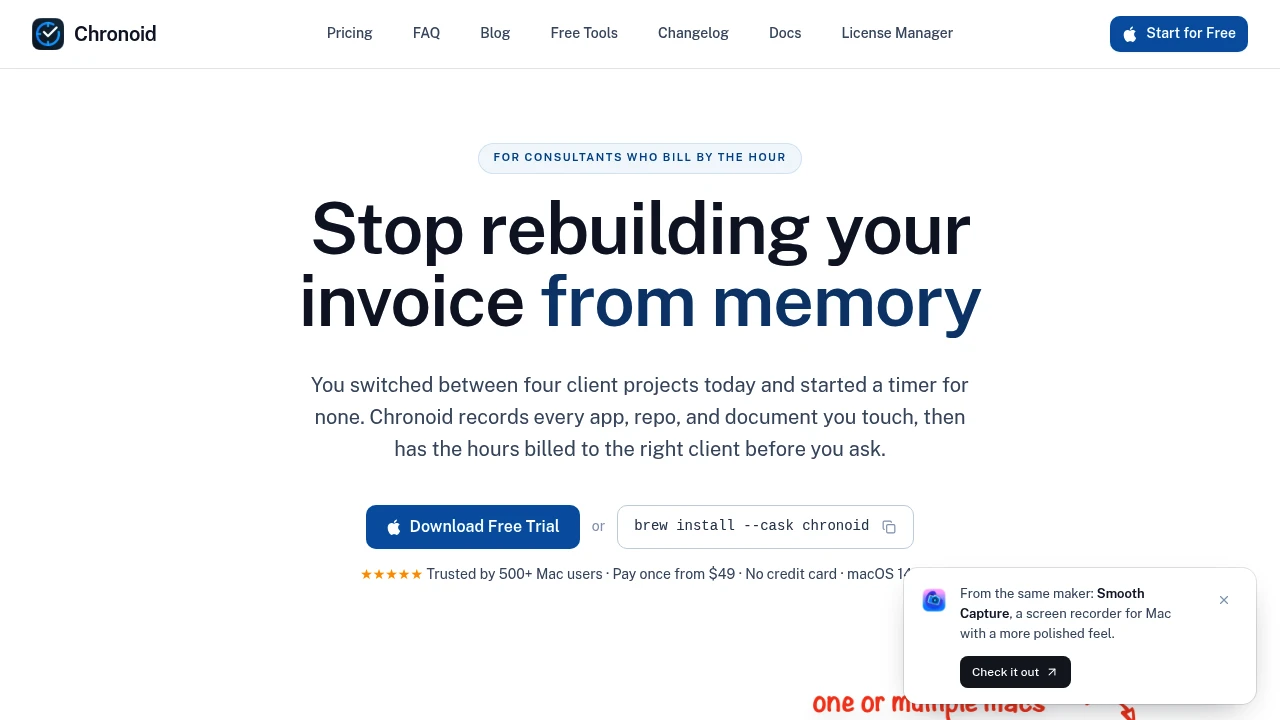
Chronoid is a macOS time tracker for freelancers, consultants, and small agencies that bill by the hour. It automatically records work activity in the background so you can understand where your time went without reconstructing an entire day from memory when it is time to invoice a client.
The app tracks activity across applications, websites, and documents, then organizes that time around client work. Idle and away-time detection helps keep tracked hours closer to actual working time, while local data storage and AI integrations give Mac users a private way to work with their time data.
Key Features
Automatic Time Tracking
Chronoid captures work activity without requiring you to constantly start and stop manual timers.
It tracks activity across:
- Applications
- Websites
- Documents
The recorded activity can then be organized around client and project work, providing a more complete picture of where your working hours went.
Client-Based Billing
Connect tracked time to client projects so your billing starts from actual recorded work rather than estimates.
You can filter time by:
- Client
- Project
- Date range
This makes it easier to review billable hours before preparing an invoice or generating a report.
Idle and Away-Time Detection
Chronoid detects periods when you are idle or away from your Mac.
This helps distinguish active working time from periods where the computer may be open but work is not actually happening, making tracked hours more representative of the time you spent working.
Plain-Language Time Questions
Ask questions about your tracked hours using natural language.
You can query things such as:
- How much time you spent on a client
- How many hours you worked on a particular day
- How much time was spent during a specific period
This provides a simpler way to explore time records without manually filtering every entry.
Local AI Support
Chronoid can make your time data available to AI tools and local AI setups.
Supported tools include:
- Ollama
- LM Studio
- Apple Intelligence
- Claude Code
- Claude Desktop
- Cursor
This allows users who already work with AI assistants or local models to interact with their time information within those environments.
Private, Local-First Design
Chronoid is designed around keeping time data on your Mac.
The MCP server runs locally, and the application keeps its data local, giving privacy-conscious users a way to work with detailed activity records without relying on a cloud-first time tracking system.
Invoicing and PDF Reports
Review tracked hours and generate reports for client billing.
Chronoid supports filtering by client, project, and date range before exporting time information as PDF reports.
This provides a direct path from recorded activity to documentation for invoicing.
Focus Tools
Chronoid also includes tools intended to help maintain focus during client work.
These include:
- Website blocking
- Pomodoro timer
The tools combine time tracking with a lightweight focus workflow rather than treating tracking as a completely separate activity.
Visual Time Breakdowns
Review how your working time is distributed across clients, projects, and individual days.
These visual breakdowns can help you:
- Understand where working hours are going
- Compare actual project duration
- Estimate future work more accurately
- Identify where billable time tends to disappear
This gives tracked time value beyond simply producing an invoice at the end of the month.
Built For Hourly Professionals
Freelancers
Automatically track client work and simplify the process of turning recorded hours into billing information.
Consultants
Understand how much time different clients and projects actually consume and use that information for future planning.
Small Agencies
Review team or project work around clients and generate time reports without relying entirely on manual timers.
Mac-Based Professionals
Use a native macOS application designed around automatic tracking, local data, and low CPU usage.
Common Use Cases
Track Client Work Automatically
Let Chronoid record activity in the background instead of manually starting timers throughout the day.
Prepare Hourly Invoices
Filter recorded hours by client, project, or date range and export PDF reports for billing.
Understand Project Costs
Compare how much time projects actually consume to improve future estimates and planning.
Find Lost Billable Time
Review daily and client-level time breakdowns to identify where working hours are being spent.
Work With AI
Connect local AI tools or supported coding and productivity assistants to your time data through the local MCP server.
Mac-Focused Performance
Chronoid is built specifically for macOS and is designed to run with low CPU usage while tracking activity in the background.
The combination of native Mac tracking, idle detection, local data, and background operation makes it suited to professionals who want time tracking without constantly interacting with the tracker itself.
One-Time Purchase and Local Workflow
Chronoid is aimed at users who prefer a one-time purchase over another recurring subscription.
Its local-first approach also means the product can appeal to professionals who want automatic tracking while retaining control over their activity data on their own Mac.
Why It Matters
Manual time tracking creates friction for hourly professionals. Starting timers, remembering what task was active, and reconstructing missing hours can make invoicing less reliable and more time-consuming.
Chronoid approaches the problem from the other direction: record activity automatically, organize it around client work, detect idle periods, and let you review the results later. The local AI support adds another layer for users who want to query and work with their time data through tools they already use.
Turn Your Work Activity Into Reliable Time Records
Use Chronoid to automatically track application, website, and document activity, organize hours around clients and projects, review time through plain-language questions, and generate PDF reports for billing. With local storage, Mac-focused performance, AI integrations, idle detection, and built-in focus tools, it provides a privacy-conscious way for hourly professionals to understand and manage where their working time goes.


