
Remover Work
Remove backgrounds, subtitles, watermarks, logos, and objects from video and images, with free short video previews.
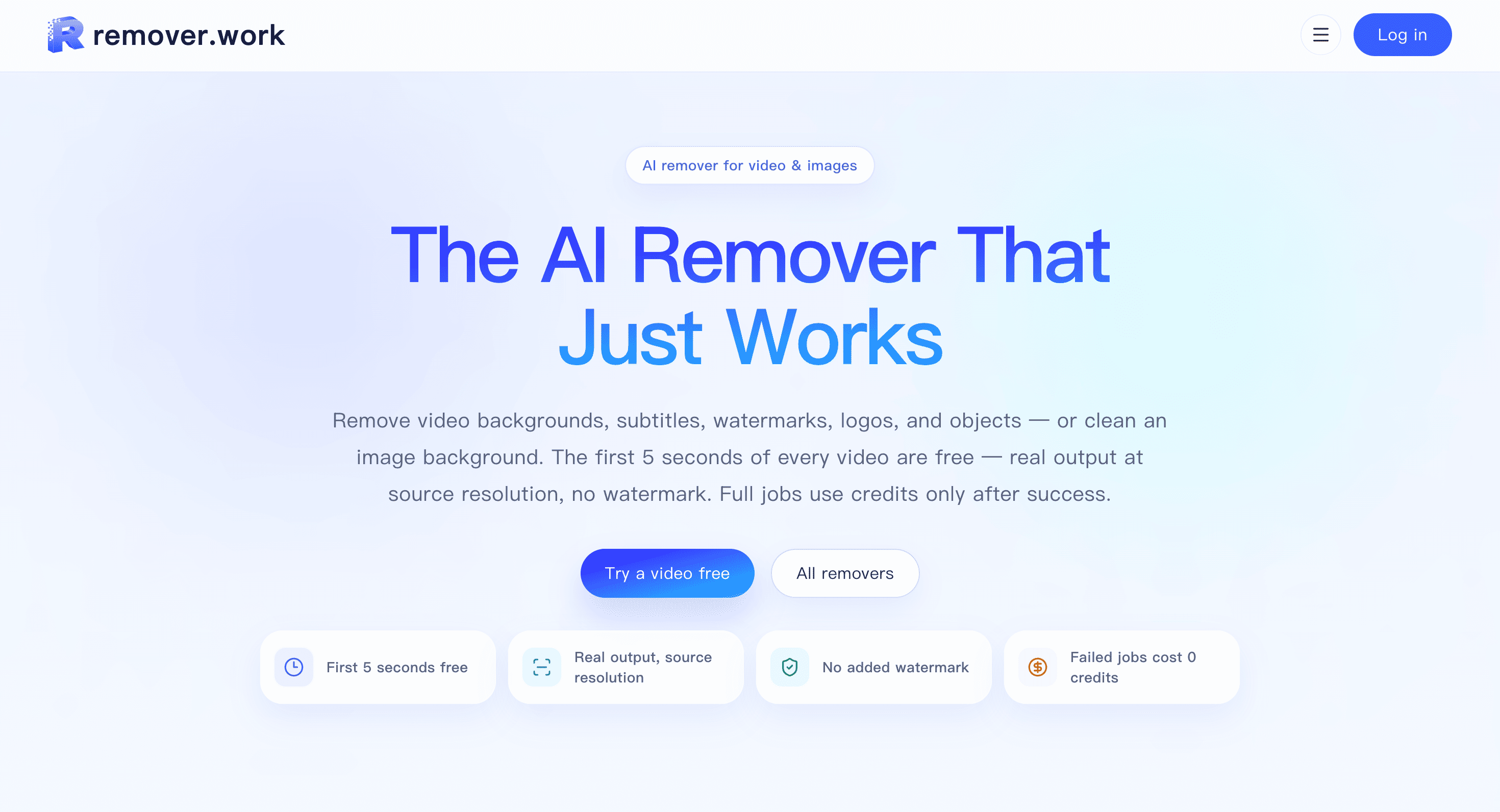
Remover Work is a media cleanup tool for removing unwanted elements from videos and images. It is designed for creators, marketers, editors, and other users who need clean visual assets without relying on a green screen or manually editing footage frame by frame.
The platform handles both video and image cleanup in one workflow. For video, it can remove backgrounds, hardcoded subtitles, watermarks, logos, and unwanted objects while rebuilding the affected areas. For images, it focuses on background removal and preserving fine details such as hair and soft edges.
Key Features
Video Background Removal
Remove backgrounds from regular video footage without requiring a green screen.
This makes the tool useful for creators and marketers who need to isolate subjects or prepare footage for different visual contexts without setting up a dedicated shooting environment.
Text and Subtitle Removal
Remove hardcoded text and subtitles from video footage.
The tool rebuilds the area behind the removed text, making it useful when you need a cleaner version of existing footage without manually reconstructing every frame.
Watermark and Logo Removal
Clear visible watermarks and logos from supported images and videos.
This can help when cleaning up media for editing, presentations, social content, or other projects where unwanted visual marks interfere with the final output.
Object Removal
Remove unwanted objects from photos and video footage.
The workflow is designed to clean up specific parts of the media while reconstructing the surrounding area, which can be useful for removing distracting elements from an otherwise usable asset.
Image Background Removal
Remove image backgrounds while retaining fine visual details.
The system is designed to preserve elements such as:
- Hair
- Soft edges
- Fine subject details
- Irregular outlines
This makes it suitable for product images, creative assets, and other visuals where clean subject separation matters.
Free Video Preview
Test the video removal workflow before committing to a full job.
The first 5 seconds of video can be processed for free at source resolution and without a watermark. Image previews are also available before export, allowing you to check the result before using credits.
Credit-Based Usage
Full jobs use credits only after a successful result.
A useful part of the model is that failed jobs cost 0 credits, so users do not lose usage when a processing attempt does not successfully produce an output.
Supported Media
Remover Work supports common formats for both images and video.
Video:
- MP4
- MOV
- WebM
- Files up to 1 GB
Images:
- PNG
- JPG
- WebP
- Files up to 50 MB
Video output remains at the source resolution, making the tool suitable when maintaining the original quality is important rather than working from a compressed preview.
Built For Media Cleanup
Remover Work is a good fit for:
- Content creators
- Video editors
- Marketers
- Social media teams
- Ecommerce sellers
- Designers
- Agencies
- Anyone cleaning up existing visual assets
Common Use Cases
- Removing video backgrounds
- Removing hardcoded subtitles
- Cleaning watermarks from supported media
- Removing logos
- Removing unwanted objects from videos
- Removing objects from photographs
- Creating transparent-background product images
- Cleaning assets for social media
- Preparing visuals for advertising
- Cleaning images for product listings
- Preparing media for presentations
- Reworking existing footage without frame-by-frame editing
Why It Matters
Removing an unwanted element from media can traditionally require masking, rotoscoping, cloning, or frame-by-frame editing, particularly when working with video. That can turn a simple cleanup task into a time-consuming editing job.
Remover Work brings video and image removal into one browser-based workflow. You can remove backgrounds, text, watermarks, logos, and objects without setting up a green screen or manually rebuilding every affected frame.
The free video preview is also useful when evaluating the result before committing to a larger job. Since successful jobs use credits and failed jobs cost nothing, the workflow is designed to let users test the output without consuming credits on unsuccessful processing.
Clean Up Images and Videos With Remover Work
Remove backgrounds, subtitles, watermarks, logos, and unwanted objects from images and video while keeping output at source resolution for video. With free video previews, image previews, common media format support, and a credit model that charges only after successful jobs, Remover Work provides a practical way to clean visual assets without manual frame-by-frame editing.


