
Jadwaly
Study planner for students that combines timetables, course materials, notes, AI study tools, and focus sessions in one workspace.
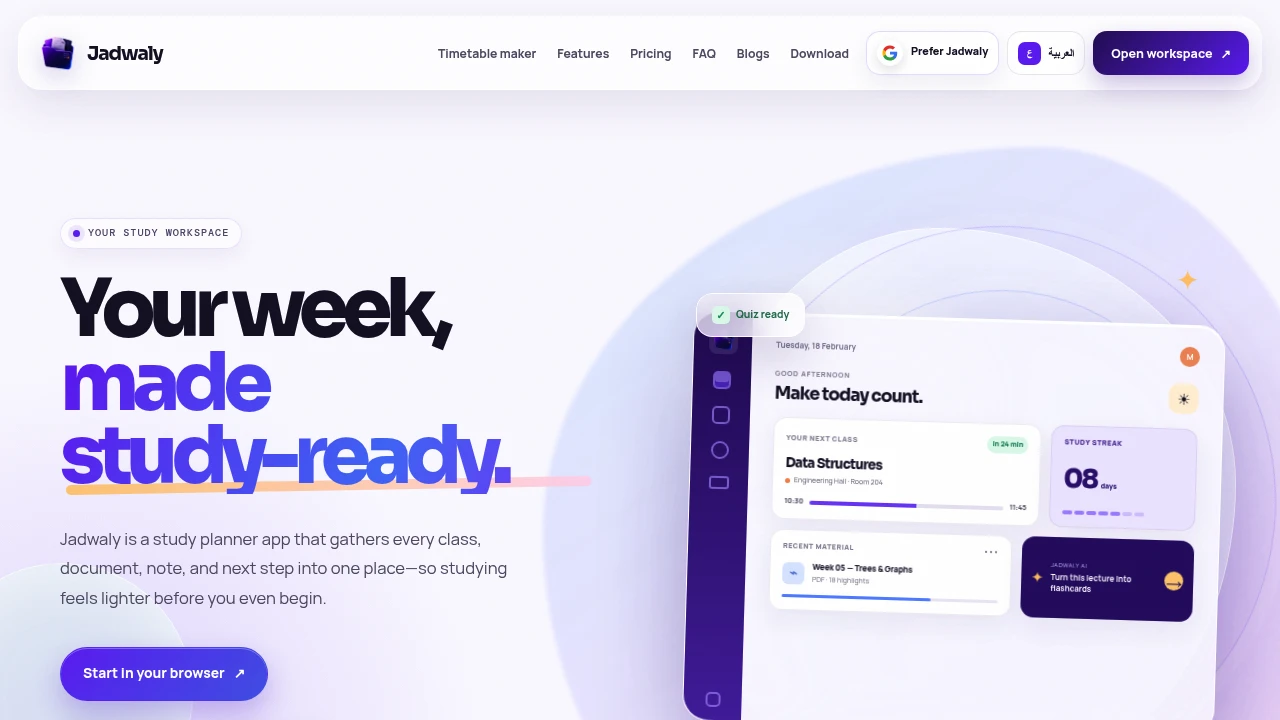
Jadwaly is a study planner app that brings classes, course materials, notes, and upcoming study tasks into one organized workspace. Instead of managing timetables, documents, exam preparation, and study tools across separate apps, students can keep everything connected to the course it belongs to and move directly from planning to studying.
Jadwaly is available on web, iPhone, iPad, and Android. Its course-centered layout brings together a weekly timetable, upcoming classes, recent materials, and quick access to the tasks that need attention next, giving students a single place to manage their academic work.
Key Features
Courses and Timetable
Create courses, add classes, and keep your academic schedule connected to the rest of your study workspace. Jadwaly can also import an existing timetable from an image, PDF, or spreadsheet, making it easier to get started without manually recreating your schedule.
Course Materials in Context
Keep study materials alongside the course they belong to instead of storing them across disconnected apps and folders. Jadwaly supports:
- PDFs
- Slides
- Documents
- Images
- Notes
This keeps lecture resources and personal study notes organized around the relevant course.
AI Study Tools From Your Materials
Turn the content you already have into different study formats. Jadwaly can generate:
- Summaries
- Flashcards
- Quizzes
- Fill-in-the-blank practice
- Mind maps
Rather than starting with a blank AI prompt, these tools work from uploaded course materials, making them useful for lecture review and exam preparation.
Document Study
Study documents without leaving the course workspace. You can read, search, highlight, translate, and ask questions about documents directly within Jadwaly.
On mobile, translation works on-device and can remain available offline after the required language model has been downloaded.
Course Chat
Use Course Chat to ask source-based questions about your notes and documents. Answers can then be saved as study content, turning questions that come up while studying into reusable revision material.
Study Lock
Study Lock provides focused study support by pausing distracting apps while you work toward a study task. Once the task is completed, the restricted apps can be unlocked, helping create a more focused study session.
Progress Tracking
Keep study progress and streaks visible while you work. Progress tracking provides a simple way to maintain consistency and see your study activity over time.
Built For Students
Jadwaly is designed for students who want their academic planning and study materials connected rather than spread across multiple tools.
The course workspace provides a central place for schedules, documents, notes, study resources, and upcoming tasks. This makes it useful for students managing multiple courses while preparing for exams, reviewing lectures, and keeping track of what needs attention.
Common Use Cases
Exam Preparation
Upload course materials and turn them into summaries, flashcards, quizzes, fill-in-the-blank exercises, and mind maps for structured revision.
Lecture Review
Keep lecture documents and notes alongside the relevant course and use document search, highlighting, translation, and Course Chat to review material.
Weekly Study Planning
Use the timetable and course workspace to see upcoming classes, recent materials, and the next tasks that need attention.
Organizing Course Materials
Keep PDFs, slides, documents, images, and notes connected to their respective courses instead of managing them across separate applications.
Focused Study Sessions
Use Study Lock to reduce distractions while completing a specific study task and maintain consistency through progress tracking and streaks.
Available Across Devices
Jadwaly works across web, iPhone, iPad, and Android, allowing students to keep their courses and study workflows accessible across the devices they already use.
Many core workflows also remain available offline. Changes can sync again when the device reconnects, while mobile translation can remain available offline after its language model has been downloaded.
Why It Matters
Students often have their timetable in one app, lecture materials in another, notes somewhere else, and exam preparation tools in several more places. Jadwaly brings those pieces together around the course itself.
Its approach starts with the material students already have rather than requiring them to begin with a blank prompt. By connecting schedules, documents, notes, AI study tools, document-based questions, focus support, and progress tracking, Jadwaly provides a calmer way to move from knowing what you need to study to actually studying it.
Plan, Organize, and Study With Jadwaly
Keep your timetable, course materials, notes, study tools, and next tasks in one place. Jadwaly helps students organize their academic workload and turn the materials they already have into practical study resources.


