
LumaKeys
A Mac app for self-taught pianists that uses falling notes to learn pieces, record performances, transcribe audio to MIDI, and export videos.
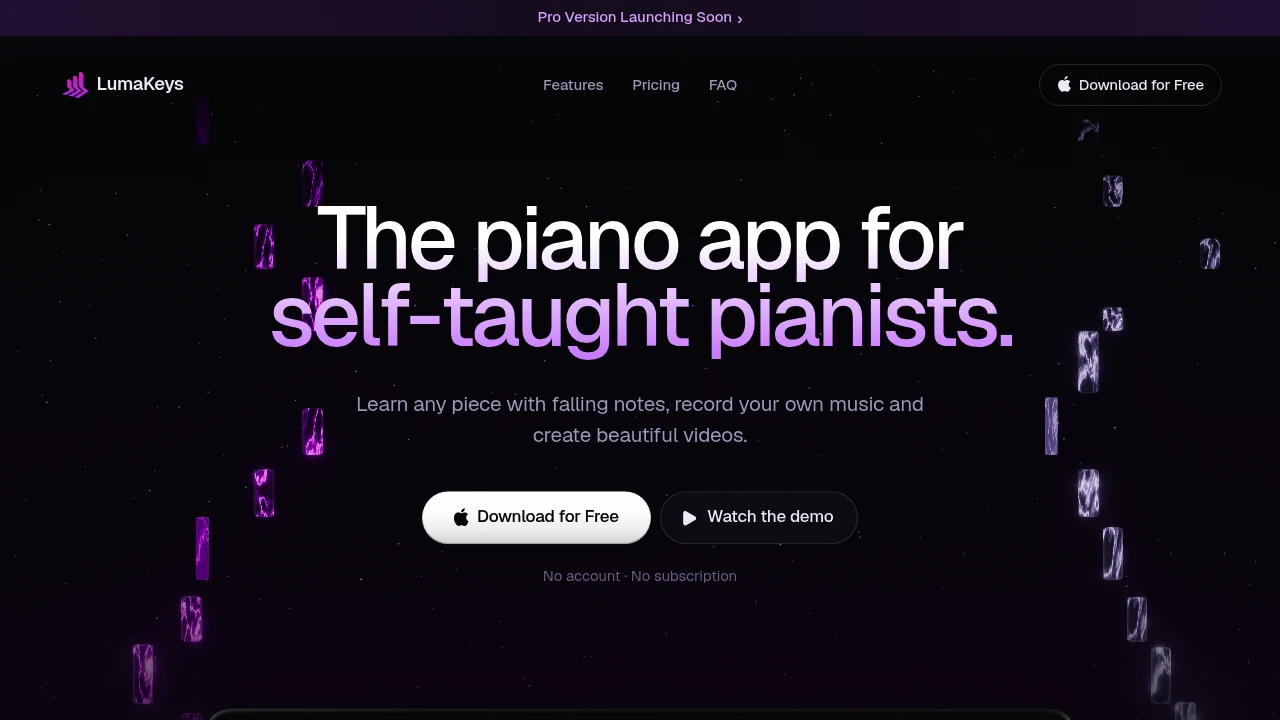
This Mac app is built for self-taught pianists who want one place to learn pieces, practice performances, record ideas, and turn their playing into shareable piano videos. Instead of relying primarily on traditional sheet music, it uses falling notes as a visual learning format, allowing players to follow along, slow down difficult passages, loop sections, and practice individual hands.
Beyond learning, the app brings recording, editing, transcription, playback, video export, and repertoire management into the same workflow. You can record from a MIDI keyboard or computer keys, correct small mistakes afterward, transcribe solo piano audio locally, and keep learned and recorded pieces organized in one place.
Key Features
Visual Piano Learning
Learn pieces through an animated falling-note interface rather than relying entirely on sheet music.
Learning tools include:
- Falling notes
- Hand separation
- Section looping
- Slowdown controls
- Follow-you mode that waits for your playing
This makes the app particularly useful for self-taught players who are more comfortable following visual piano tutorials than reading conventional notation.
Recording And Editing
Record performances directly inside the app and make small corrections afterward.
You can capture playing from:
- MIDI keyboards
- Computer keys
If you make a minor mistake during a recording, you can edit the notes afterward instead of starting the entire performance again.
Audio To MIDI
Turn solo piano recordings into editable MIDI data directly on your Mac.
You can:
- Transcribe existing solo piano audio locally
- Record piano through a microphone
- Work with the resulting MIDI representation
This provides a way to bring performances and recordings into the same editable workflow as pieces learned through the app.
Piano Roll View
Inspect the complete piece through a built-in piano roll.
The piano roll provides another way to understand the notes beyond the animated falling-note player, making it useful for examining the structure of a piece and working with individual notes.
Video Export
Turn piano performances into styled videos designed for sharing.
Export options include:
- 1080p in the free version
- 4K in Pro
- Social-friendly piano video presentation
- No-watermark 4K export with Pro
This makes the app useful not only for private practice but also for players who want to turn their performances into content for social media.
Repertoire Organization
Keep learned and recorded pieces together in one repertoire.
Instead of scattering recordings, practice files, and learned songs across different applications and folders, the app provides a central place to manage your piano material.
This creates a continuous workflow from learning a piece to practicing it, recording it, editing the performance, and exporting a finished video.
Playback And Piano Controls
Customize how pieces are played and practiced.
Playback features include:
- MIDI keyboard input
- Computer-key input
- Chord helpers
- Sustain control
- Customizable piano presets
These controls allow the same app to work for both guided learning and more flexible piano practice.
Built For Self-Taught Pianists
Visual Learners
Follow falling notes instead of depending on traditional sheet music.
YouTube-Style Piano Learners
Use a workflow that builds on the visual falling-note format commonly used in online piano tutorials.
Hobbyist Pianists
Learn pieces, record ideas, and maintain a personal repertoire without switching between multiple tools.
Piano Content Creators
Record performances and create styled 1080p or 4K piano videos for sharing.
Common Use Cases
Learning Without Sheet Music
Follow animated notes and use slowdown, looping, and hand separation when traditional notation is not your preferred learning method.
Practicing Difficult Sections
Loop challenging passages, slow them down, or isolate one hand until the section becomes easier to play.
Recording Piano Ideas
Capture performances directly from a MIDI keyboard or computer keyboard and keep the recordings organized with the rest of your repertoire.
Fixing Performance Mistakes
Edit individual notes after recording instead of re-recording an entire performance because of a small error.
Transcribing Piano Audio
Convert solo piano audio into MIDI locally on the Mac for further editing and practice.
Creating Piano Videos
Turn recorded performances into styled videos and export them at up to 4K with Pro.
Offline And Local
The app runs on macOS 12 or later and works offline.
Your piano workflow stays on your device, including local audio-to-MIDI transcription. This makes it suitable for players who want their practice and recording environment available without depending on a constant internet connection.
Free And Pro
The free version includes the full player but places limits on:
- Number of pieces
- Transcriptions
- Export quality
Pro removes those caps and adds 4K export without a watermark, making it suitable for users who want to maintain a larger repertoire, transcribe more material, and create higher-quality piano videos.
Why It Matters
Learning piano as a self-taught player often means combining several different tools: falling-note tutorials for learning, separate software for recording, another tool for editing MIDI, and yet another workflow for creating videos.
This app brings those activities together around a visual learning approach. You can learn a piece, practice difficult sections, record your performance, correct mistakes, organize the result in your repertoire, and export a finished video from the same Mac app.
For players who do not read sheet music confidently, the combination of falling notes, hand separation, looping, slowdown, and follow-you practice provides a more accessible way to work through pieces while still offering deeper tools such as piano roll editing and audio-to-MIDI transcription.
Learn, Play, Record, And Share
Build a complete piano practice workflow in one Mac app. Follow falling notes, slow down and loop difficult sections, record from your MIDI keyboard or computer keys, edit mistakes, transcribe piano audio locally, organize your repertoire, and export styled performances in up to 4K with Pro.


