
Nexus Shell
A SwiftUI-based macOS SSH client that integrates terminal, SFTP, Docker, key management, and real-time server monitoring into one place.
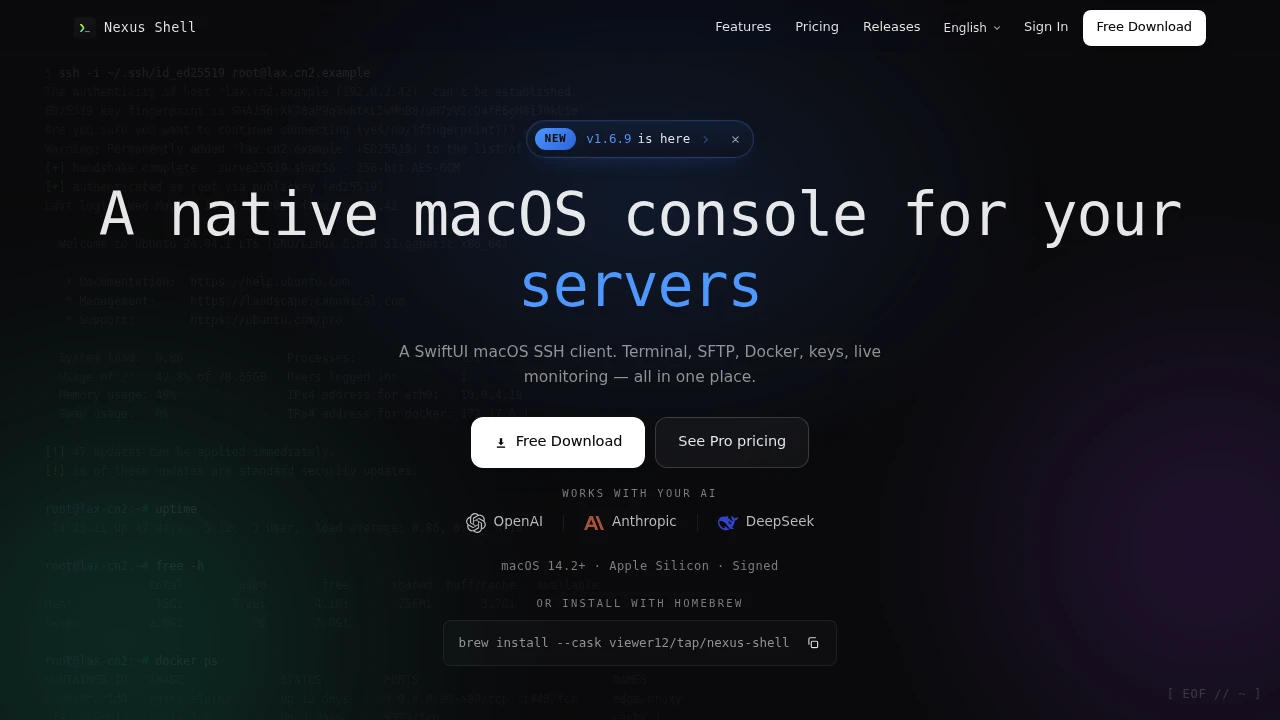
This macOS-native SSH workspace is built for people who frequently connect to servers, monitor system status, transfer files, and manage containers. It brings the terminal, SFTP, SSH key management, Docker controls, and real-time monitoring into one interface, reducing the need to switch between multiple tools.
The product is designed more for everyday server administration and operations than as a simple command-line replacement. After connecting to a server, you can view CPU, memory, network activity, system load, and processes while keeping track of the connection status. This makes it useful for developers, DevOps engineers, and administrators managing multiple hosts.
Key Features
Multi-Tab Terminal
Manage multiple server connections at the same time.
Each connection can run in its own terminal tab, making it easier to:
- Work across multiple servers
- Run tasks in parallel
- Switch between active sessions
- Keep different environments separated
This is useful for users who regularly manage production, staging, development, or multiple client servers.
Dual-Pane SFTP
Browse local and remote files side by side.
The SFTP interface allows you to:
- View local and remote directories together
- Browse files
- Transfer files between systems
- Compare directory structures
- Manage remote server files without leaving the workspace
This reduces the need for a separate file transfer application.
Docker Management
Monitor and manage containers from the same workspace.
The Docker tools allow you to work with:
- Container status
- Ports
- Images
- Resource usage
- Container logs
You can also start and stop containers without switching back and forth between separate management tools.
SSH Key Management
Manage SSH credentials from within the application.
The workspace supports:
- Ed25519 keys
- RSA keys
- Key generation
- Key importing
- Fingerprint viewing
- Assigning keys to specific hosts
This provides a centralized way to manage the credentials used across different server connections.
Real-Time Server Monitoring
View important server metrics without manually running separate monitoring commands.
The application provides visibility into:
- CPU usage
- Memory usage
- Network activity
- System load
- Running processes
This makes it easier to check server health immediately after connecting.
Session History and Replay
Keep a record of terminal activity.
Terminal sessions can be automatically saved and later used for:
- Searching past sessions
- Reviewing commands and output
- Troubleshooting issues
- Replaying previous activity
- Reviewing operational work
This can be particularly useful when investigating a problem or reviewing how a task was completed.
Command History and Favorites
Keep frequently used commands and connections easily accessible.
Users can save and organize:
- Command history
- Frequently used commands
- Favorite server connections
This reduces repetitive typing and makes recurring server tasks quicker to access.
Built for macOS
The application is designed as a native macOS client.
It includes:
- A SwiftUI-based interface
- Light and dark appearance support
- Native Apple Silicon support
- macOS 14 or later compatibility
The focus is on providing a desktop experience that feels integrated with the macOS environment rather than relying on a browser-based dashboard.
Built for Server Management and Daily Operations
This SSH workspace combines terminal access, file transfers, SSH key management, Docker controls, real-time monitoring, session history, and command management into one environment.
Key benefits include:
- Managing multiple SSH connections
- Monitoring server resources in real time
- Transferring files through SFTP
- Managing Docker containers
- Organizing SSH keys
- Saving and reviewing terminal sessions
- Accessing command history and favorites
- Reducing the need to switch between multiple server management tools
Built For
- Developers
- DevOps Engineers
- System Administrators
- Infrastructure Teams
- Server Operators
- Cloud Engineers
- Technical Support Teams
- Anyone Managing Multiple SSH Hosts
Common Use Cases
- Connecting to multiple servers
- Monitoring CPU, memory, network, and system load
- Uploading and downloading files through SFTP
- Managing Docker containers
- Viewing container logs
- Starting and stopping containers
- Managing SSH keys
- Reviewing past terminal sessions
- Troubleshooting server issues
- Saving frequently used commands and connections
Why It Matters
Managing servers often means switching between a terminal application, an SFTP client, SSH key tools, Docker management tools, and separate monitoring commands. That can make routine operations slower, especially for people maintaining multiple hosts.
This macOS-native SSH workspace brings those workflows together by combining terminal sessions, file transfers, SSH key management, Docker controls, and real-time system monitoring in one interface. Users can connect to a server, inspect its current resource usage, manage files, review containers, and keep a record of their sessions without constantly switching applications.
Connect, Monitor, Transfer, and Manage Servers From One Workspace
Connect to multiple SSH hosts through separate terminal tabs, transfer files with a dual-pane SFTP interface, manage Ed25519 and RSA SSH keys, monitor CPU, memory, network activity, load, and processes in real time, inspect Docker containers and logs, save and replay terminal sessions, and keep frequently used commands and connections organized from one native macOS workspace.


