
PDF & Image Tools
Compress, convert, and edit PDFs and images for free. Files never leave your device. Target exact file sizes. No watermarks and no signup required.
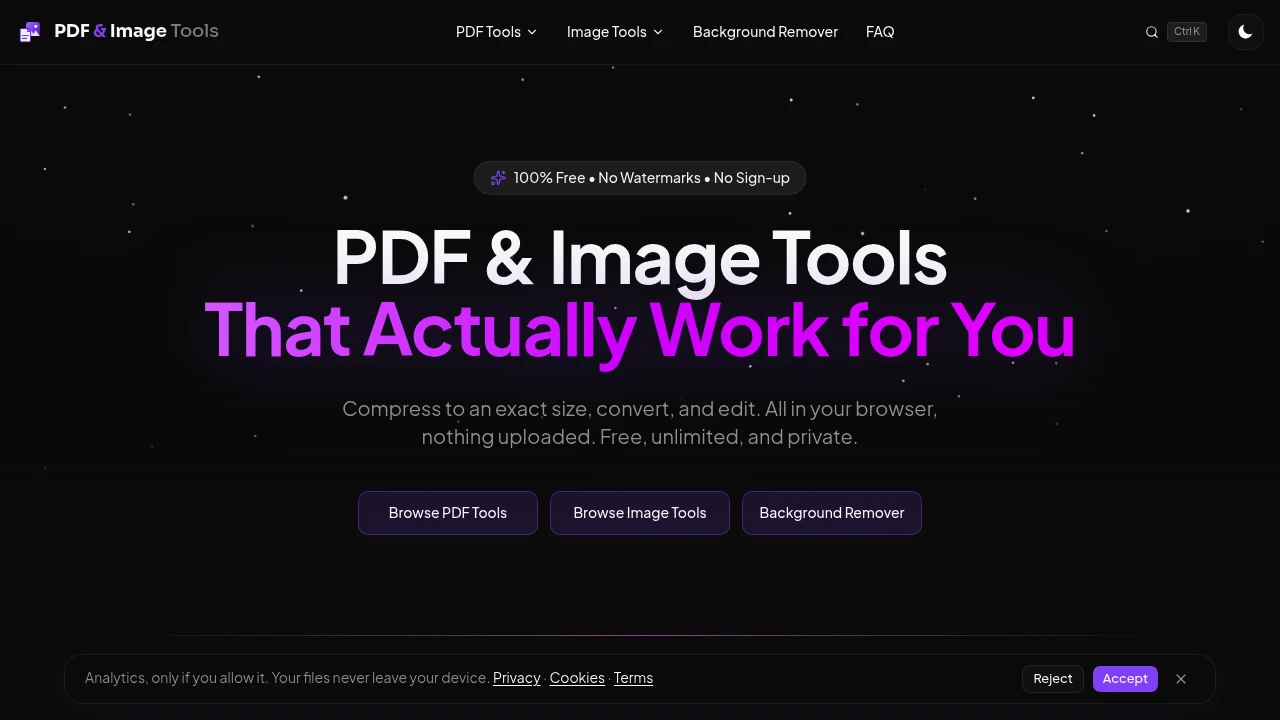
Process, optimize, and manage PDFs and images directly in your browser with a privacy-first document toolkit. Every operation runs locally on your device, ensuring your files never leave your computer while delivering fast, secure, and unlimited document processing without subscriptions or uploads.
Edit and Optimize Files Without Uploading Them
Handle PDF and image tasks with browser-based tools that keep your documents completely private.
Whether you need to compress files, optimize images, process batches of documents, or prepare files for online submissions, everything happens locally for maximum speed and confidentiality.
Key Features
Browser-Based File Processing
Process PDFs and images without sending files to external servers.
Benefits include:
- Local processing
- No file uploads
- Faster performance
- Complete privacy
- Secure document handling
for sensitive personal and business files.
Precise File Compression
Reduce document sizes while targeting specific file requirements.
Optimize files for:
- Online application portals
- Email attachments
- Government submissions
- Business uploads
- Storage optimization
with configurable file size targets.
Batch Processing
Process multiple files simultaneously to improve productivity.
Handle batches of:
- PDF documents
- Images
- Mixed file collections
- Large document sets
- Multiple uploads
with automatic packaged downloads.
Unlimited Free Usage
Use every tool without restrictions or hidden costs.
Enjoy:
- Unlimited processing
- No daily limits
- No subscriptions
- No account registration
- No premium paywalls
for unrestricted access.
Clean, Watermark-Free Exports
Generate professional documents without unwanted branding.
Every processed file includes:
- No watermarks
- Clean outputs
- Professional formatting
- Ready-to-share documents
- High-quality results
for personal and business use.
Offline Support
Continue working even without an active internet connection.
Benefits include:
- Offline access
- Browser-based operation
- Reliable processing
- Flexible workflows
- Productivity anywhere
after the initial application load.
Built for Private Document Workflows
The platform is designed to help users manage documents efficiently while maintaining complete control over their data.
Key benefits include:
- Privacy-first processing
- Instant file handling
- Unlimited usage
- Offline accessibility
- Professional-quality results
Built For
- Professionals
- Students
- Businesses
- Designers
- Freelancers
- Anyone Working with PDFs and Images
Common Use Cases
- PDF compression
- Image optimization
- Batch document processing
- File preparation
- Secure document handling
- Offline document management
Why It Matters
Many online document tools require users to upload sensitive files to remote servers, introducing privacy concerns, usage limits, and unnecessary delays. By processing files entirely within the browser, this platform provides faster performance, stronger privacy, and unlimited access while giving users complete control over their documents and images.
Process Files with Complete Privacy
Compress, optimize, and manage PDFs and images directly in your browser with fast local processing, precise file size control, batch operations, offline support, and unlimited watermark-free exports.


