
PDFWix
A free online PDF toolkit for merging, splitting, compressing, converting, editing, and signing files without watermarks or signup.
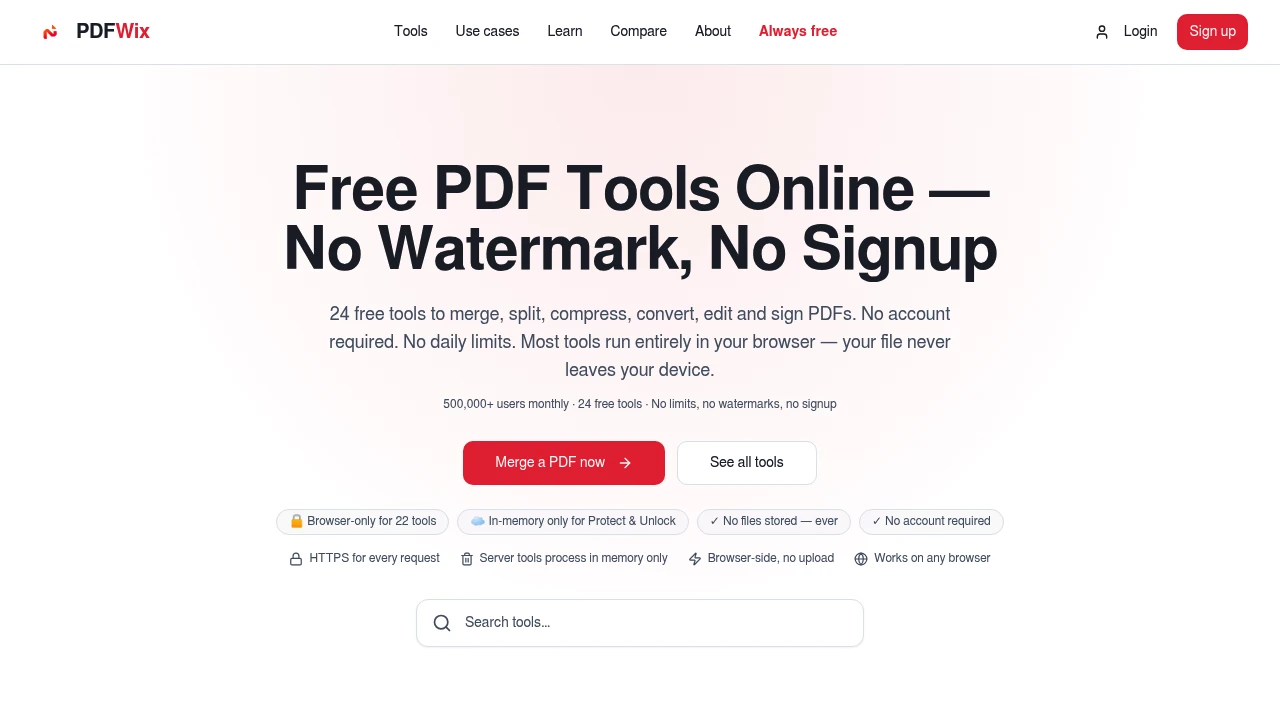
Manage PDFs online with a free browser-based toolkit that handles merging, splitting, compressing, converting, editing, signing, and other everyday document tasks without requiring an account. PDFWix is built for users who want fast PDF utilities with privacy-focused processing and clean output free from watermarks.
Edit, Convert, and Manage PDFs Without Uploading Most Files
Complete common PDF tasks directly in your browser using modern web technologies that process supported documents on your device instead of sending them to remote servers.
Whether you're preparing business documents, completing school assignments, signing forms, or organizing PDFs, PDFWix provides a simple collection of browser-based tools that work across desktop and mobile devices.
Key Features
Complete PDF Toolkit
Access a wide range of tools for everyday document work.
Available features include:
- PDF merging
- PDF splitting
- PDF compression
- PDF conversion
- PDF editing
- PDF signing
from one online workspace.
Browser-Based Processing
Keep supported documents on your device during processing.
Benefits include:
- Local processing
- Browser execution
- Faster workflows
- Reduced uploads
- Improved document privacy
using WebAssembly-powered tools.
No Watermarks or Limits
Use PDF tools without common free-tier restrictions.
Enjoy:
- No watermarks
- No signup
- No daily limits
- Free access
- Unlimited everyday use
for routine document tasks.
PDF Conversion & Editing
Convert and update PDF files with simple browser tools.
Perform tasks such as:
- Format conversion
- Text editing
- Page management
- Document updates
- File optimization
without installing software.
Secure PDF Protection
Handle password-related PDF tasks securely.
Available tools include:
- PDF protection
- PDF unlocking
- In-memory processing
- Secure handling
- Temporary processing
for supported security operations.
Cross-Platform Access
Use the toolkit from virtually any modern device.
Supported platforms include:
- Windows
- macOS
- iPhone
- Android
- Chromebook
through any compatible web browser.
Built for Everyday PDF Work
PDFWix helps students, professionals, businesses, and everyday users complete common PDF tasks quickly while minimizing unnecessary uploads and avoiding the restrictions found in many free PDF services.
Key benefits include:
- Free PDF editing tools
- Browser-based document processing
- Privacy-focused workflows
- No-watermark downloads
- Cross-device compatibility
Built For
- Students
- Office Professionals
- Freelancers
- Small Businesses
- Remote Workers
- Everyday Users
Common Use Cases
- PDF merging
- PDF splitting
- PDF compression
- PDF conversion
- PDF signing
- Document editing
Why It Matters
Many free PDF services require account creation, impose daily usage limits, add watermarks, or upload sensitive documents to remote servers before processing. PDFWix takes a browser-first approach for most of its toolkit, allowing supported PDF operations to run locally through WebAssembly while providing free access without watermarks or usage caps. Users can complete common document tasks quickly while maintaining greater control over privacy and avoiding unnecessary software installations.
Handle Everyday PDF Tasks Faster and More Privately
Merge, split, compress, convert, edit, and sign PDF documents with a free browser-based toolkit that prioritizes local processing, clean output, and simple access across desktop and mobile devices.


