
Picbee
Create branded event galleries, let guests upload by QR code, and help them find photos with face search.
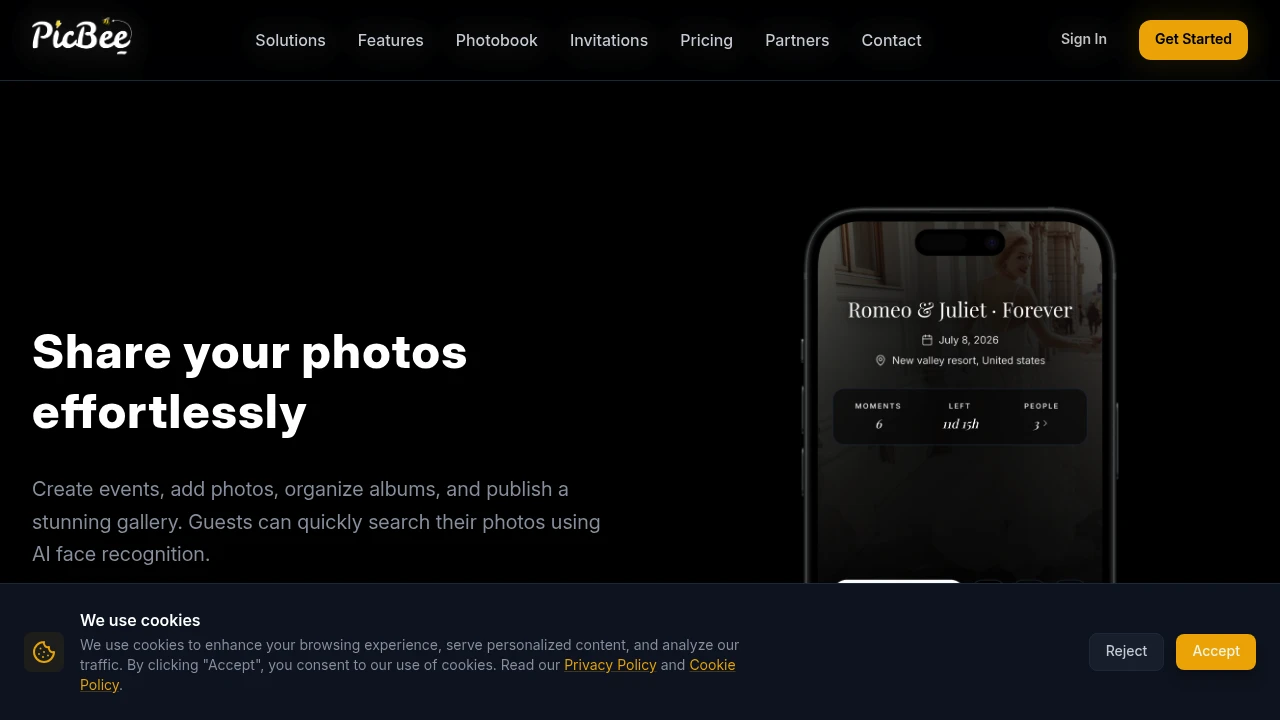
PicBee helps event hosts collect, organize, and share photos through one branded gallery. It is built for weddings, parties, photographers, studios, and event organizers who want guests to upload photos from their phones and access the gallery without installing a separate app.
The platform is designed around a simple event workflow. Hosts create an event, choose privacy and gallery settings, then share a unique link or QR code with guests. Attendees can open the gallery in a browser, upload photos, browse the event collection, and use AI face recognition to find photos of themselves.
Key Features
Branded Event Galleries
Create a dedicated photo gallery for each event.
PicBee allows hosts to create event-specific galleries that can be customized around the event or brand.
Gallery customization can include:
- Custom layouts
- Event branding
- Colors
- Templates
- Subdomains
- Privacy settings
This makes it possible to present event photos through a dedicated experience instead of collecting files through multiple links or messaging apps.
QR Code Photo Sharing
Give guests a quick way to access the event gallery.
Each event can be shared through a unique QR code or direct link.
Hosts can use the QR code for:
- Wedding signage
- Party invitations
- Event displays
- Printed materials
- Table cards
- Custom-designed sharing materials
Guests can scan the code and open the gallery directly from their phones.
Browser-Based Guest Access
Allow guests to participate without requiring a traditional app installation.
PicBee is designed to let attendees access event galleries directly through their browser.
The platform also supports:
- iOS App Clips
- Android Instant Apps
This reduces the number of steps required for guests to join an event and begin uploading or browsing photos.
Guest Photo Uploads
Collect photos from attendees in one central location.
Guests can upload their event photos directly to the shared gallery.
This can help organizers collect:
- Guest photos
- Candid moments
- Different perspectives
- Group photos
- Behind-the-scenes content
- Event memories
Instead of asking guests to send files individually after an event, photos can be added directly to the same gallery.
AI Face Recognition
Help guests find photos that include them.
PicBee uses AI face recognition to support photo discovery within an event gallery.
Guests can use this feature to search for:
- Photos containing themselves
- Personal event pictures
- Group photos
- Photos captured by other attendees
This can make large event galleries easier to navigate when hundreds or thousands of images are collected.
Photo Reveal Controls
Control when event photos become visible.
Hosts can choose when uploaded photos are revealed to guests.
Photo reveal options can include:
- Immediate display
- Delayed reveal
- Scheduled reveal at a specific time
This can be useful for events where organizers want to create a photo reveal moment or review content before making it visible.
Gallery Organization
Organize event content into a clearer structure.
PicBee supports organizing photos through event-specific collections and albums.
This can help separate content such as:
- Ceremony photos
- Reception photos
- Party moments
- Guest uploads
- Professional photography
- Different event sessions
This gives hosts more control over how guests browse a large collection of images.
Custom Event Websites
Create a dedicated event experience around the gallery.
PicBee supports custom event sites with branded layouts and subdomains.
These pages can act as a central destination for:
- Event photos
- Guest uploads
- Gallery access
- Event information
- Branded experiences
This can be useful for photographers, studios, and event organizers who want the photo experience to reflect their own identity or the event itself.
Photo Strips
Create multi-image photo layouts.
PicBee includes photo strip functionality with 4-cut layouts that can be used digitally or prepared for printing.
This can be useful for:
- Weddings
- Parties
- Photobooths
- Event souvenirs
- Social sharing
- Printable keepsakes
The feature adds a more traditional event-photo format alongside the standard gallery experience.
Photobook Creation
Turn event photos into a structured photobook.
Users can work with editable templates to organize images into photobook layouts.
The workflow supports:
- Photo selection
- Editable templates
- Layout customization
- Print-ready PDF export
This provides a way to turn a digital event gallery into a physical or printable keepsake.
Integrated Photobooth Sessions
Connect photobooth activity directly to the event gallery.
PicBee supports photobooth sessions that can be tied to an event site and its gallery.
This allows photos created during the session to become part of the wider event experience rather than being stored separately.
Potential use cases include:
- Wedding photobooths
- Party photo stations
- Brand activations
- Corporate events
- Studio experiences
POV Camera Mode
Capture event content from a dedicated point-of-view workflow.
PicBee includes a POV camera mode with controls such as:
- Shot limits
- Filter styles
- Event-focused capture settings
This can provide an additional way to create and collect content during an event.
Link-in-Bio Pages
Create a central page for photography and event-related links.
Photographers and studios can use PicBee to create link-in-bio pages that bring together:
- Photo galleries
- Services
- Booking links
- Event content
- Other relevant destinations
This can make it easier to share multiple photography or business resources through one link.
Event Timing Controls
Set availability periods for event galleries.
Hosts can configure start and end dates for an event experience.
This can help manage:
- Event availability
- Upload periods
- Gallery access
- Time-limited experiences
These controls can be useful when a gallery is designed around a specific event window.
Analytics and API Access
Access additional tools for larger photography and event workflows.
PicBee includes analytics and API access for supported plans.
These features can help photographers, agencies, and larger event operators manage galleries and understand activity across their events.
Higher plans can also support:
- Custom domains
- Higher guest limits
- Expanded event capabilities
- Additional business controls
Built for Event Photo Collection and Sharing
PicBee combines branded galleries, QR code access, guest uploads, AI-powered photo discovery, photobooth tools, photobooks, and event customization into one platform for collecting and sharing event photography.
Key benefits include:
- Branded event galleries
- QR code and direct-link sharing
- Browser-based guest access
- iOS App Clips and Android Instant Apps
- Guest photo uploads
- AI face recognition
- Photo reveal controls
- Album and collection organization
- Custom event websites
- Photo strip creation
- Photobook templates and PDF export
- Integrated photobooth sessions
- POV camera mode
- Link-in-bio pages
- Event timing controls
- Analytics and API access
Built For
- Wedding Hosts
- Party Organizers
- Event Planners
- Photographers
- Photography Studios
- Creative Agencies
- Corporate Event Teams
- Brand Activation Teams
- Community Organizers
- Families
- Guests Attending Events
Common Use Cases
- Collecting wedding photos from guests
- Creating a shared gallery for a party
- Sharing event photos through a QR code
- Letting guests upload photos from their phones
- Helping attendees find photos of themselves
- Creating branded photography galleries
- Building custom event websites
- Running photobooth sessions
- Creating printable photo strips
- Turning event photos into photobooks
- Managing galleries for multiple events
- Creating photography link-in-bio pages
- Scheduling when event photos become visible
- Collecting photos without requiring guests to install an app
Why It Matters
Event photos are often scattered across personal phones, photographer galleries, messaging apps, cloud folders, and social platforms. That can make it difficult for organizers to collect guest photos or for attendees to find and share the moments they were part of.
PicBee brings those activities into one event-focused workflow. Hosts can create a branded gallery, share access through a QR code or direct link, allow guests to upload photos, and organize everything around the event itself. Browser-based access, App Clips, and Instant Apps also reduce the friction for guests who may only need to use the service once.
The platform also focuses on how people discover and present event content. AI face recognition can help guests locate their own photos, while reveal controls allow organizers to decide when images become visible. Features such as photobooths, photo strips, photobooks, and custom event sites extend the workflow beyond simple file storage and turn the gallery into part of the event experience.
Collect, Organize, and Share Event Photos From One Branded Gallery
Create an event, customize the gallery, set privacy and timing controls, share a unique link or QR code, let guests upload photos directly from their phones, help attendees find their pictures with AI face recognition, organize content into collections, run photobooth sessions, create photo strips and photobooks, and deliver a branded photo experience without requiring guests to install a traditional app.


