
Pokecut
An online AI photo editor and image generator that removes backgrounds, retouches portraits, cleans product shots, and handles batch edits.
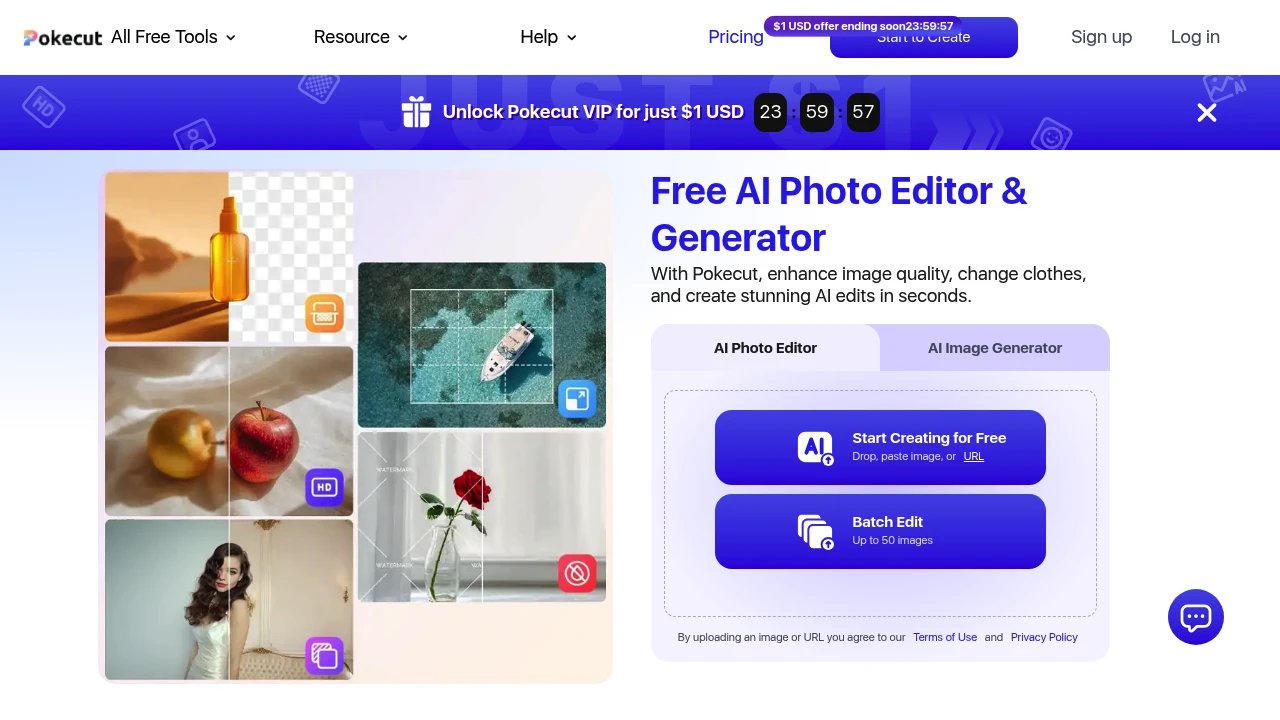
Edit, enhance, and generate images with AI from one browser-based workspace. Pokecut helps creators, ecommerce sellers, marketers, photographers, and everyday users quickly remove backgrounds, erase unwanted objects, retouch portraits, create ID photos, and generate entirely new images without learning complex editing software.
AI Photo Editing and Image Generation in One Place
Instead of switching between multiple editing apps, Pokecut combines the most common AI image tools into a single interface. Upload a photo to clean it up, replace backgrounds, enhance portraits, remove distractions, or generate entirely new visuals from text prompts or reference images.
Whether you're preparing ecommerce product photos, improving profile pictures, creating social media content, or experimenting with AI-generated artwork, Pokecut offers a fast workflow that works directly in your browser without requiring an account for basic use.
Key Features
AI Background Removal
Separate subjects from their backgrounds in seconds.
Perfect for:
- Product photography
- Portraits
- Profile photos
- Ecommerce listings
- Marketing images
with clean subject isolation.
Object Removal
Remove unwanted distractions while preserving the rest of the image.
Erase items such as:
- Background clutter
- Reflections
- Labels
- Timestamps
- Unwanted objects
using AI-powered editing.
Portrait Retouching
Improve portraits while maintaining a natural appearance.
Enhance photos with:
- Skin smoothing
- Lighting adjustments
- Facial enhancement
- Detail refinement
- Natural-looking results
for professional portraits and selfies.
Face & Body Enhancement
Make subtle adjustments without creating unrealistic edits.
Apply improvements including:
- Facial refinement
- Body adjustments
- Balanced proportions
- Natural corrections
- Appearance enhancement
for polished photos.
AI Image Generation
Create entirely new visuals using AI.
Generate images from:
- Text prompts
- Reference images
- Image-to-image editing
- Replacement prompts
- Creative concepts
without starting from scratch.
Batch Image Editing
Process multiple images together.
Edit up to:
- 50 images
- Product catalogues
- Large photo collections
- Marketplace listings
- Bulk image sets
in one workflow.
AI Product Photo Editing
Prepare product images for ecommerce platforms.
Enhance listings with:
- Background replacement
- Product cleanup
- Marketplace-ready sizing
- Professional presentation
- Consistent product photos
for online stores.
ID Photo Creator
Generate photos that fit official document requirements.
Create images for:
- Passports
- Visa applications
- Resume photos
- Employee badges
- Identification documents
using preset formats.
Creative Design Tools
Build visual content beyond simple editing.
Additional tools include:
- Collages
- Stickers
- Text overlays
- AI backgrounds
- Social media graphics
for creative projects.
Mobile & Browser Access
Edit images wherever you work.
The platform is available through:
- Web browser
- Mobile app
- Cross-device editing
- Online workspace
- No-signup basic access
for flexible use.
Built for AI Image Editing
Pokecut combines AI background removal, object erasing, portrait enhancement, AI image generation, batch editing, ecommerce photo editing, ID photo creation, and creative design tools into one browser-based image editing platform.
Key benefits include:
- AI photo editor
- Background remover
- AI image generator
- Product photo editor
- Portrait retouching tool
Built For
- Content Creators
- Ecommerce Sellers
- Marketers
- Photographers
- Small Businesses
- Everyday Users
Common Use Cases
- Removing image backgrounds
- Cleaning product photos
- Retouching portraits
- Creating passport and ID photos
- Generating AI artwork
- Editing images for social media
Why It Matters
Many image editing tasks require separate tools for background removal, object cleanup, portrait enhancement, AI generation, and ecommerce preparation. Pokecut brings these capabilities together in one browser-based platform that supports natural-looking portrait edits, AI-powered object removal, product image enhancement, text-to-image generation, image-to-image editing, batch processing for up to 50 images, and official ID photo creation. With browser access, mobile support, and no-signup basic usage, users can quickly create polished images for personal, creative, or commercial use without learning professional editing software.
Edit, Enhance, and Generate Images With AI
Remove backgrounds, erase unwanted objects, retouch portraits, improve product photos, generate AI images from text or reference photos, edit up to 50 images at once, create passport and ID photos, add creative backgrounds and graphics, and produce professional-quality visuals from one easy-to-use online AI photo editor.


