
SnapPChart
AI chart analysis for stocks, forex, and crypto that grades screenshots and returns entry, stop, target, and trade thesis.
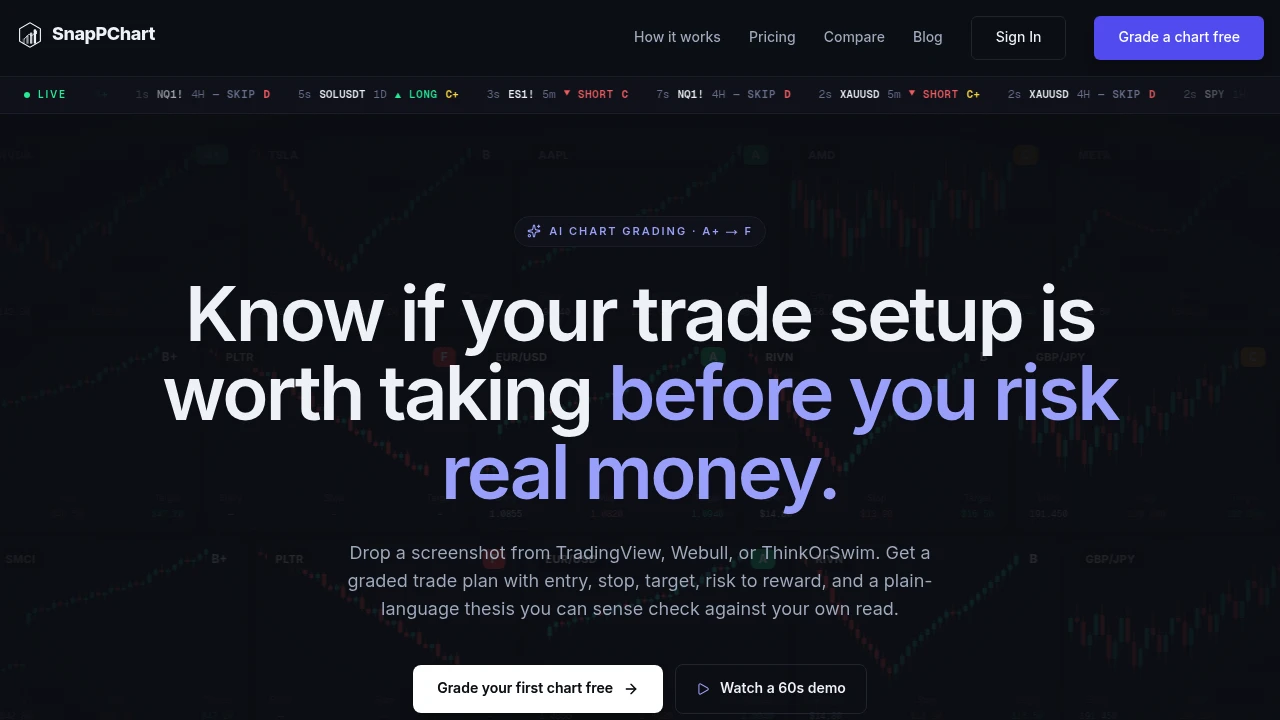
SnapPChart is an AI chart review tool that helps traders get a quick second opinion on potential trade setups before entering a position. Users upload a screenshot of a chart from platforms such as TradingView, Webull, ThinkOrSwim, or other supported charting tools, and SnapPChart analyzes the setup and returns a grade along with a structured trade plan.
The platform is designed for active traders who want a more consistent process for reviewing potential trades across stocks, forex, cryptocurrency, and futures. Instead of providing a general market summary, SnapPChart focuses on the specific chart submitted and evaluates factors related to the potential setup, including entry, stop loss, profit targets, risk-to-reward, and overall trade quality.
Key Features
AI Chart Grading
Get a structured assessment of a potential trading setup.
SnapPChart grades uploaded chart setups on a scale from:
- A+
- A
- B
- C
- D
- F
The grade is designed to provide a quick indication of the overall quality of the setup based on the chart being analyzed.
Structured Trade Plans
Turn a chart screenshot into a clearer trading framework.
Each analysis can provide information such as:
- Potential entry
- Stop-loss level
- Profit target
- Risk-to-reward ratio
- Trade thesis
This gives traders a structured reference they can compare against their own analysis before making a decision.
Plain-Language Trade Thesis
Understand why a setup received its grade.
SnapPChart provides an explanation of the chart analysis in straightforward language, helping traders review:
- Potential setup quality
- Chart confluence
- Risk-to-reward considerations
- Strengths of the setup
- Weaknesses or concerns
This can make it easier to quickly understand what contributed to a stronger or weaker grade.
Weak Setup Identification
Get feedback when a potential trade does not meet the same standard as a stronger setup.
A lower grade can highlight issues such as:
- Poor confluence
- Weak risk-to-reward
- Unclear trade structure
- A messy chart setup
- Other factors that reduce the quality of the opportunity
This gives traders another perspective before committing to a trade.
Personalized Trader Profiles
Adapt chart analysis to your preferred trading style.
Users can create a trader profile that includes details such as:
- Trading style
- Preferred market
- Market bias
- Trading notes
The platform supports different approaches, including:
- Scalping
- Day trading
- Swing trading
This allows the analysis to take the user's preferred trading context into account.
Screenshot-Based Analysis
Analyze charts directly from images.
SnapPChart works through uploaded chart screenshots, allowing traders to submit charts from different platforms without needing to manually configure:
- Symbols
- Indicators
- Chart layouts
- Market data connections
This creates a simpler workflow for getting feedback on a chart already being used by the trader.
Multi-Market Support
Review setups across different trading markets.
SnapPChart can be used for chart analysis involving:
- Stocks
- Forex
- Cryptocurrency
- Futures
This makes it useful for traders who operate across multiple markets and want a similar review process for each setup.
Saved Analysis History
Keep a record of previous chart reviews.
SnapPChart stores analyses so traders can review:
- Past chart setups
- Previous grades
- Trade plans
- Analysis history
- Patterns in their submitted trades
This can support a more repeatable review process over time.
Free First Analysis
Try the chart review workflow before committing to continued use.
The platform offers:
- A free first analysis
- Screenshot-based chart review
- AI-generated setup grading
- Structured trade feedback
This allows traders to test how the analysis fits into their existing workflow.
Built for AI-Assisted Chart Review
SnapPChart combines screenshot-based chart analysis, trade setup grading, structured trade plans, personalized trader profiles, and saved analysis history into one workflow for reviewing potential trades.
Key benefits include:
- AI-powered chart grading
- Screenshot-based trade analysis
- Entry, stop, and target suggestions
- Risk-to-reward evaluation
- Plain-language trade explanations
- Personalized trading profiles
- Multi-market chart review
- Historical analysis tracking
Built For
- Active Traders
- Day Traders
- Swing Traders
- Scalpers
- Forex Traders
- Stock Traders
- Cryptocurrency Traders
- Futures Traders
Common Use Cases
- Getting a second opinion before entering a trade
- Reviewing a TradingView chart screenshot
- Evaluating potential stock setups
- Checking forex trade ideas
- Reviewing cryptocurrency charts
- Comparing trade setups across different markets
- Evaluating risk-to-reward before entry
- Identifying weaker trading setups
- Creating a more repeatable trade review process
- Reviewing previous chart analyses
Why It Matters
Traders often make decisions quickly and may rely on their own chart reading without a structured second opinion. A potential setup can look attractive at first glance while still having weaknesses in areas such as confluence, trade structure, or risk-to-reward.
SnapPChart provides a screenshot-based review process that evaluates the specific chart a trader submits and returns a grade, trade plan, and explanation of the setup. Traders can use the analysis as an additional input alongside their own research and trading process, rather than manually configuring another charting or analysis platform.
The platform is particularly useful for traders who want a repeatable way to pause and review a potential setup before entering a position.
Upload, Review, and Evaluate Trading Setups From a Screenshot
Upload a chart screenshot from TradingView, Webull, ThinkOrSwim, or another supported platform, receive an AI-generated grade from A+ to F, review potential entry, stop-loss, profit target, and risk-to-reward levels, understand the reasoning behind the analysis, tailor reviews to your trading style, and keep a history of past chart setups in one AI-assisted chart review workflow.


