
Subtitles
On-device captions for calls, videos, podcasts and lectures on macOS, with live translation and an always-on-top overlay.
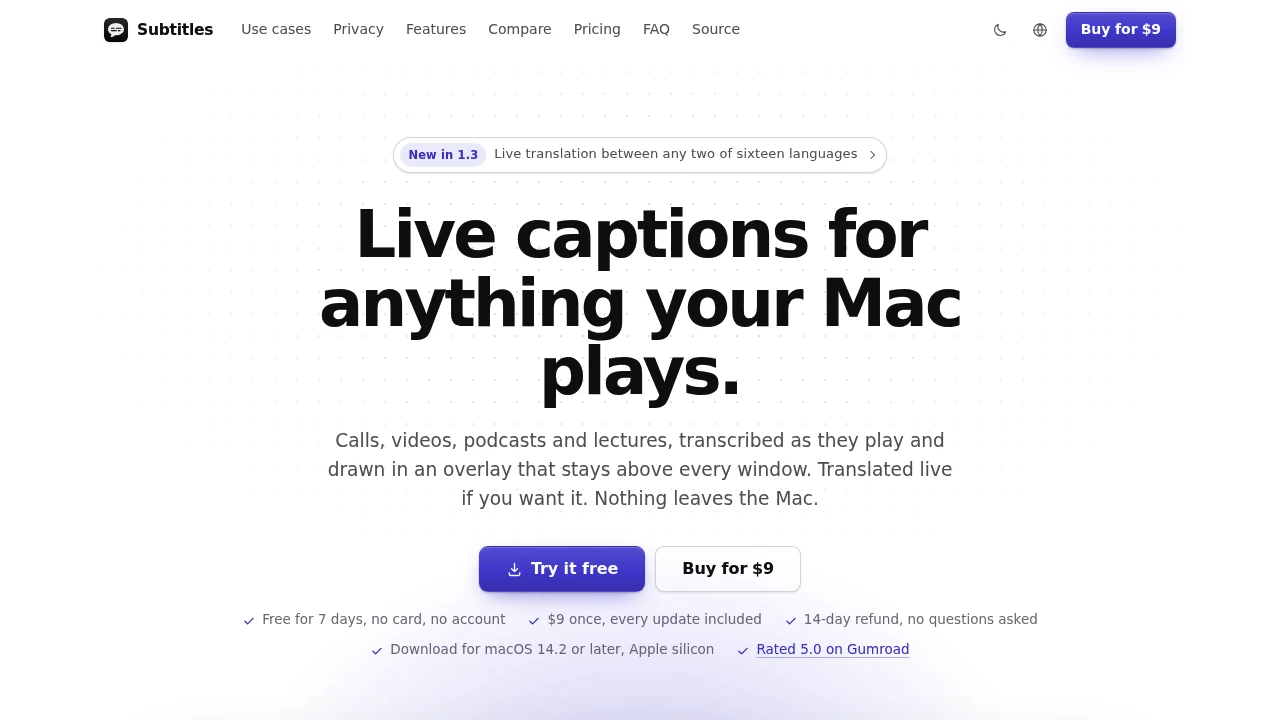
This Mac app provides live captions for audio already playing on your computer, helping you follow calls, videos, podcasts, lectures, and other spoken content without switching windows or asking people to repeat themselves. Captions appear in an always-on-top overlay above your other apps, while clicks pass through to the window underneath.
It is designed for people who need live text while audio is still happening, particularly during meetings, second-language conversations, lectures, and video or podcast listening. Transcription runs locally on Apple silicon, with no account, upload, cloud transcript, or meeting bot required.
Key Features
Live Captions Across Apps
Caption audio from whatever your Mac is currently playing.
The app works with:
- Calls
- Videos
- Podcasts
- Lectures
- Other audio played through your Mac
Because it works at the system audio level, you do not need to switch between applications to access the captions.
Always-On-Top Caption Overlay
Keep live subtitles visible above your other windows.
The overlay is designed to stay out of the way while you work:
- Remains above other apps
- Clicks pass through to the application underneath
- Captions can fade under the pointer
- Recent captions can temporarily stack back up for review
- Can be narrowed to one app when multiple audio sources are active
This makes it practical for meetings where you may need to read captions while simultaneously working in notes, email, a browser, or another application.
Live Translation
Translate captions between 16 languages while the audio is playing.
This can be particularly useful for:
- Second-language calls
- International meetings
- Foreign-language videos
- Lectures and presentations
Translation happens as part of the live caption workflow rather than requiring a separate transcription and translation process.
On-Device Transcription
Transcription runs locally on Apple silicon.
Audio does not need to be sent to an external service for transcription, making the app suitable for situations where keeping meeting and listening activity on the Mac is important.
No Account Or Upload
The app does not require an account and does not upload audio for processing.
There is:
- No account to create
- No audio upload
- No cloud transcript storage
- No bot joining meetings
This creates a lower-friction setup for people who want captions without introducing a visible meeting assistant or external audio-processing service.
Built For Meetings And Listening
Remote Meetings
Read live captions while continuing to work in notes, email, or other applications.
Second-Language Conversations
Use live captions and translation to follow conversations that would otherwise be harder to understand in real time.
Video And Podcast Listening
Follow spoken content with live text without leaving the video or audio application.
Lectures
Keep a live textual reference available while listening to presentations or educational content.
Common Use Cases
Live Meeting Captions
Keep captions visible during calls without requiring a meeting bot or separate captioning window.
Multilingual Calls
Translate spoken content between supported languages while the conversation is happening.
Accessibility Support
Use live text as an additional way to follow spoken audio across Mac applications.
Reviewing Missed Speech
Let captions stack temporarily so you can catch up on something you missed without stopping the underlying audio.
Multitasking While Listening
Keep captions visible while writing notes, checking email, browsing the web, or working in another application.
Privacy-Focused Workflow
The app is designed around keeping audio on the Mac.
Its local processing model means transcription runs on Apple silicon rather than sending audio to a remote transcription service. Combined with no account, no upload, and no cloud transcript, this makes it better suited to users who want live captions without moving their audio outside the computer.
Mac-Native And Simple Pricing
The app is available for Mac and uses on-device processing on Apple silicon.
You can try it free for 7 days with no card. After the trial, the price is a one-time $9 payment, with every update included.
There is also a 14-day refund window.
Why It Matters
Live captioning often comes with tradeoffs. Meeting assistants may need to join calls, browser tools may require switching windows, and cloud transcription can mean sending audio to an external service.
This app takes a different approach by listening to audio already playing on the Mac and placing the resulting captions directly over the screen. The overlay stays accessible without taking over the workspace, while local transcription keeps the audio on the device.
The combination of system-wide captions, translation, pass-through interaction, and on-device processing makes it useful for both everyday listening and situations where privacy and a low-profile meeting experience matter.
Keep Up With Audio Without Leaving Your Workflow
Caption calls, videos, podcasts, and lectures directly on your Mac with an always-on-top overlay that stays out of the way. With 16-language translation, local Apple silicon transcription, no account or upload, and a one-time $9 price after a 7-day free trial, the app provides live captions without requiring a meeting bot or cloud transcription service.


