
SupaSidebar
A macOS sidebar app that keeps tabs, bookmarks, files, and apps in one place across Safari, Chrome, and Finder.
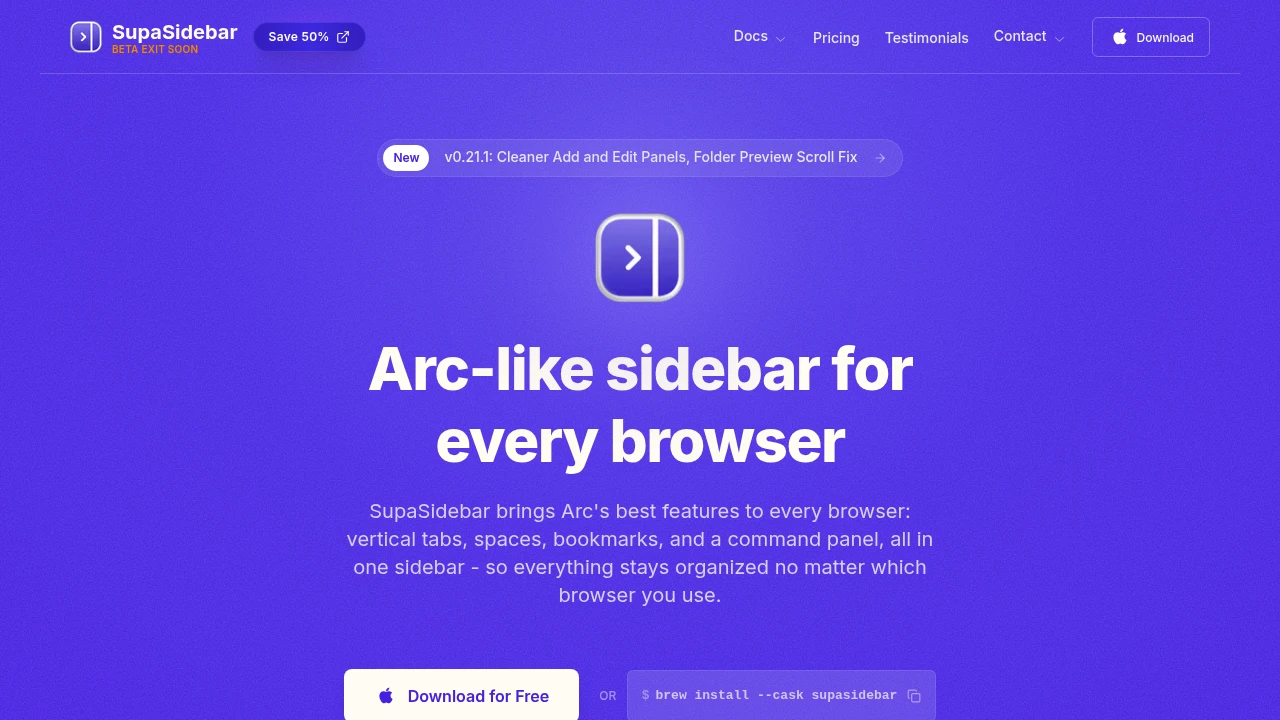
Organize tabs, bookmarks, and browser workspaces across multiple browsers from one macOS app. SupaSidebar brings an Arc-style vertical sidebar to Safari, Chrome, and other Mac browsers, helping users manage browser context, projects, and navigation without switching between separate browser interfaces.
Keep Every Browser Organized in One Sidebar
View open tabs from multiple browsers, organize bookmarks into spaces and folders, search everything instantly, and keep work, personal, and side projects separated from one central workspace.
Whether you regularly switch between Safari and Chrome or manage multiple projects across different browsers, SupaSidebar keeps your browsing context together without requiring browser extensions.
Key Features
Unified Tab Management
See every open browser tab from one place.
View tabs across:
- Safari
- Google Chrome
- Multiple browsers
- Separate browser windows
- Active browsing sessions
inside one vertical sidebar.
Centralized Bookmarks
Keep saved pages organized regardless of which browser you use.
Features include:
- Cross-browser bookmarks
- Bookmark importing
- Saved web pages
- Quick access
- Unified bookmark management
for simpler navigation.
Spaces & Project Folders
Separate browsing by context instead of browser.
Create dedicated spaces for:
- Work
- Personal browsing
- Study
- Side projects
- Research
- Hobbies
to reduce clutter.
Universal Search
Find anything without remembering which browser it's in.
Search across:
- Open tabs
- Bookmarks
- Browser history
- Spaces
- Folders
using a fast fuzzy-search command panel.
Beyond Browser Tabs
Access more than just web pages from one workspace.
Navigate:
- Finder items
- Applications
- Browser resources
- Project context
- Frequently used items
from the same interface.
Native macOS Experience
Use a dedicated Mac application instead of browser extensions.
Benefits include:
- Native macOS app
- No browser extension required
- Cross-browser compatibility
- Consistent interface
- Faster workspace management
across supported browsers.
Built for Multi-Browser Productivity
SupaSidebar combines cross-browser tab management, bookmark organization, project workspaces, universal search, and native macOS integration into one productivity tool designed for users who work across multiple browsers.
Key benefits include:
- Cross-browser tab management
- Vertical browser sidebar
- Bookmark organization
- Workspace management
- macOS productivity
Built For
- Mac Users
- Developers
- Designers
- Researchers
- Knowledge Workers
- Productivity Enthusiasts
Common Use Cases
- Managing multiple browsers
- Organizing browser tabs
- Cross-browser bookmarks
- Project-based browsing
- Research organization
- Workspace management
Why It Matters
People who use multiple browsers often end up with tabs, bookmarks, and projects scattered across separate applications, making it difficult to switch contexts or find information quickly. SupaSidebar addresses this by providing a native macOS workspace that brings browser tabs, bookmarks, history, and project organization together in one Arc-inspired vertical sidebar. With spaces for different projects, powerful fuzzy search, and support that extends beyond browsers to Finder and other applications, it offers a centralized way to manage browsing context without requiring users to commit to a single browser.
Organize Every Browser From One macOS Workspace
View tabs across multiple browsers, organize bookmarks into project spaces, search tabs and history instantly, manage browser context with an Arc-style sidebar, and keep your Mac browsing workflow organized through one native application.


