
Toolifypdf
Edit, convert, compress, merge, split, and secure PDFs online with free browser-based tools. No installation, registration, or hidden fees required.
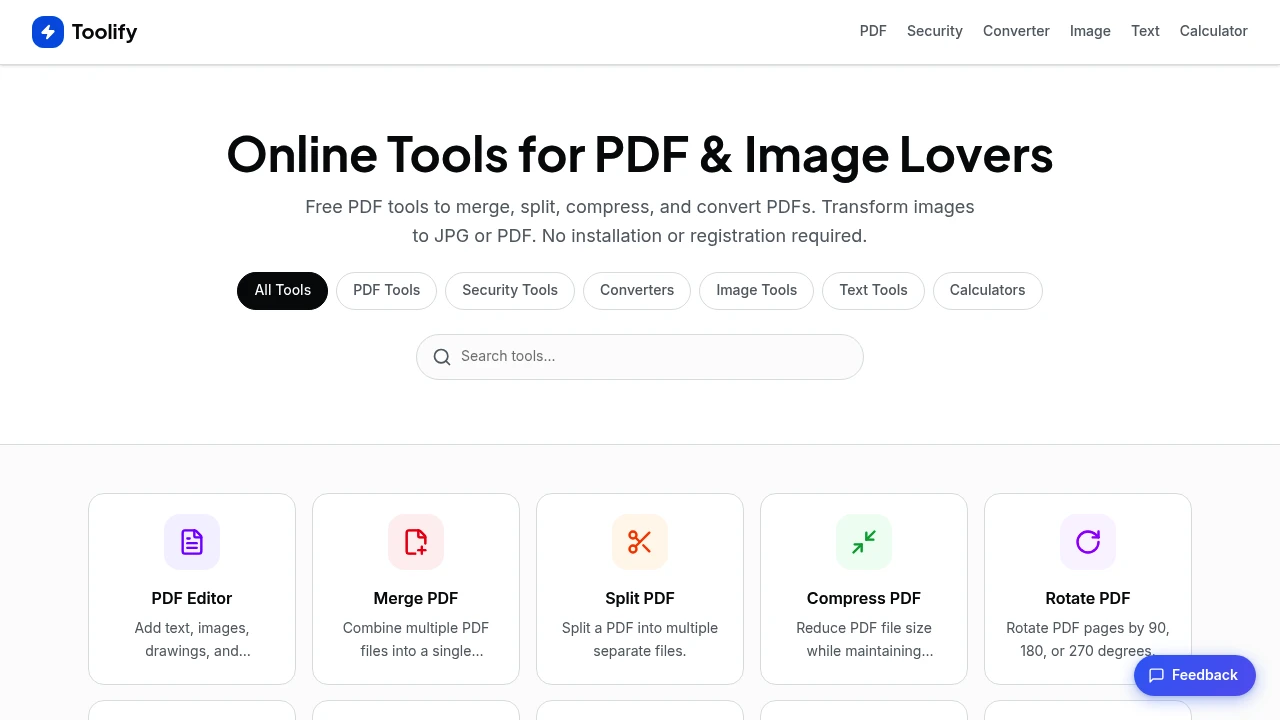
Manage PDFs, images, documents, and everyday file tasks from a single online toolkit designed for speed, simplicity, and accessibility. Whether you need to edit PDFs, convert documents, compress images, or calculate percentages, the platform provides a complete collection of browser-based tools that work instantly without requiring software installation or account creation.
Complete PDF, Image & Document Tasks in One Place
Access a comprehensive suite of online tools for working with PDFs, images, text, and documents from any device.
Upload your files, process them in seconds, and download the results immediately. With support for popular document and image formats, the platform simplifies everyday file management without unnecessary complexity.
Key Features
Comprehensive PDF Toolkit
Handle every stage of your PDF workflow from a single platform.
Manage tasks such as:
- PDF editing
- PDF merging
- PDF splitting
- PDF compression
- Page organization
- Password protection
- Watermarking
- PDF repair
without installing desktop software.
Document Conversion
Convert between popular document formats with just a few clicks.
Supported conversions include:
- PDF to Word
- Word to PDF
- PDF to Excel
- Excel to PDF
- PDF to PowerPoint
- PowerPoint to PDF
- HTML to PDF
- PDF to JPG
for seamless document workflows.
Image Editing & Optimization
Prepare images for web, documents, and social media using built-in editing tools.
Perform tasks such as:
- Image compression
- Image resizing
- Image cropping
- Format conversion
- Image to PDF conversion
while maintaining high-quality results.
Security & File Protection
Protect sensitive documents with built-in security tools.
Secure your files using:
- Password protection
- PDF unlocking
- Secure file processing
- Encrypted transfers
- Automatic file deletion
to help safeguard confidential information.
Browser-Based Productivity
Complete file processing directly from your browser without additional software.
Benefits include:
- No installation required
- No account registration
- Cross-device compatibility
- Fast processing
- Instant downloads
for a frictionless experience.
Everyday Utility Tools
Access additional tools beyond document management.
Utilities include:
- Word counter
- Text case converter
- Percentage calculator
- Age calculator
to support common productivity tasks from the same workspace.
Built for Everyday Productivity
The platform is designed to simplify document management and file conversion while remaining accessible from any browser.
Key benefits include:
- Fast online processing
- Wide file format support
- Free access
- No registration required
- All-in-one productivity toolkit
Built For
- Students
- Professionals
- Businesses
- Freelancers
- Educators
- Anyone Working with Documents
Common Use Cases
- PDF editing
- Document conversion
- Image optimization
- Secure document sharing
- File compression
- Everyday productivity tasks
Why It Matters
Working with documents often requires multiple applications for editing, converting, compressing, and securing files. Switching between different tools slows productivity and complicates everyday workflows. By bringing PDF management, image editing, document conversion, security features, and utility tools into one browser-based platform, users can complete a wide range of tasks quickly without installing software or creating an account.
Simplify Every Document Workflow
Edit PDFs, convert documents, optimize images, protect files, and access everyday productivity tools through a single browser-based platform designed to make document management faster, easier, and more efficient.


