
TwitterShots
Create branded screenshots, PDFs, and vertical videos from Tweet or X URLs, with API access and bulk processing.
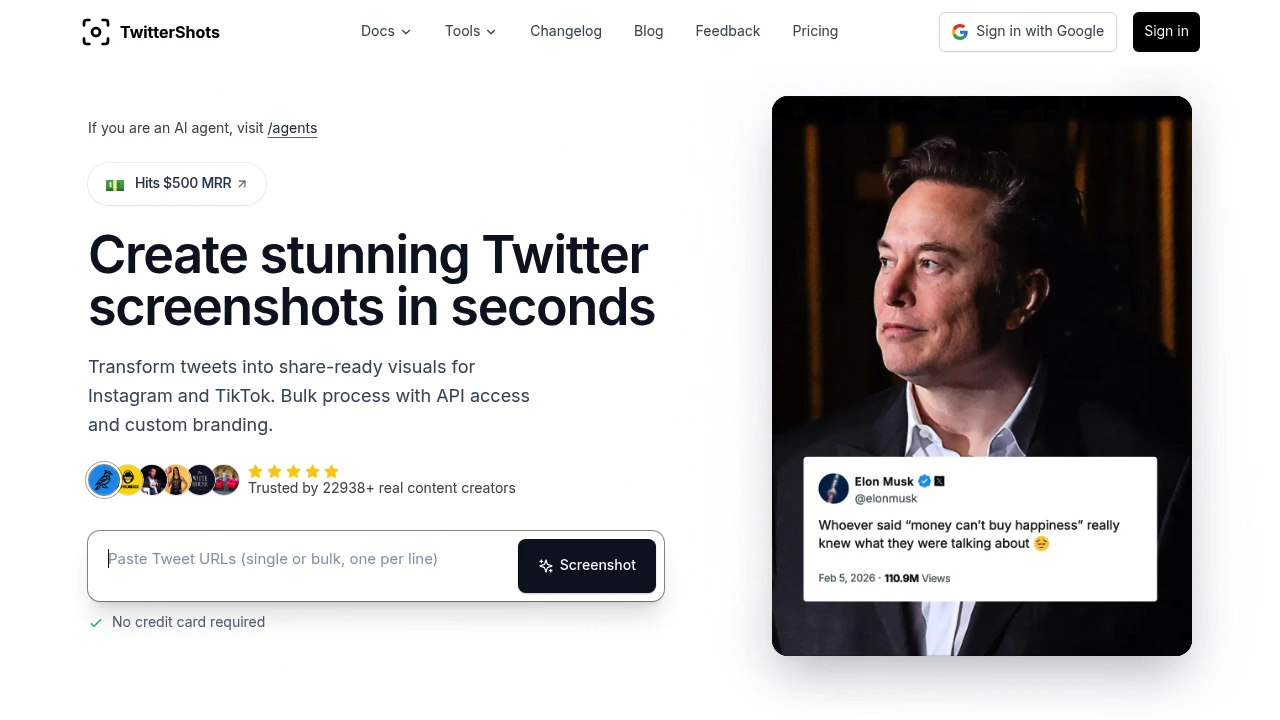
Turn Tweet and X posts into clean, share-ready visual assets for social media, blogs, internal sharing, and content workflows. This tool is designed for creators, social media managers, developers, and agencies who want to repurpose posts without manually recreating screenshots or redesigning the content for every platform.
It supports both individual captures and higher-volume workflows. Generate a single Tweet image, process multiple posts in bulk, turn long threads into readable multi-image content, save threads as PDFs, or convert Tweets into vertical video for platforms such as Reels and TikTok. Branding and automation features make it suitable for repeatable content production as well as one-off use.
Key Features
Tweet and X Post to Image API
Turn a Tweet or X post URL into an image through a single API call. The API is designed for fast rendering and can be connected to existing applications, automation workflows, and agent-based systems.
This makes it possible to generate social-ready assets programmatically rather than relying on manual screenshots.
Bulk Tweet Processing
Process multiple Tweets at once when creating visual content at scale. Bulk processing is useful for social media teams, agencies, and developers who need to turn larger collections of posts into consistent visual assets.
Instead of handling each post individually, you can incorporate Tweet image generation into a repeatable workflow.
Custom Branding
Add branding to generated assets with controls for logos and backgrounds. This helps teams create visuals that fit their existing content identity instead of relying on an unbranded screenshot format.
- Add custom logos
- Control backgrounds
- Create branded Tweet visuals
- Maintain a consistent presentation across posts
Thread to Multi-Image
Long X threads can be unrolled into multiple images designed to keep the content readable. This makes lengthy posts easier to repurpose for visual-first social platforms.
The thread workflow breaks longer content into a format that can be shared as a sequence of images rather than requiring users to capture and arrange each post manually.
Thread to PDF
Save Tweet threads as PDF documents for another way to preserve and share longer posts.
This can be useful for archiving, internal sharing, or distributing thread-based content outside of X.
Tweet to Vertical Video
Convert Tweets into vertical video for short-form platforms such as Instagram Reels and TikTok. This extends the workflow beyond static screenshots and gives creators another format for republishing social content.
Instead of recreating a Tweet as a video manually, the tool handles the conversion as part of the same content workflow.
Multiple Export Formats
The platform supports different output formats depending on the plan, including:
- PNG
- SVG
- HTML on higher plans
This provides flexibility for both straightforward social publishing and workflows where editable or web-ready output is useful.
Automation Integrations
Connect Tweet-to-image generation with popular workflow automation platforms, including:
- Zapier
- n8n
- Make
These integrations allow Tweet capture and repurposing to become part of broader automated publishing and content workflows.
Built For Creators and Content Teams
The tool is designed for anyone who regularly turns social posts into content for other channels. Creators can repurpose their own posts, social media managers can prepare branded assets, agencies can process content for multiple clients, and developers can integrate Tweet rendering directly into their own workflows.
Its API and automation integrations also make it suitable for teams that need repeatable output rather than occasional screenshots.
Common Use Cases
Social Media Repurposing: Turn Tweets into visual posts for Instagram and other social platforms.
Short-Form Video: Convert Tweets into vertical video assets for Reels and TikTok.
Thread Repurposing: Break long X threads into multiple readable images.
Content Archiving: Save threads as PDFs for later reference or sharing.
Branded Social Content: Add logos and custom backgrounds to create consistent visual assets.
Agency Workflows: Process content for multiple accounts or clients using bulk generation and automation.
Developer Workflows: Generate Tweet images through the API and connect them to existing applications or agent workflows.
API and Automation Workflows
The API is particularly useful when Tweet-to-image generation needs to happen as part of a larger system. A Tweet or X URL can be submitted programmatically, allowing generated assets to flow into other tools without requiring manual screenshotting or editing.
Combined with Zapier, n8n, and Make integrations, the platform can fit into automated content pipelines where social posts are regularly converted into reusable visual assets.
Why It Matters
A Tweet screenshot is often only the starting point for content repurposing. When the same post needs to appear on Instagram, TikTok, a blog, or an internal channel, manually capturing, formatting, branding, and converting the content can become repetitive.
This tool brings those workflows together by supporting individual screenshots, bulk processing, thread conversion, branded assets, vertical video, multiple export formats, and automation. That makes it useful for teams publishing the same social content across several channels.
Turn Tweets Into Share-Ready Content
Convert Tweet and X posts into branded images, multi-image threads, PDFs, and vertical videos. With API access, bulk processing, automation integrations, and flexible export options, this tool provides a repeatable way to repurpose social posts across platforms without rebuilding the content by hand.


