
Vidward
A parental-control browser extension that blocks YouTube channels, Shorts, autoplay, keywords, and comments from one parent dashboard.
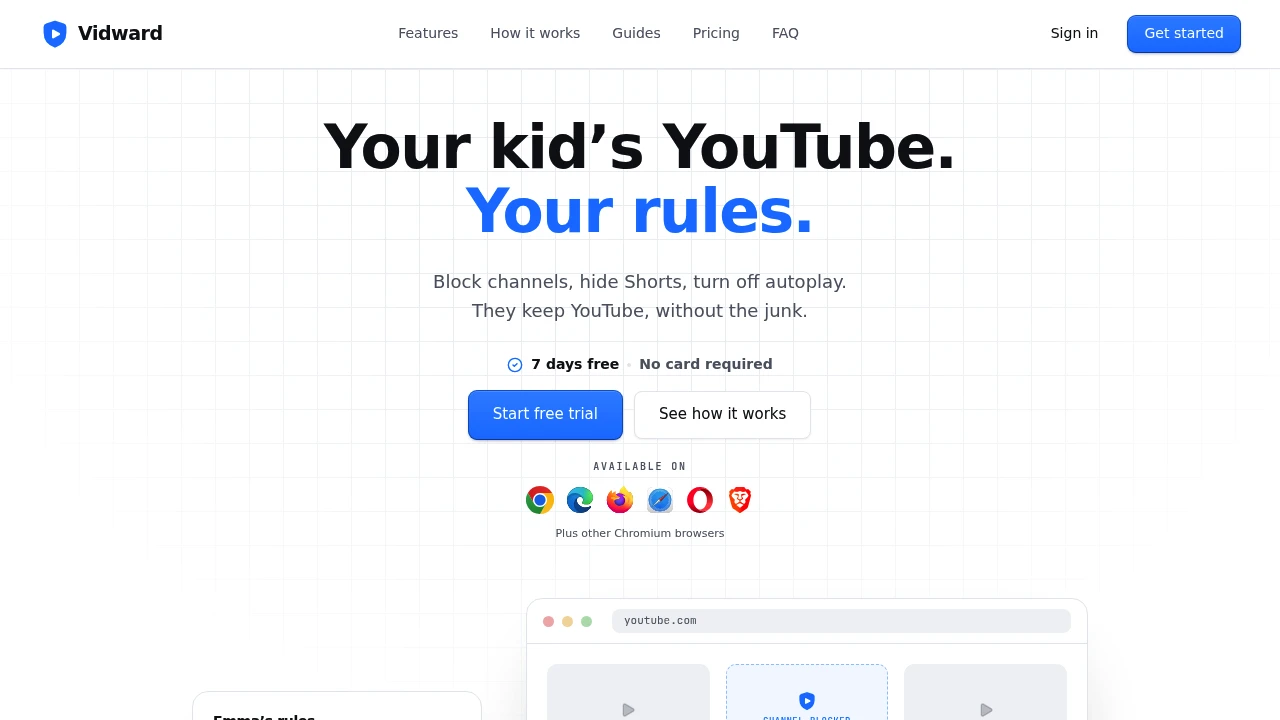
Manage how children experience YouTube with browser-based parental controls that filter channels, videos, keywords, and distracting features without blocking YouTube entirely. Vidward helps parents create safer, more focused viewing experiences by applying customizable rules that stay synchronized across their children's browsers.
Give Kids a Safer YouTube Experience
Control what appears on YouTube while allowing children to continue using the platform for learning and entertainment.
Whether you want to block specific creators, remove distracting recommendations, limit viewing to trusted channels, or review watch history, Vidward provides centralized parental controls that work directly inside the browser.
Key Features
Channel Controls
Decide which creators your child can watch.
Features include:
- Channel blocking
- Approved channel lists
- Feed filtering
- Search filtering
- Up Next filtering
to control video recommendations.
Video & Keyword Filtering
Hide unwanted content before it appears.
Filter by:
- Specific videos
- Video titles
- Keywords
- Search results
- Recommended content
for more personalized content control.
Shorts & Autoplay Management
Reduce distractions created by YouTube's recommendation features.
Control:
- Shorts feed
- Shorts playback
- Autoplay
- Generated mixes
- Continuous recommendations
to encourage more intentional viewing.
Comments & Discovery Controls
Limit exposure to unnecessary or unwanted content.
Manage:
- Comments
- Word filtering
- Explore page
- Trending content
- Discovery features
to simplify the browsing experience.
Parent Dashboard
Manage every child's settings from one place.
Parents can:
- Configure viewing rules
- Manage multiple children
- Sync devices
- Review settings
- Update restrictions
from any browser.
Watch History & Device Management
Stay informed about viewing activity.
Monitor:
- Watch history
- Linked devices
- Individual profiles
- Browser synchronization
- Device-specific rules
while maintaining separate settings for each child.
Built for Modern Family Browsing
Vidward helps families make YouTube safer without replacing it with a separate application, allowing children to continue using their preferred browser while parents quietly manage content in the background.
Key benefits include:
- Browser-based parental controls
- YouTube content filtering
- Multi-child management
- Synchronized parental dashboard
- Quiet background enforcement
Built For
- Parents
- Families
- Homeschooling Parents
- Guardians
- Educators
- Child Safety Advocates
Common Use Cases
- YouTube parental controls
- Safe browsing for children
- Channel filtering
- Educational viewing
- Distraction reduction
- Family device management
Why It Matters
Blocking YouTube entirely often prevents children from accessing valuable educational content, while unrestricted access can expose them to distracting or unwanted recommendations. Vidward provides a middle ground by allowing parents to filter channels, videos, keywords, Shorts, comments, autoplay, and discovery features directly within the browser. With centralized management, synchronized rules, and support for multiple children and devices, families can create a safer YouTube experience without requiring children to use a separate app.
Create a Safer YouTube Experience for Your Family
Filter channels, block unwanted videos, limit viewing to trusted creators, manage multiple children's settings, and reduce YouTube distractions with browser-based parental controls designed for modern families.


