
WARP Performance
A WordPress performance plugin that combines cloud caching, CSS cleanup, script controls, and real-user Core Web Vitals tracking.
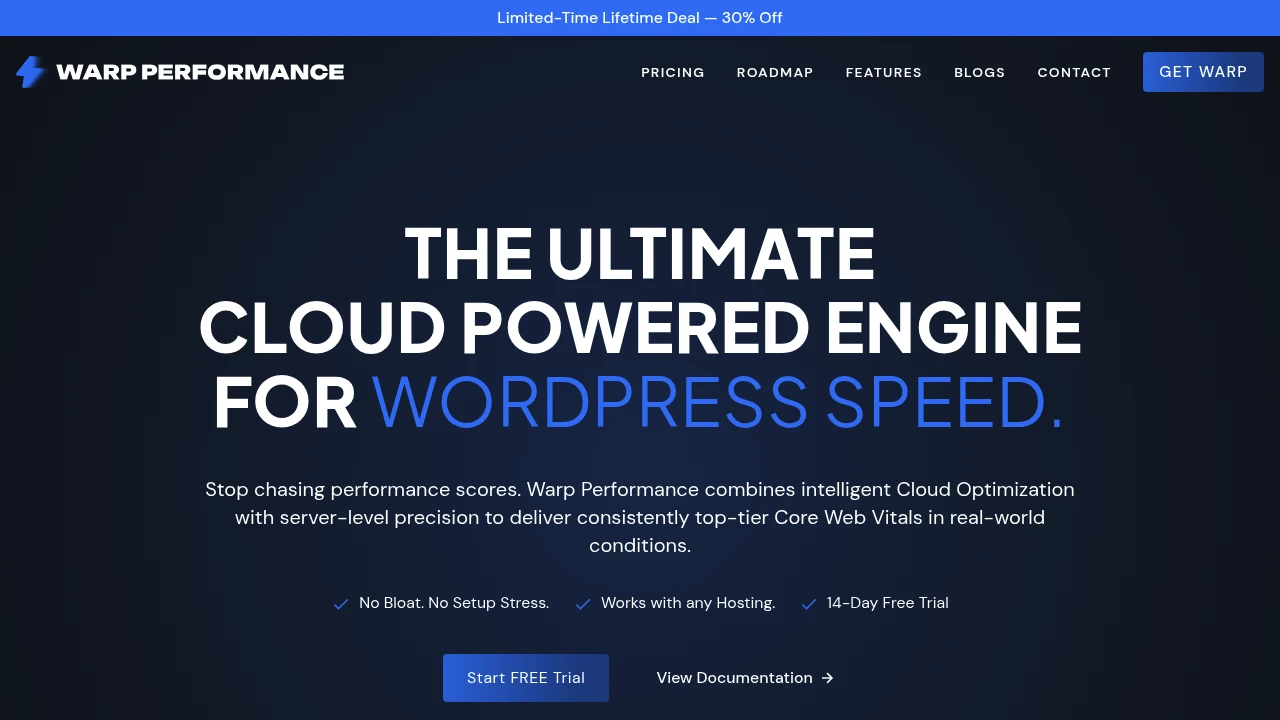
WARP Performance is a WordPress performance optimization plugin designed for site owners who want faster loading pages without configuring multiple caching and optimization tools separately. It combines cloud-powered optimization, caching controls, cleanup features, and performance monitoring in one system.
The plugin focuses on reducing unnecessary work for both the server and the browser. It includes caching, unused CSS removal, JavaScript controls, content visibility handling, preloading, database cleanup, and integrations with common hosting, CDN, and caching infrastructure.
Key Features
Core Web Vitals Tracking
Monitor real-world performance data from site visitors.
WARP Performance records metrics related to:
- Largest Contentful Paint (LCP)
- Interaction to Next Paint (INP)
- Cumulative Layout Shift (CLS)
- Time to First Byte (TTFB)
This allows site owners to track how pages perform for actual visitors instead of relying exclusively on isolated lab tests.
Smart Caching and Preloading
Reduce repeated server work and prepare pages before visitors request them.
The plugin includes caching and instant preloading capabilities designed to improve page delivery and reduce the amount of processing required when visitors access the site.
This can help support faster page delivery across content-heavy WordPress websites.
Unused CSS Removal
Reduce unnecessary stylesheet code delivered to visitors.
WARP Performance can identify and remove unused CSS, helping reduce the amount of styling code that browsers need to download and process.
This can help reduce:
- CSS payload size
- Browser processing work
- Render-blocking overhead
- Unnecessary code on individual pages
The goal is to deliver a more focused set of styles for the page being viewed.
Content Visibility Controls
Reduce rendering work for heavy off-screen content.
The plugin supports content visibility handling for elements that are outside the visitor's current viewport.
This can help reduce the amount of rendering work required immediately when a page loads, particularly on pages containing:
- Long articles
- Large content sections
- Product listings
- Media-heavy layouts
- Content below the fold
Script Manager
Control where JavaScript and CSS files load.
WARP Performance includes a Script Manager that allows users to disable assets:
- On specific pages
- On specific posts
- Globally
This provides more granular control over scripts and styles that may not be required everywhere on a WordPress site.
For example, site owners can prevent unnecessary assets from loading on pages where they do not contribute to the page's functionality.
Three-Mode JavaScript Delay
Delay JavaScript execution until it is needed.
The plugin provides three modes for controlling delayed JavaScript:
- Delay all scripts
- Delay third-party scripts
- Delay selected scripts
Scripts can be delayed until user interaction, reducing the amount of JavaScript work performed during the initial page load.
This can be useful for sites that rely on third-party services, analytics tools, widgets, or other scripts that do not need to run immediately.
Local Analytics Hosting
Host gtag.js locally instead of loading it directly from a third-party source.
WARP Performance can host Google Analytics' gtag.js locally.
This can help reduce dependency on third-party DNS lookups and external script loading during the page request process.
The feature is designed for site owners who want more control over how analytics resources are delivered.
WooCommerce Performance Controls
Reduce unnecessary WooCommerce-related marketing assets on non-commerce pages.
The plugin includes controls designed to trim marketing-related bloat from pages where WooCommerce functionality is not required.
This can be useful for sites that combine:
- Blog content
- Landing pages
- Documentation
- Marketing pages
- WooCommerce stores
By limiting unnecessary assets on non-commerce pages, site owners can keep those pages from loading functionality that is only relevant to the store.
LiteSpeed and OLS Integration
Work with LiteSpeed and OpenLiteSpeed server environments.
WARP Performance supports LiteSpeed and OLS with native LSAPI integration.
This allows the plugin to work alongside server environments that use LiteSpeed technologies and can be relevant for WordPress sites hosted on infrastructure built around those systems.
Cloudflare and Bunny.net Integration
Connect caching and optimization workflows with supported CDN providers.
WARP Performance includes deep API integration with Cloudflare and Bunny.net.
Supported capabilities include:
- Edge caching
- Zone purging
- Pull-zone synchronization
- One-click cache purges
This gives site owners more direct control over CDN-related caching workflows without handling every purge or synchronization task separately.
Database Cleanup
Remove unnecessary WordPress database data.
The plugin includes database cleanup tools for:
- Post revisions
- Transients
- Database optimization
This can help site owners maintain a cleaner database by removing data that is no longer required and optimizing tables.
Redis and Memcached Support
Work with common object caching and distributed memory systems.
WARP Performance supports:
- Redis
- Memcached
This makes it suitable for WordPress environments that already use object caching or distributed memory caching as part of their performance infrastructure.
Security Header Injection
Add security headers through the optimization workflow.
The plugin includes security header injection capabilities.
This gives site owners an additional way to manage selected browser-facing security settings alongside performance and caching controls.
Edge CDN Rewrite
Route content through an edge CDN using custom CNAMEs or supported CDN providers.
WARP Performance includes an edge CDN rewrite option for setups using:
- Custom CNAMEs
- CDN providers
- Edge delivery configurations
This can help teams adapt the delivery workflow to their existing domain and CDN infrastructure.
MCP Access
Connect AI tools and agents to the optimization workflow.
WARP Performance exposes MCP access for AI-assisted workflows.
AI agents can be used to:
- Read performance statistics
- Review optimization data
- Change supported settings
- Help tune performance configurations
This can be useful for teams experimenting with AI-assisted site management and performance optimization.
Built for WordPress Performance Optimization
WARP Performance combines caching, Core Web Vitals tracking, asset management, JavaScript controls, CSS optimization, database cleanup, CDN integrations, object caching support, and AI-accessible controls into one WordPress performance workflow.
Key benefits include:
- Core Web Vitals tracking using real visitor data
- Smart caching and instant preloading
- Unused CSS removal
- Content visibility controls
- Page-level and global script management
- Three modes for delaying JavaScript
- Local hosting for gtag.js
- WooCommerce performance controls
- LiteSpeed and OpenLiteSpeed support
- Cloudflare integration
- Bunny.net integration
- Edge caching and one-click purging
- Database cleanup and optimization
- Redis and Memcached support
- Security header injection
- Edge CDN rewrite options
- MCP access for AI-assisted optimization
Built For
- WordPress Site Owners
- Bloggers
- Content Publishers
- WooCommerce Store Owners
- Developers
- Agencies
- Marketing Teams
- Website Administrators
- Performance-Focused Businesses
- Technical SEO Teams
- Teams Managing Content-Heavy Websites
Common Use Cases
- Improving WordPress page loading performance
- Monitoring Core Web Vitals
- Reducing unused CSS
- Delaying unnecessary JavaScript
- Disabling scripts on selected pages
- Optimizing WooCommerce sites
- Cleaning WordPress database revisions and transients
- Managing Cloudflare cache purges
- Synchronizing Bunny.net pull zones
- Using Redis or Memcached for object caching
- Improving performance on content-heavy websites
- Reducing third-party script overhead
- Managing CDN delivery through custom configurations
- Using AI agents to inspect and adjust optimization settings
Why It Matters
WordPress performance often depends on several separate layers, including caching plugins, asset optimization tools, database cleanup utilities, CDN controls, object caching, and performance monitoring services. Managing these separately can make optimization more complicated, especially when changes in one layer affect another.
WARP Performance brings these controls together into a single workflow. Site owners can monitor real visitor performance data, manage which JavaScript and CSS assets load, remove unused CSS, delay scripts until interaction, preload content, clean database data, and connect supported CDN and caching infrastructure.
The plugin also provides more granular controls than a basic page caching setup. Features such as page-level asset management, JavaScript delay modes, WooCommerce-specific controls, and integrations with LiteSpeed, Cloudflare, Bunny.net, Redis, and Memcached allow users to adapt optimization to the specific structure of their WordPress site.
Optimize WordPress Performance Without Managing Separate Tools
Monitor Core Web Vitals, cache and preload pages, remove unused CSS, control JavaScript and stylesheet loading, delay scripts until interaction, reduce WooCommerce-related bloat, clean database data, manage Cloudflare and Bunny.net caching, work with LiteSpeed, Redis, and Memcached, inject security headers, configure edge delivery, and use MCP-connected AI tools to help review and tune WordPress performance from one optimization workflow.


