
Ownvox
A private voice-to-text app for Mac and Windows that дикtates into any text field with local transcription and optional cloud features.
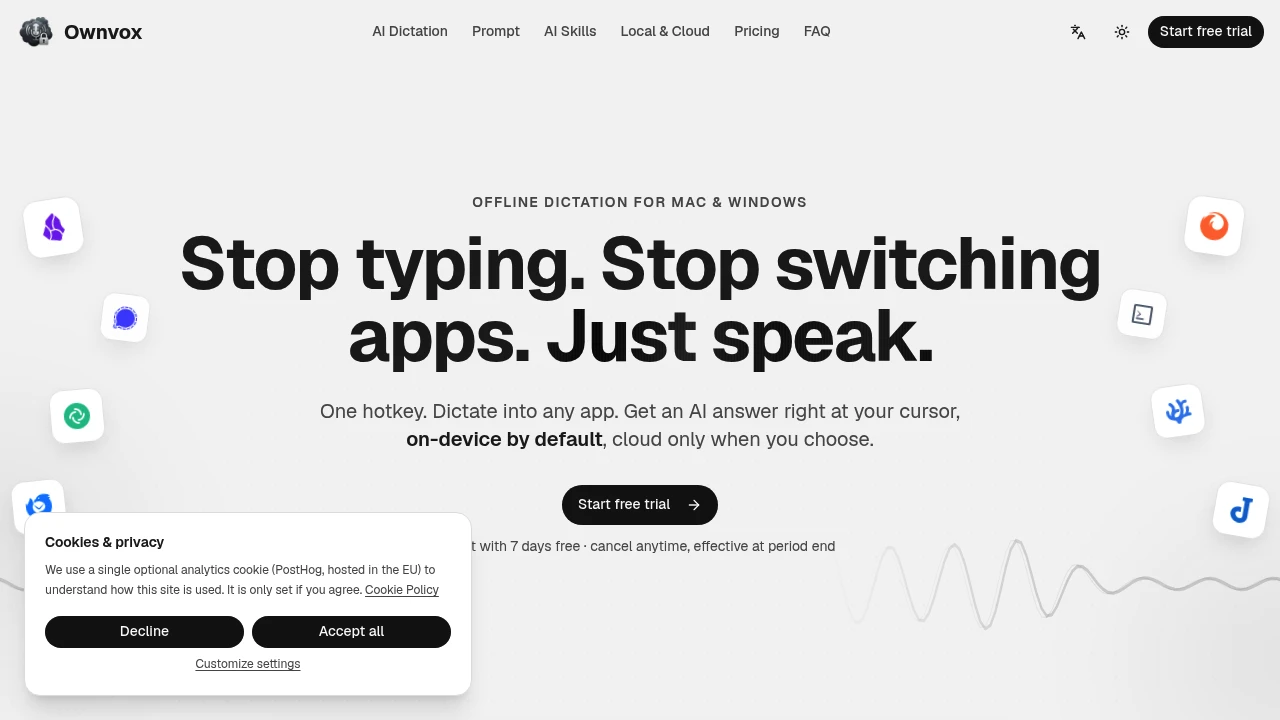
Ownvox is a system-wide dictation and AI voice input tool for Mac and Windows that lets you speak into almost any application and have the resulting text appear directly at your cursor. It is built for people who want faster voice input without automatically sending every recording to a cloud service.
The product works across email, text editors, notes, chat apps, terminals, and other text fields, so you can dictate without copying text between separate applications. Alongside dictation, Ownvox also supports voice prompts, reusable AI actions, and selection-aware editing, allowing the same cursor-first workflow to be used for both speech input and text transformation.
Key Features
System-Wide Dictation
Speak into almost any text field using a single shortcut.
Ownvox allows users to start voice input with a hotkey and insert the resulting text directly where the cursor is active.
This can be used across:
- Email applications
- Text editors
- Note-taking apps
- Chat applications
- Browser fields
- Terminals
- Other supported text inputs
This removes the need to dictate into a separate application and manually copy the text afterward.
Local Offline Transcription
Convert speech to text directly on the device.
Transcription runs offline by default using local models such as:
- Whisper
- Parakeet
This means voice recordings do not need to leave the device for standard transcription workflows.
The local-first approach can be useful for people who:
- Handle sensitive information
- Prefer offline tools
- Want to reduce cloud dependency
- Need more control over where voice data is processed
Voice Prompts
Use your voice to make AI requests from any application.
Instead of opening a separate AI interface, users can speak a request and have the resulting response placed at the active cursor location.
This can be used for tasks such as:
- Rewriting text
- Asking for help with writing
- Generating summaries
- Formatting content
- Transforming selected text
The workflow keeps the interaction inside the application where the user is already working.
Reusable AI Skills
Create repeatable actions for common text tasks.
Skills can be used for recurring workflows such as:
- Cleaning up text
- Creating summaries
- Changing formatting
- Rewriting content
- Applying consistent transformations
The interface also supports organizing skills with drag and drop, making frequently used actions easier to access.
Selection-Aware Editing
Use highlighted text as context for an AI action.
When text is selected, it can be passed into the requested workflow as context and the resulting output can replace the original selection directly.
This makes it possible to:
- Highlight existing text
- Trigger a voice or AI action
- Use the selected text as context
- Insert the revised result in place
The workflow can reduce the need to manually copy text into another AI tool and paste the result back.
Privacy Controls
Control when cloud processing is allowed.
Ownvox includes a privacy switch that can disable cloud features, along with per-feature controls for choosing between local and cloud processing.
Users can:
- Keep transcription local
- Disable cloud features
- Choose local or cloud processing by feature
- Use their own API keys
- Connect their own endpoint for AI tasks
This provides more control over how different features handle user data.
Bring Your Own AI Access
Use your own API keys or AI endpoint for supported cloud features.
Rather than requiring every AI task to use a single hosted service, Ownvox supports user-controlled access for AI functionality.
This can give users more flexibility over:
- AI providers
- API credentials
- Data routing
- Endpoint configuration
Cursor-First Workflow
Keep dictation and AI actions inside the application you are currently using.
The same interaction model is used across:
- Dictation
- Voice prompts
- Text transformation
- AI skills
- Selection-based editing
The output is designed to appear where the cursor is active, keeping the workflow focused on the current application instead of requiring users to switch between tools.
Cross-Platform Support
Use the same voice and AI workflow across desktop operating systems.
Ownvox supports:
- macOS
- Windows
This makes it useful for users who work across different desktop environments while wanting a consistent dictation and AI input experience.
Built for Private Voice Input and AI Text Workflows
Ownvox combines system-wide dictation, local speech-to-text, voice prompts, reusable AI skills, selection-aware editing, and privacy controls into one cursor-first workflow.
Key benefits include:
- System-wide voice dictation
- Offline transcription by default
- Local Whisper and Parakeet models
- Voice-driven AI prompts
- Reusable AI skills
- Selection-aware editing
- Per-feature privacy controls
- Bring-your-own API keys or endpoints
- macOS and Windows support
Built For
- Writers
- Developers
- Knowledge Workers
- Founders
- Researchers
- Students
- Professionals Working Across Multiple Apps
- Privacy-Conscious Users
- People Who Use Dictation Regularly
Common Use Cases
- Dictating emails directly into an email app
- Writing notes with voice input
- Speaking text into a code editor or terminal
- Rewriting highlighted text without leaving the current app
- Summarizing selected content
- Formatting text with reusable AI actions
- Cleaning up dictated notes
- Using voice to ask AI questions
- Keeping speech transcription offline
- Creating repeatable text transformation workflows
- Using different local or cloud settings for different features
Why It Matters
Most dictation tools either work inside a dedicated application or depend on sending voice recordings to a cloud service before returning the transcription. That can add extra steps for people who work across multiple applications and may not suit users who want more control over where their voice data is processed.
Ownvox takes a system-wide, cursor-first approach. Users can trigger dictation from the application they are already using, process speech locally by default, and place the resulting text directly into the active text field. The same workflow extends to AI prompts and reusable text actions, allowing users to transform or generate text without constantly switching applications.
The combination of local transcription, optional cloud features, privacy controls, and reusable AI skills makes it useful for people who want voice input and AI-assisted editing in the same workflow while retaining control over how individual features process their data.
Dictate, Prompt, Edit, and Transform Text From Any App
Use a hotkey to dictate directly into text fields across macOS and Windows, transcribe speech locally with offline models such as Whisper and Parakeet, speak AI requests, apply reusable skills for rewriting and formatting, transform highlighted text in place, control local and cloud processing on a per-feature basis, and keep the entire workflow centered around the cursor in the application you are already using.


