
ToolPDFs
A browser workspace for merging, compressing, converting, signing, securing, and editing PDFs without uploads or signup.
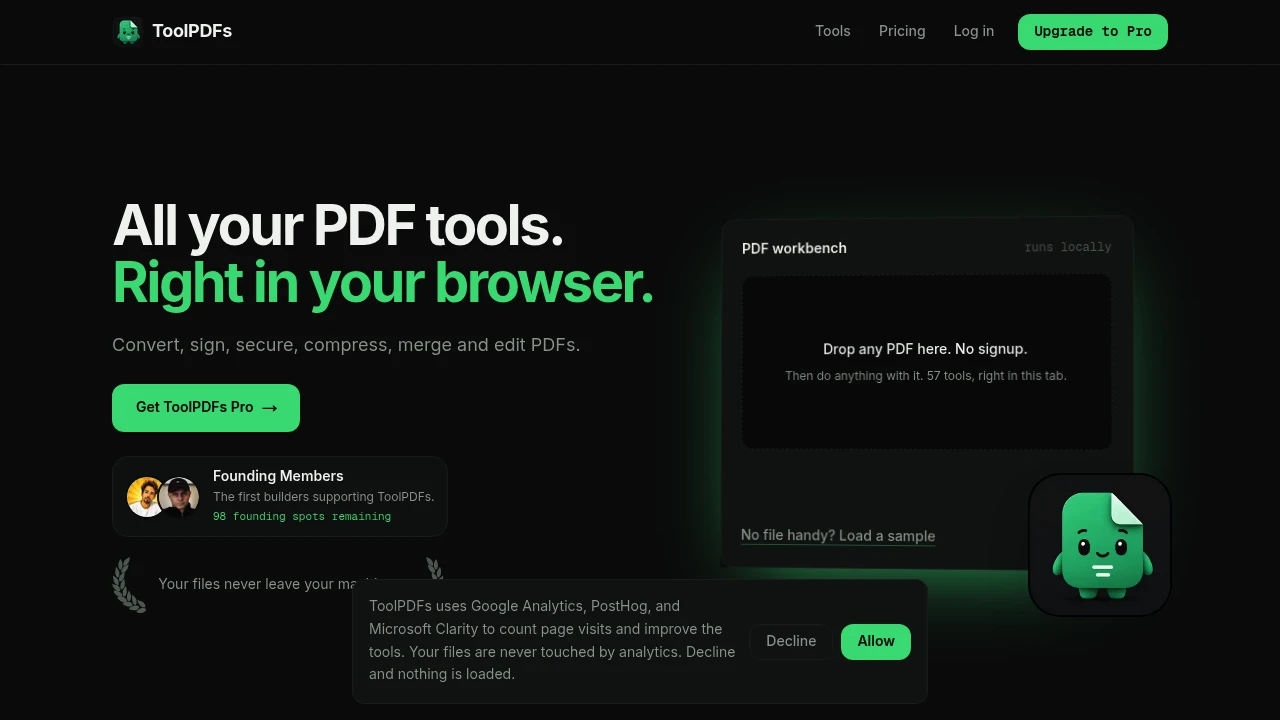
ToolPDFs is a browser-based PDF workspace that helps users edit, convert, organize, and manage documents without uploading files to a server. It brings 57 PDF, image, and text tools into one browser-based interface, allowing users to handle common document tasks while keeping files on their own device.
The platform is designed for individuals and teams that work with PDFs and want a quick way to complete routine document tasks without installing separate applications or creating an account. All processing happens locally in the browser, with no upload queue, cloud copy, or file retention period.
Key Features
Local Browser Processing
Process documents directly on your own device.
ToolPDFs handles files locally in the browser rather than uploading them to a remote server.
This means the workflow does not require:
- Uploading files to a cloud service
- Waiting for server-side processing
- Creating a cloud copy of the document
- Managing a file retention period
This can be useful for users working with documents where privacy or local processing is important.
57 Document Tools
Access a wide range of PDF, image, and text tools from one workspace.
ToolPDFs supports tasks such as:
- Merging PDFs
- Splitting PDFs
- Compressing files
- Converting documents
- Editing PDFs
- Signing documents
- Securing files
- Extracting text
- Working with images
- Reshaping and reorganizing pages
This allows users to complete different document tasks without switching between separate tools or applications.
PDF Merging and Splitting
Organize multiple pages and documents.
Users can:
- Combine multiple PDF files
- Merge scanned pages
- Split larger documents
- Separate pages into individual files
- Reorganize document content
This can be useful when preparing reports, combining documents, or separating specific pages from a larger PDF.
PDF Compression
Reduce file sizes for easier storage and sharing.
The compression tools can help users prepare PDFs for:
- Email attachments
- Online submissions
- Document sharing
- Reduced storage requirements
This provides a quick option for users working with larger files.
Document Conversion
Convert PDFs and related file formats without using a separate desktop application.
ToolPDFs supports document conversion and related file processing, allowing users to work across PDF, image, and text-based files from the same workspace.
This can be useful when preparing files for:
- Sharing
- Editing
- Archiving
- Online submissions
- Different document workflows
PDF Editing
Make changes to documents through browser-based tools.
The workspace includes tools for common PDF editing and modification tasks, helping users reshape or update documents without installing dedicated PDF software.
This is useful for smaller document jobs where opening a full desktop editor may be unnecessary.
Document Signing
Add signatures to documents when required.
ToolPDFs includes document signing functionality that can be used for files such as:
- Contracts
- Agreements
- Forms
- Approval documents
This keeps signing within the same document workflow.
PDF Security Tools
Apply security-related actions to documents.
The platform includes tools for working with protected and secured PDFs, allowing users to manage document security alongside other editing and conversion tasks.
This keeps document handling within a single browser-based workspace.
No Signup Required
Start using the tools without creating an account.
Users can:
- Open the website
- Select a tool
- Process a document
- Download the result
without going through an account creation process.
This makes the platform suitable for occasional or one-off document tasks.
No Watermarks
Export processed files without adding watermarks.
This helps users create clean outputs for:
- Professional documents
- Resumes
- Contracts
- Reports
- Client files
- Personal documents
The exported document remains focused on the original content and the requested changes.
Free Daily Access
Use the platform for routine document work without paying for every action.
The free plan includes:
- 20 operations per day
- Access across the available tools
- No signup requirement
- No watermarking
This can be suitable for users with occasional PDF and document processing needs.
Unlimited Pro Usage
Access unlimited operations for more frequent document work.
The Pro option is designed for users who regularly need to:
- Edit PDFs
- Convert documents
- Process multiple files
- Combine or split documents
- Handle recurring document workflows
This provides an option for higher-volume use beyond the daily free allowance.
Built for Private PDF and Document Processing
ToolPDFs combines PDF editing, conversion, compression, merging, splitting, signing, security, image processing, and text-related tools into one browser-based workspace.
Key benefits include:
- Local browser processing
- No file uploads to a server
- 57 document tools
- PDF conversion and editing
- File merging and splitting
- Document compression
- Signing and security tools
- No signup requirement
- No watermarks
Built For
- Students
- Professionals
- Freelancers
- Job Seekers
- Office Teams
- Remote Workers
- Small Businesses
- Anyone Working With PDF Documents
Common Use Cases
- Combining multiple PDF files
- Splitting large documents
- Compressing PDFs for email
- Converting documents between formats
- Cleaning up resumes
- Preparing contracts
- Signing documents
- Extracting text from files
- Combining scanned pages
- Processing documents without uploading them to a third-party server
- Completing quick PDF tasks without installing desktop software
Why It Matters
Many online PDF tools require users to upload documents to an external server before processing them. For users handling contracts, resumes, personal records, scanned documents, or other files they prefer not to send to a third-party service, this can add an unnecessary privacy concern.
ToolPDFs takes a browser-first approach by processing documents locally on the user's machine. Users can access a broad collection of PDF, image, and text tools from one workspace without creating an account, installing separate applications, or sending files through an upload queue.
This makes the platform useful for both occasional document tasks and recurring PDF workflows where convenience, privacy, and keeping files local are important.
Edit, Convert, Organize, and Process PDFs Without Uploading Your Files
Use ToolPDFs to merge, split, compress, convert, edit, sign, secure, and reshape PDF documents alongside related image and text tasks, all from one browser-based workspace with local processing, no account requirement, no watermarks, and free daily access.


